
Real lens. Ray traced.
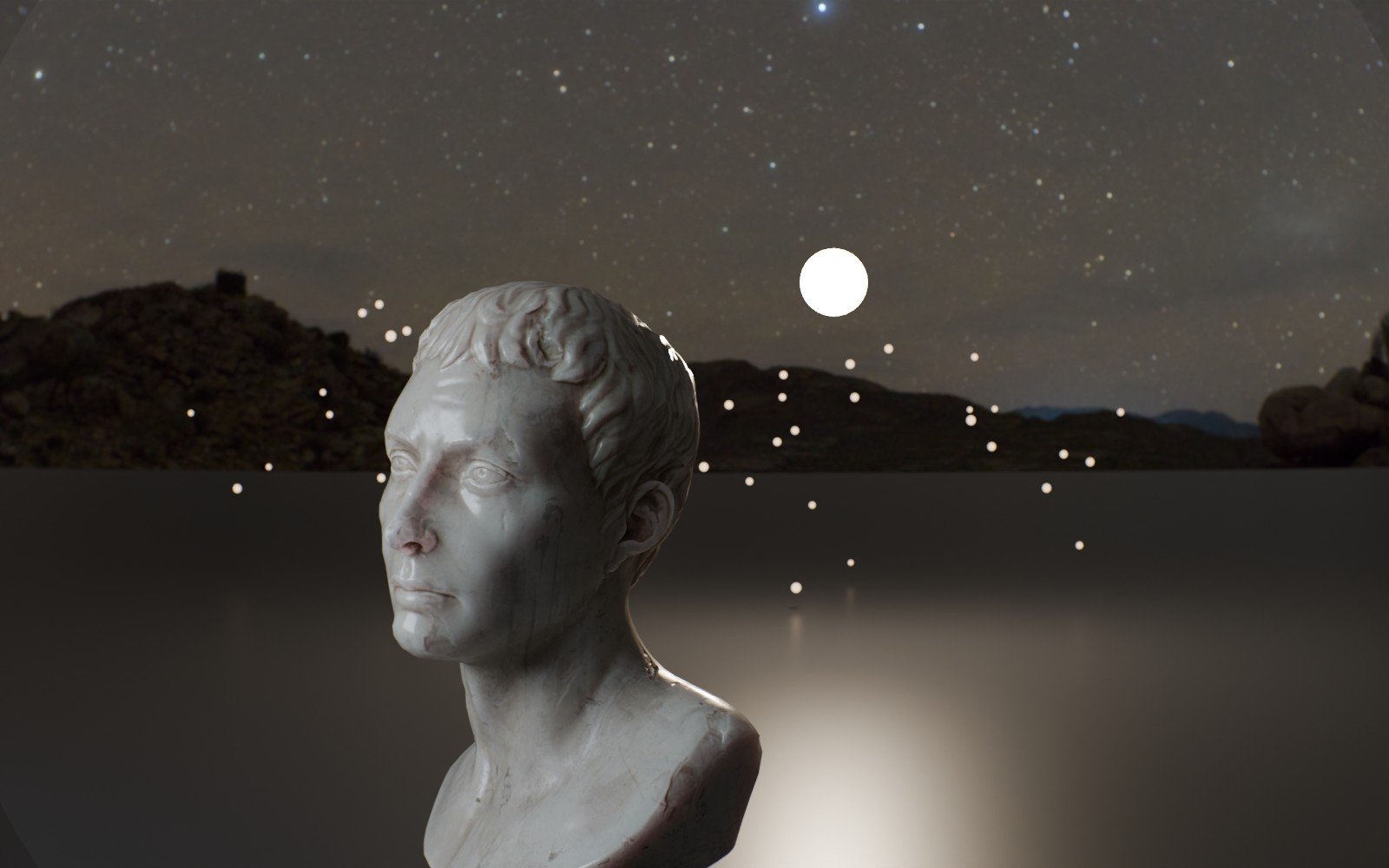
Oris traces every camera ray through a real multi-element lens. Bokeh, swirl, cat’s eyes, dirt and rain on the glass come out of the optics, not out of a filter.

 BLENDER CAMERAORIS · SUPER SPEED-STYLE 50
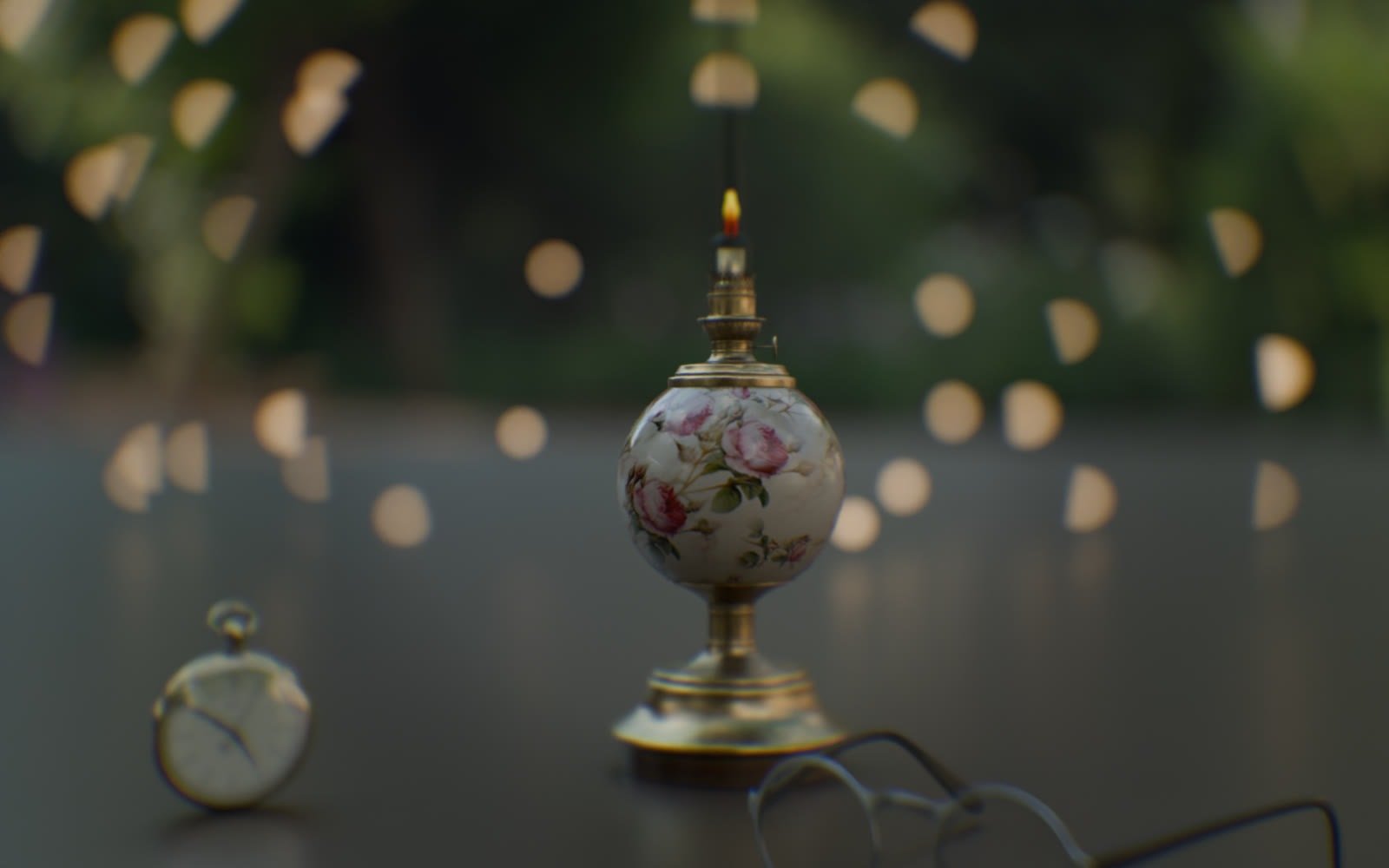
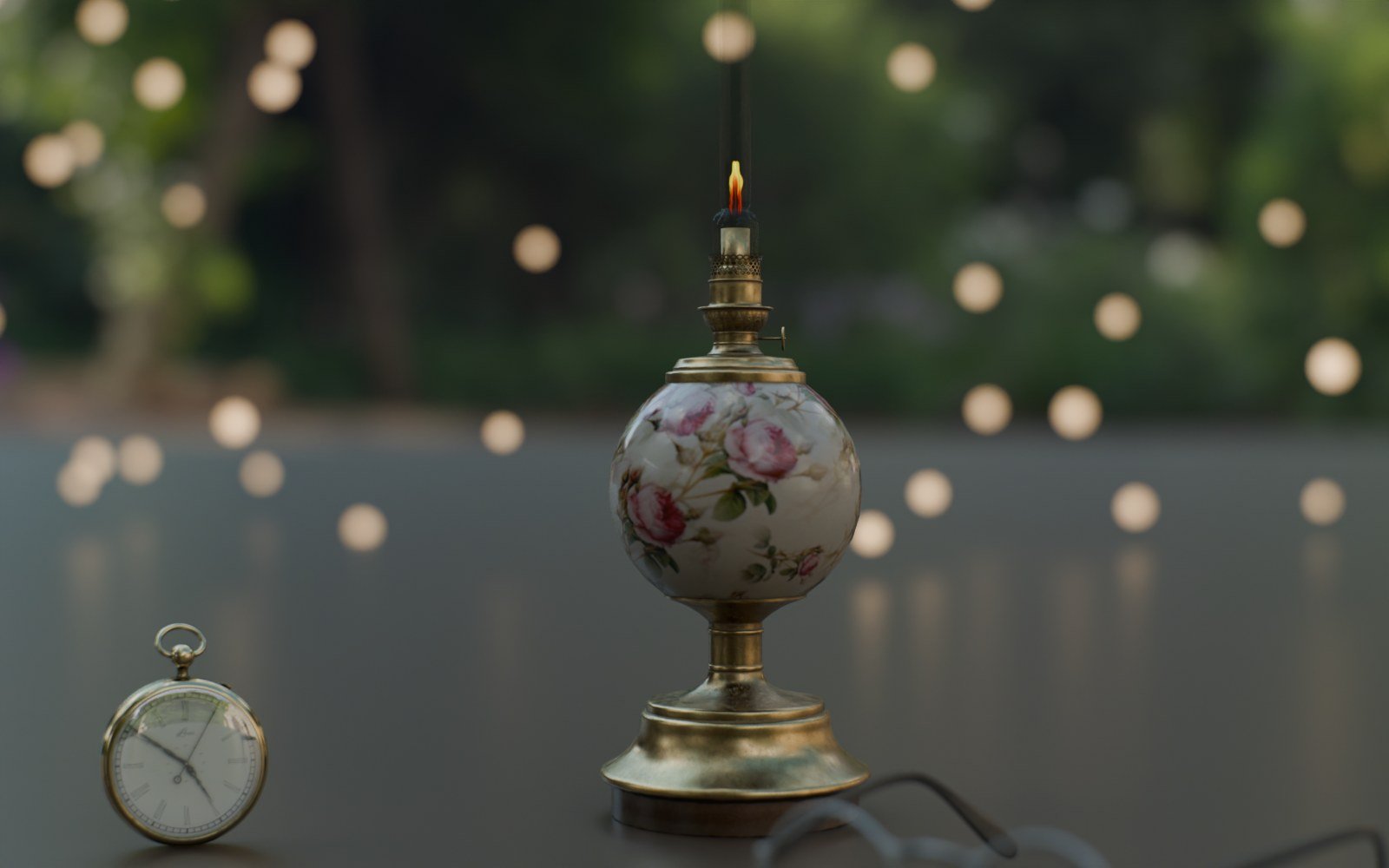
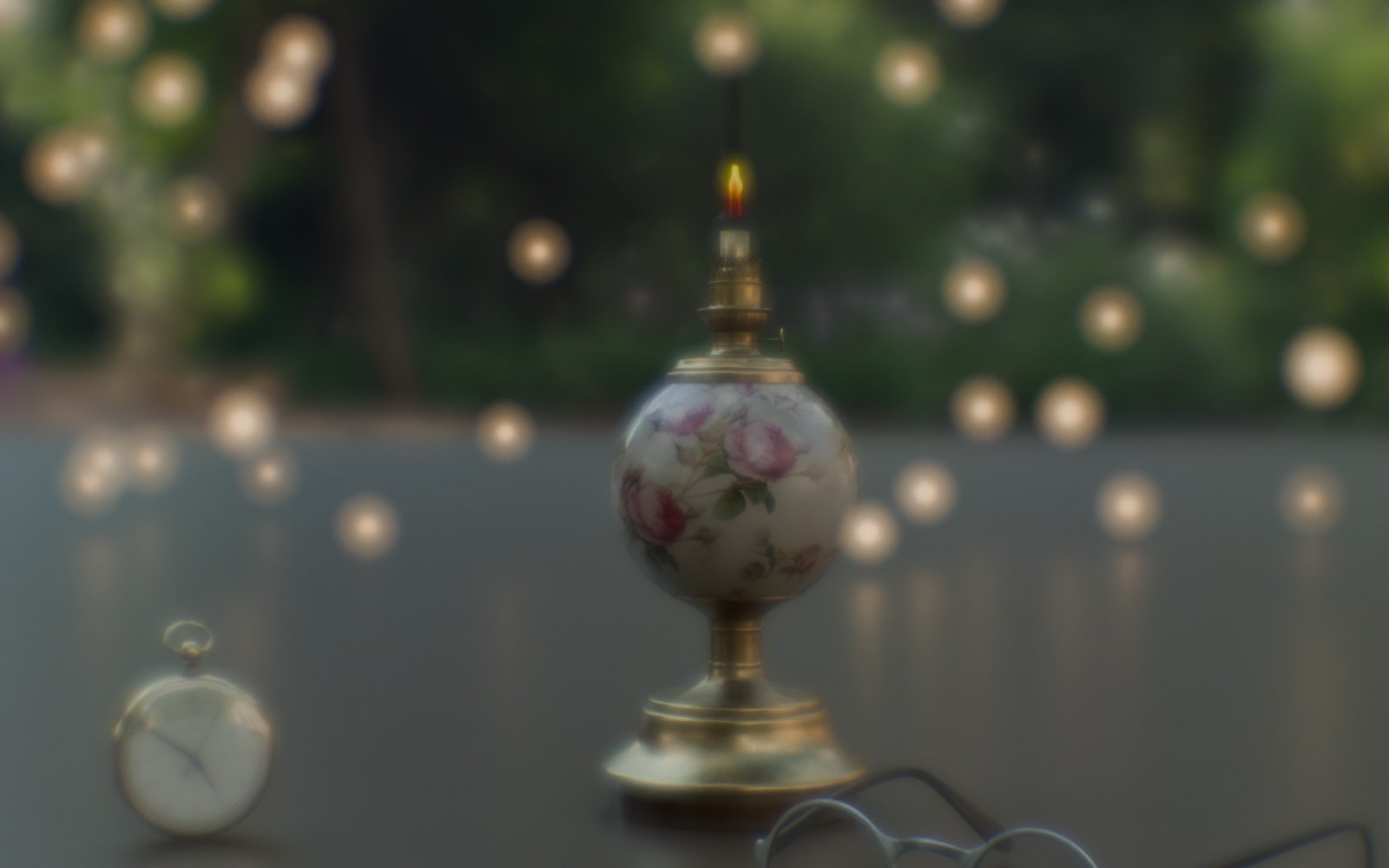
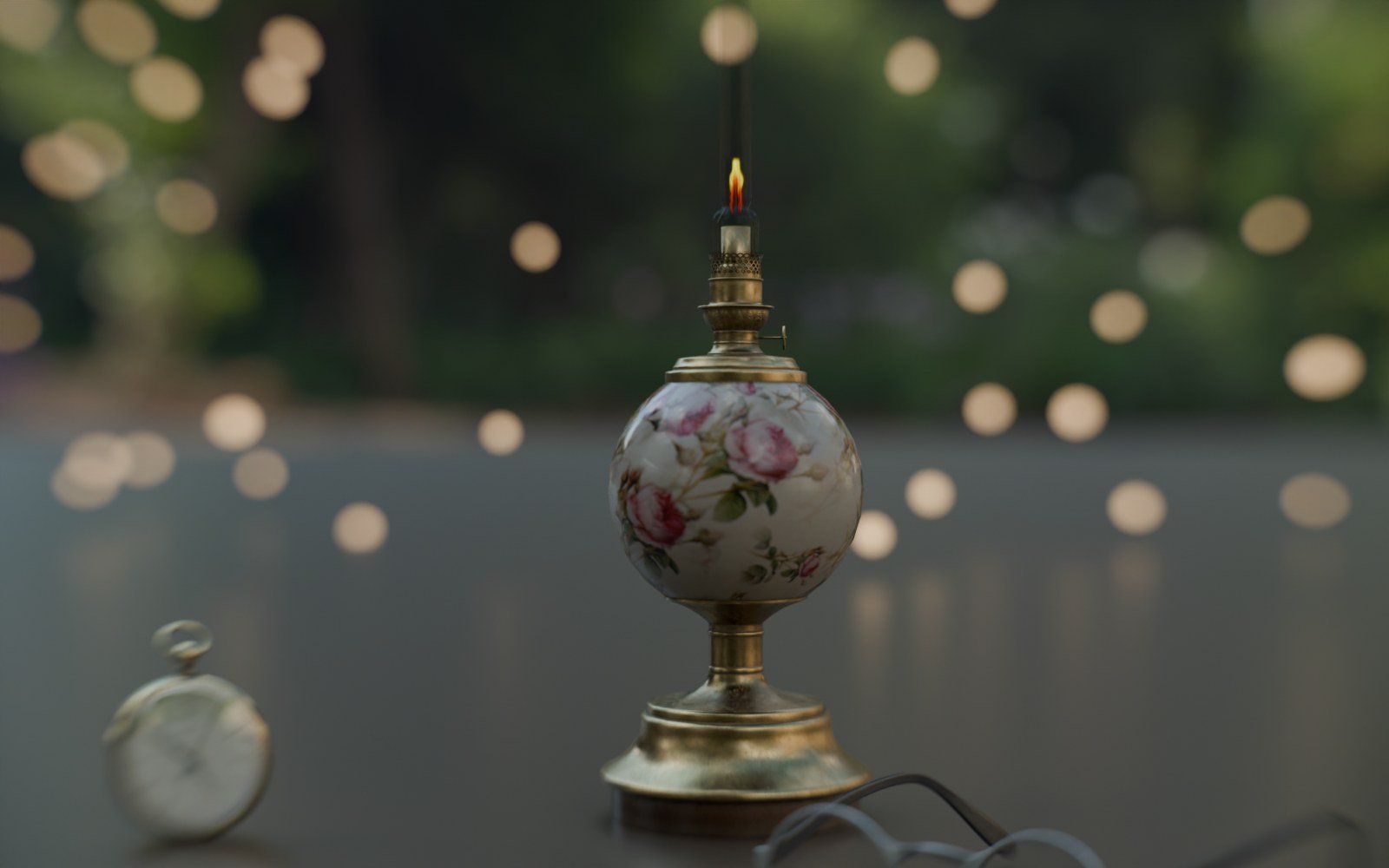
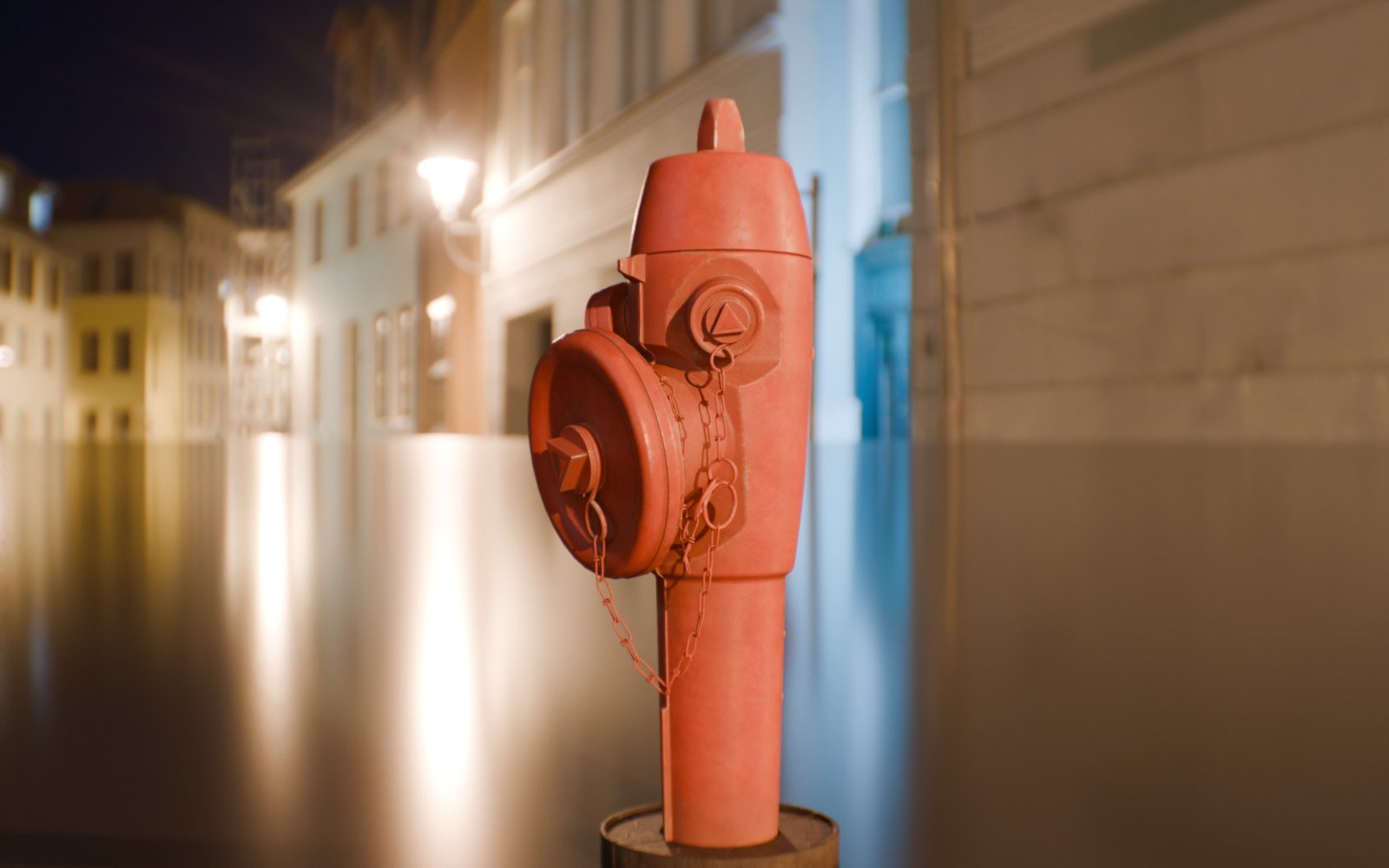
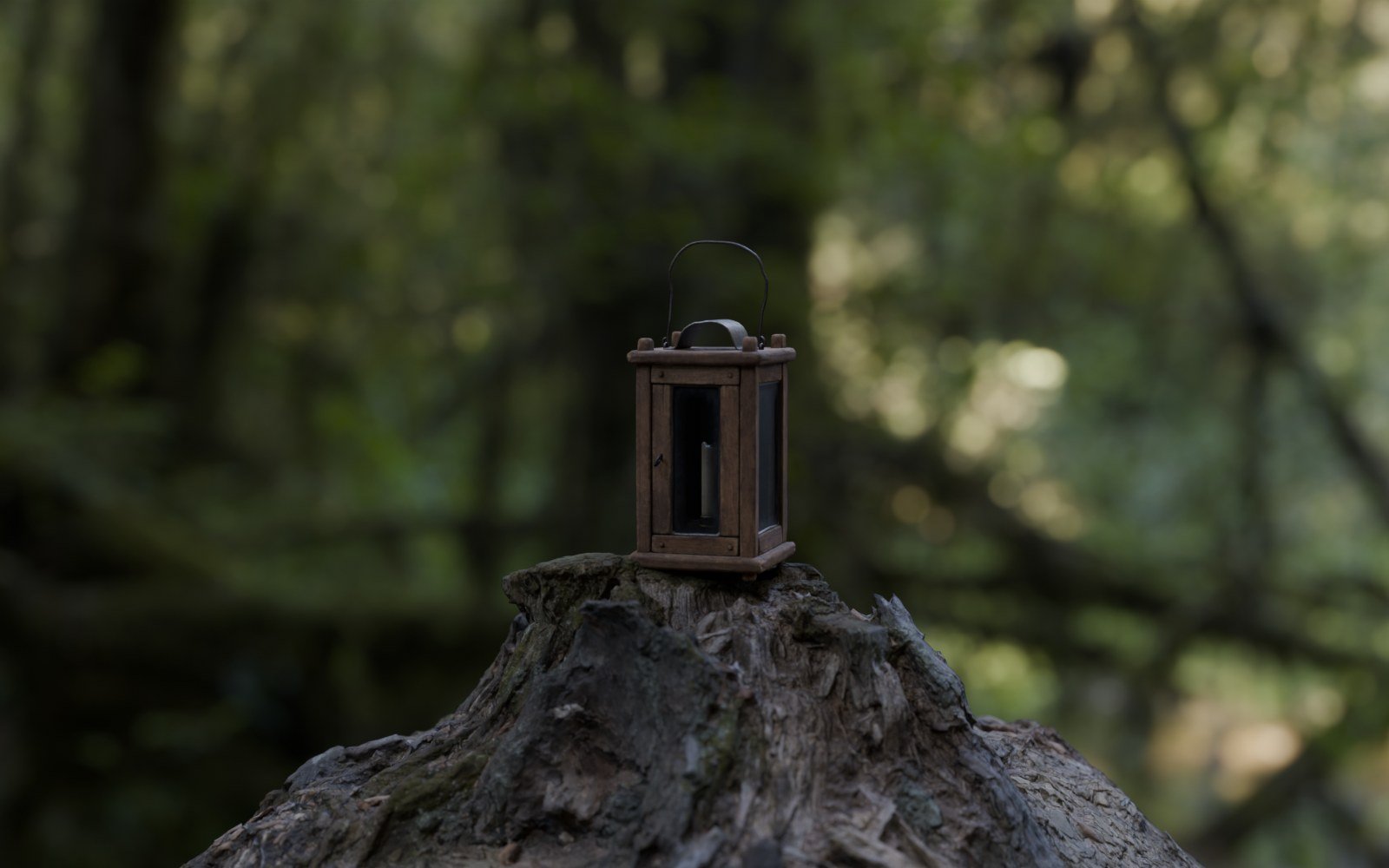
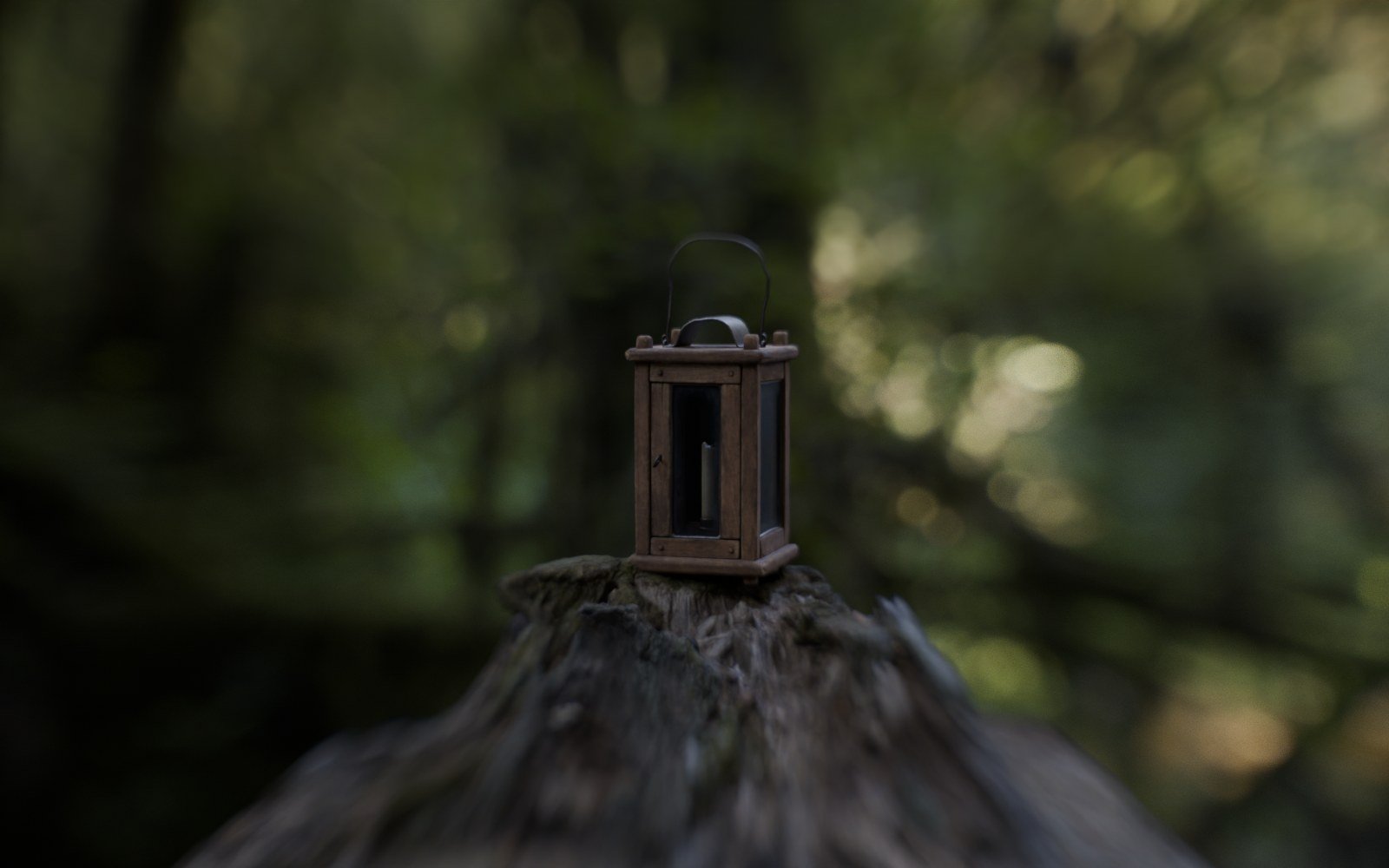
Pick a lens. Watch it change.
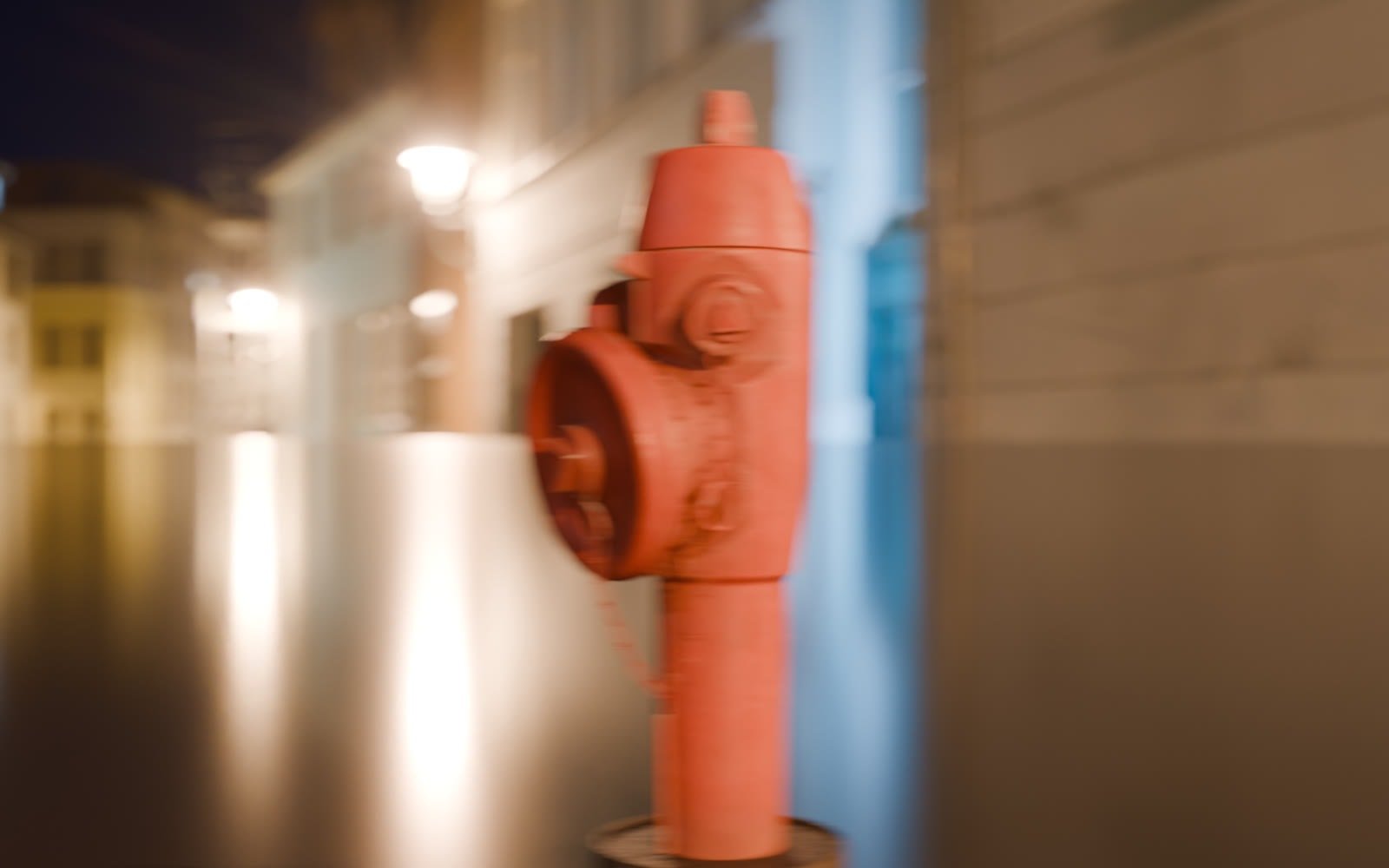
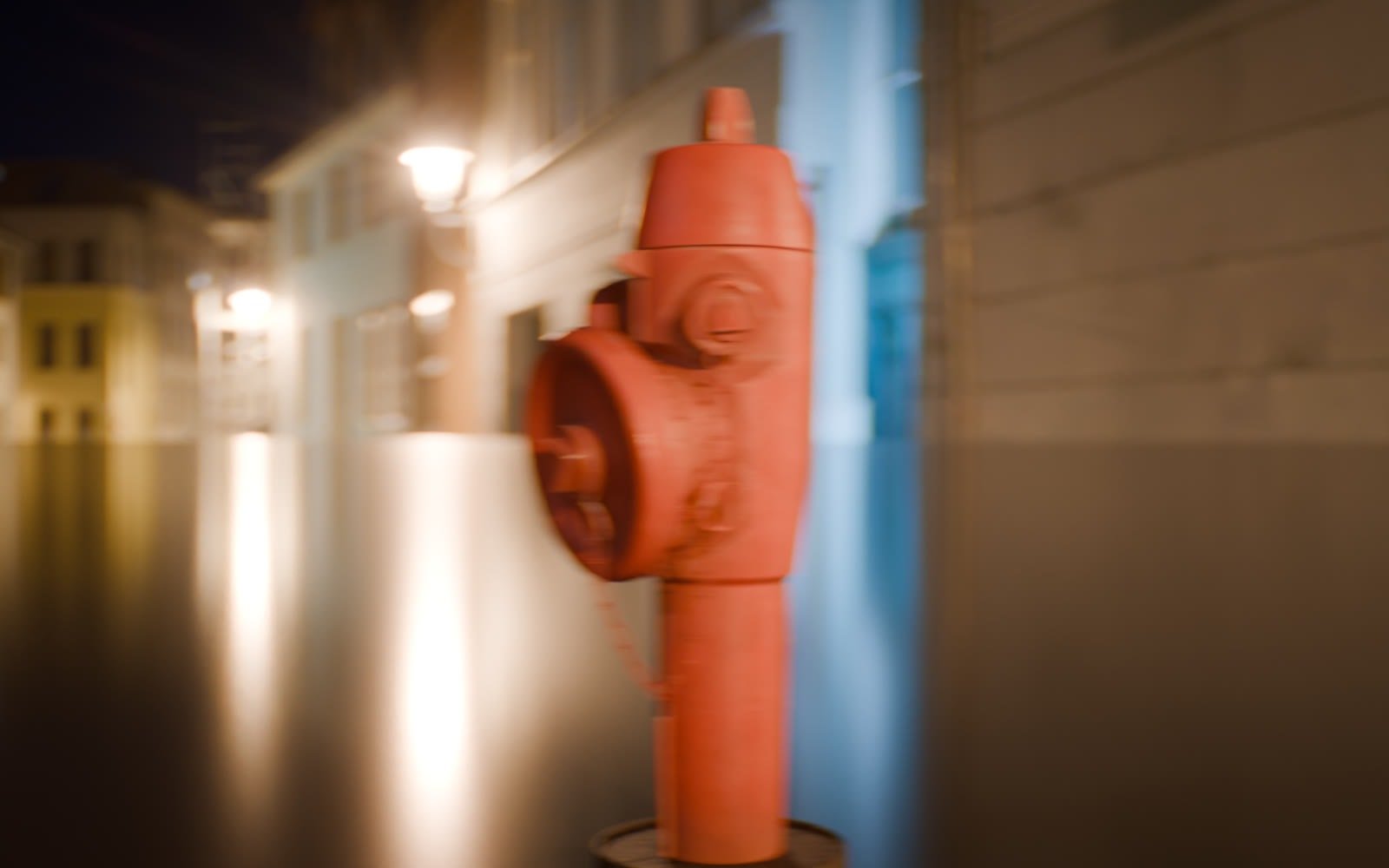
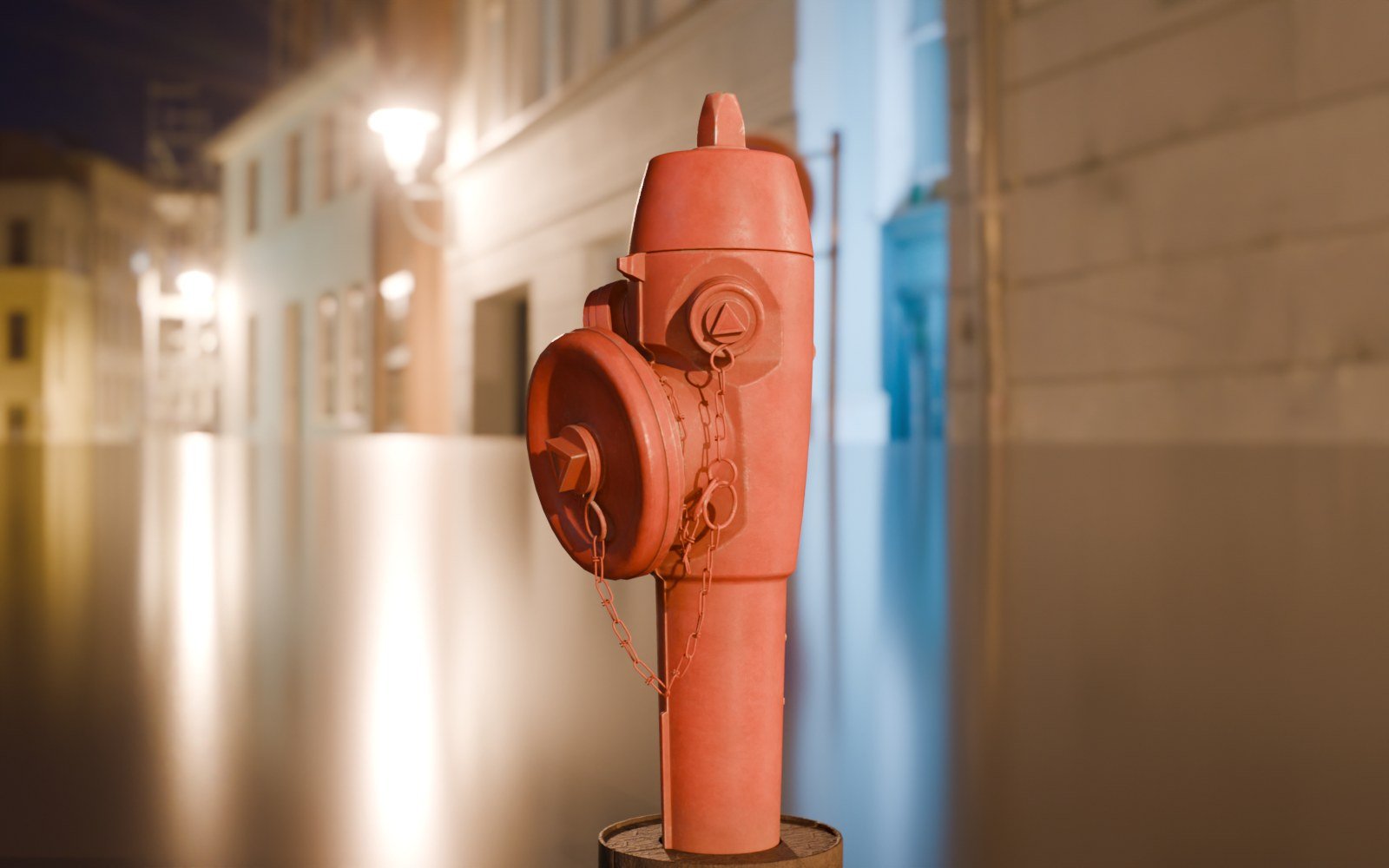
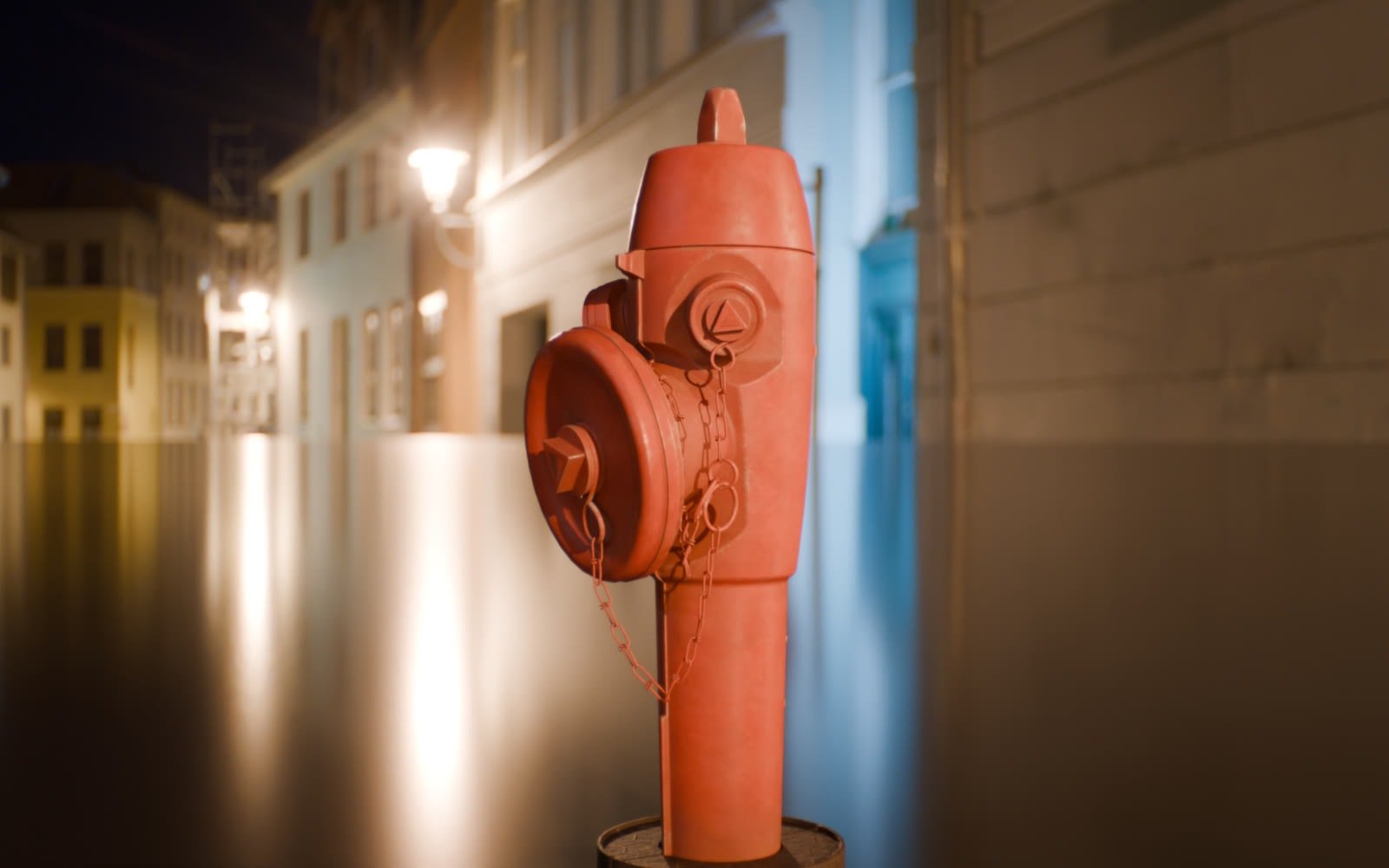
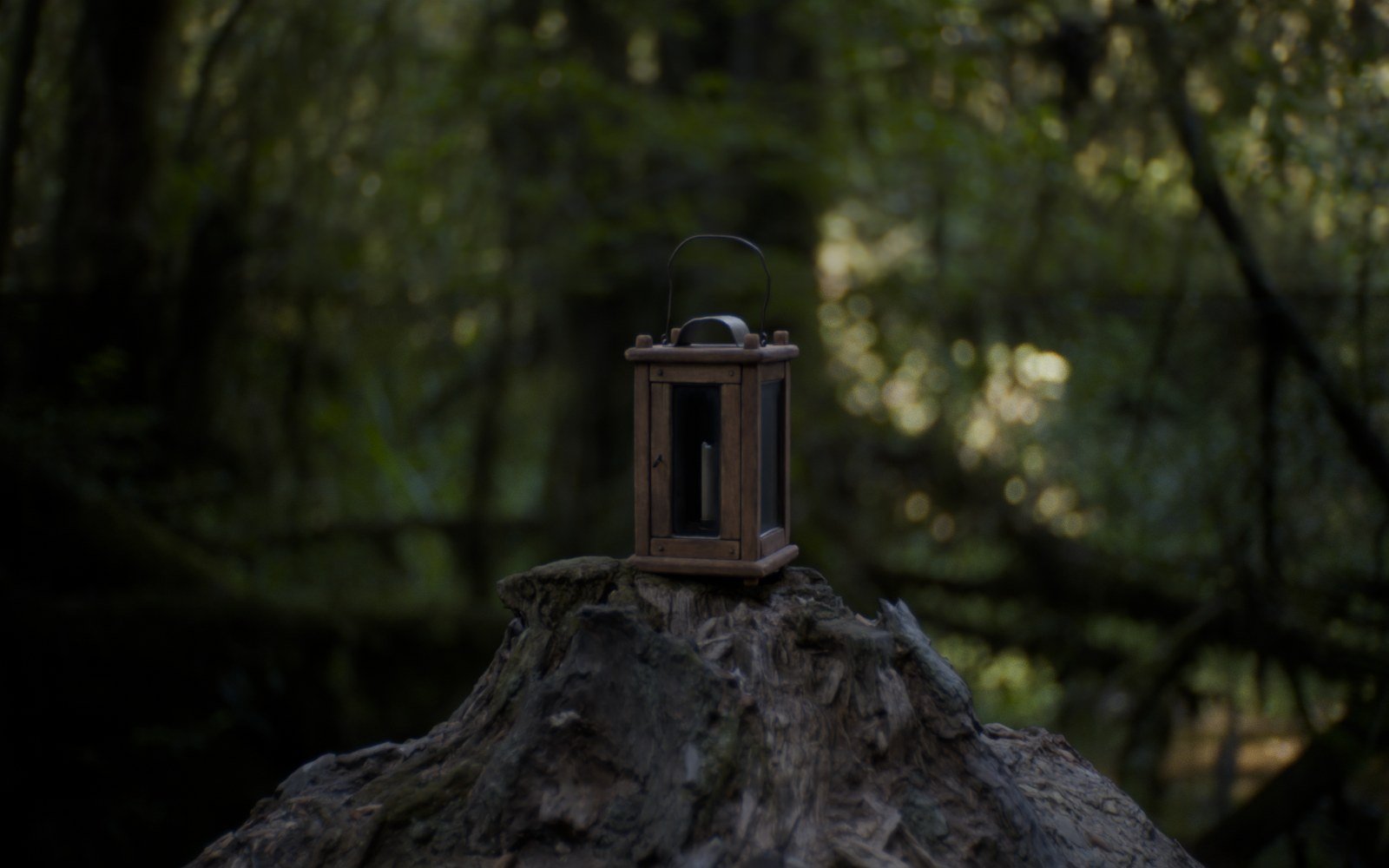
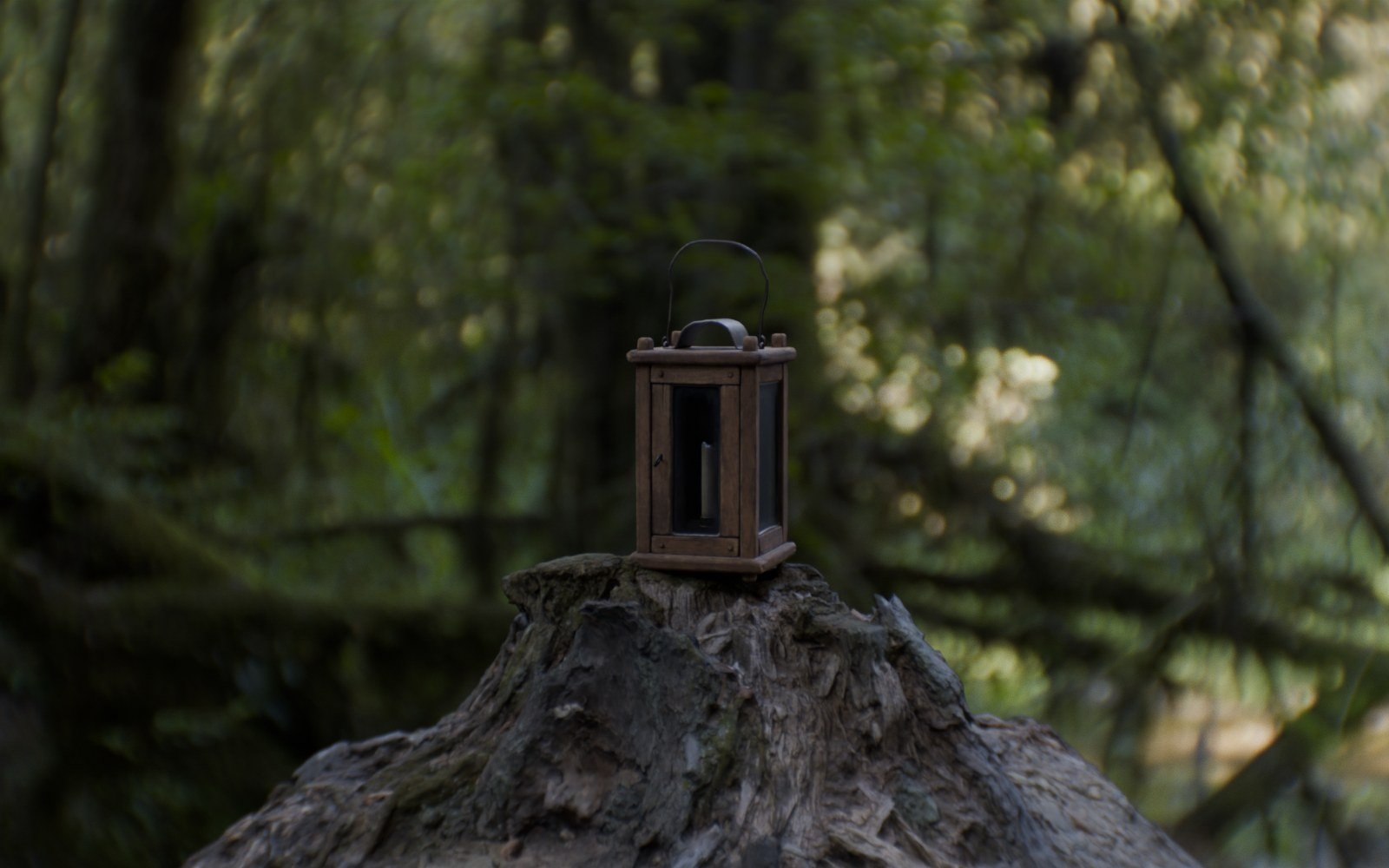
Real 3D scans, lit once and rendered through up to nine different Oris lenses. Nothing is added in post: the swirl, the cat’s eyes and the glow all come from the glass.







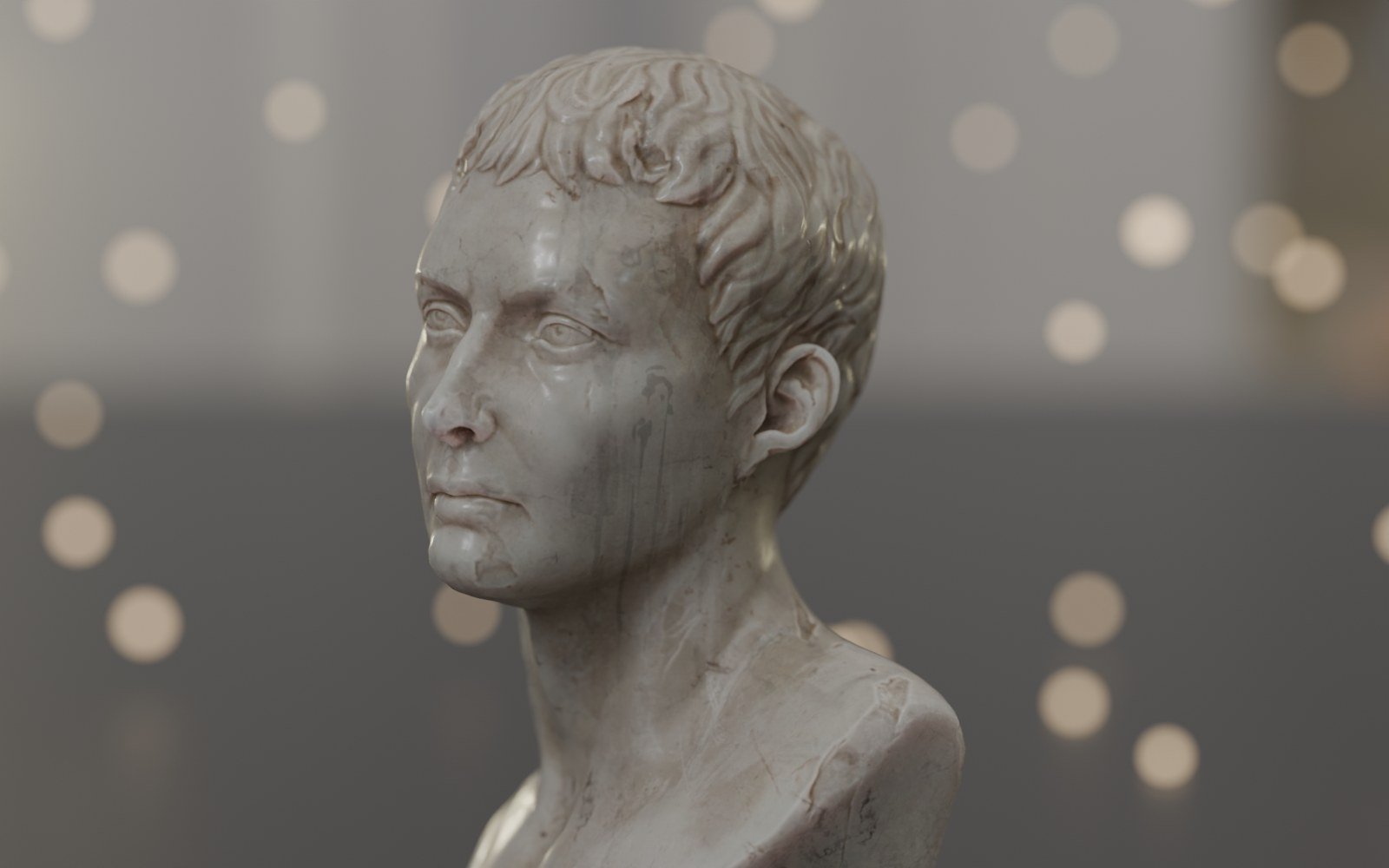
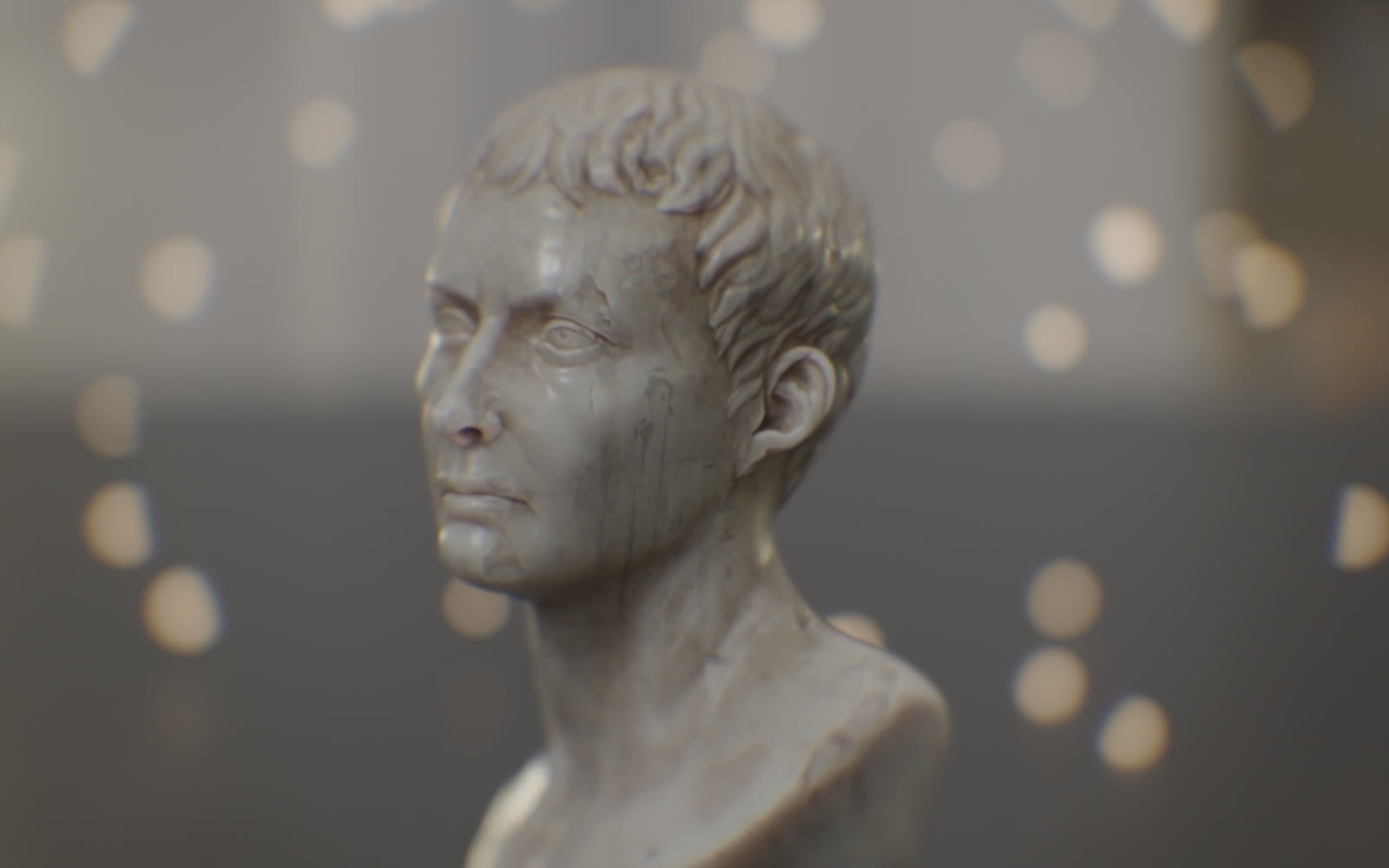
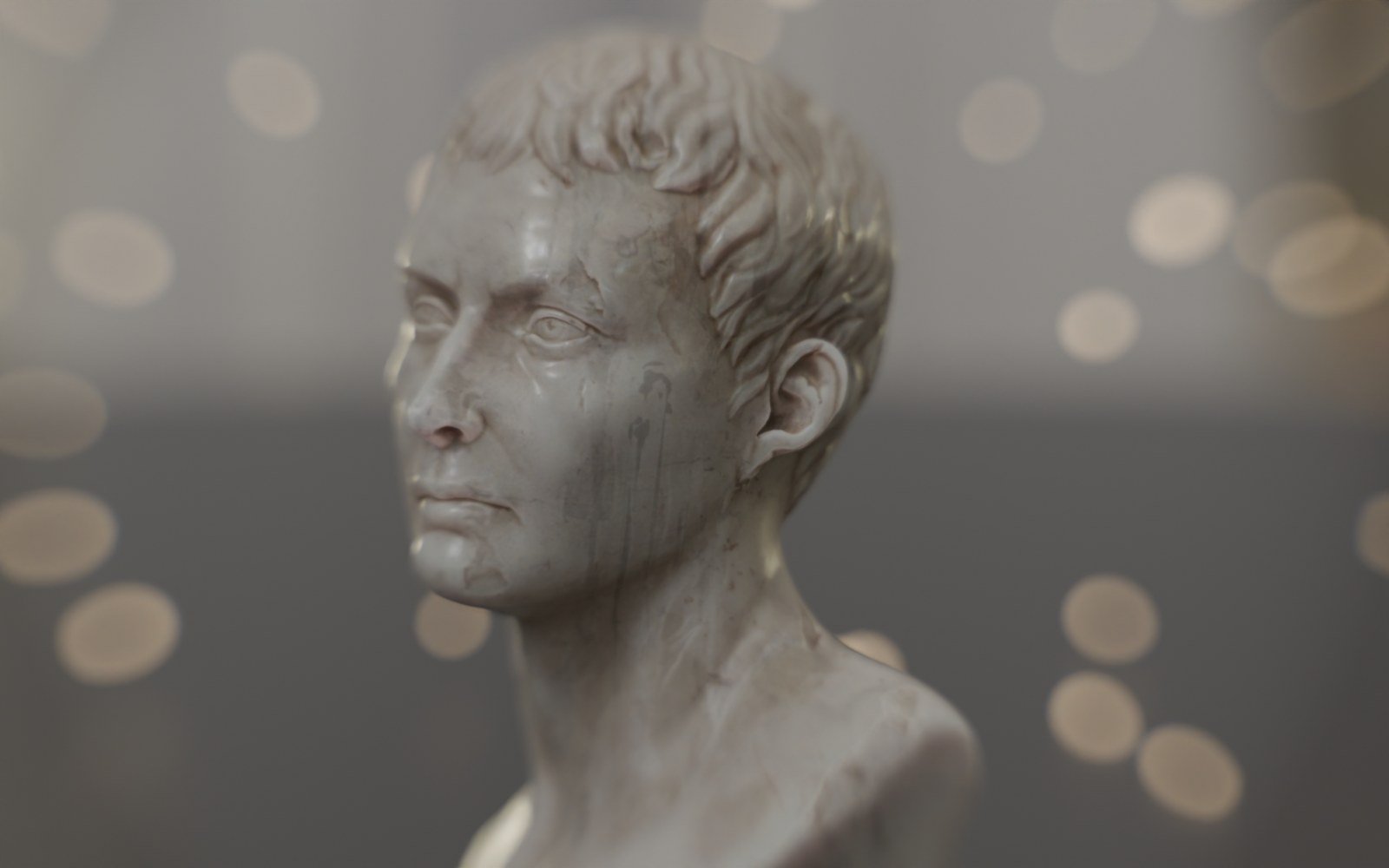
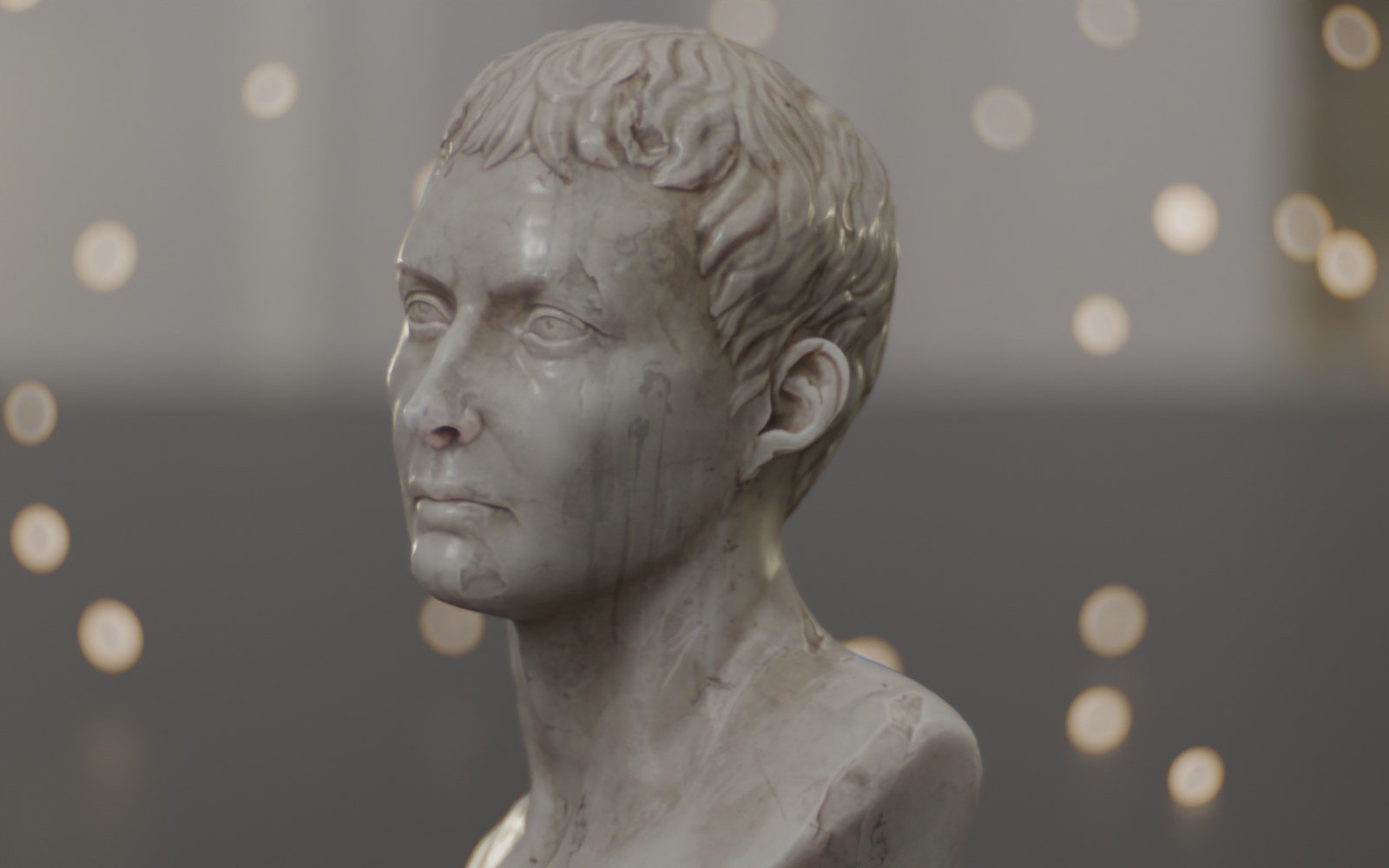
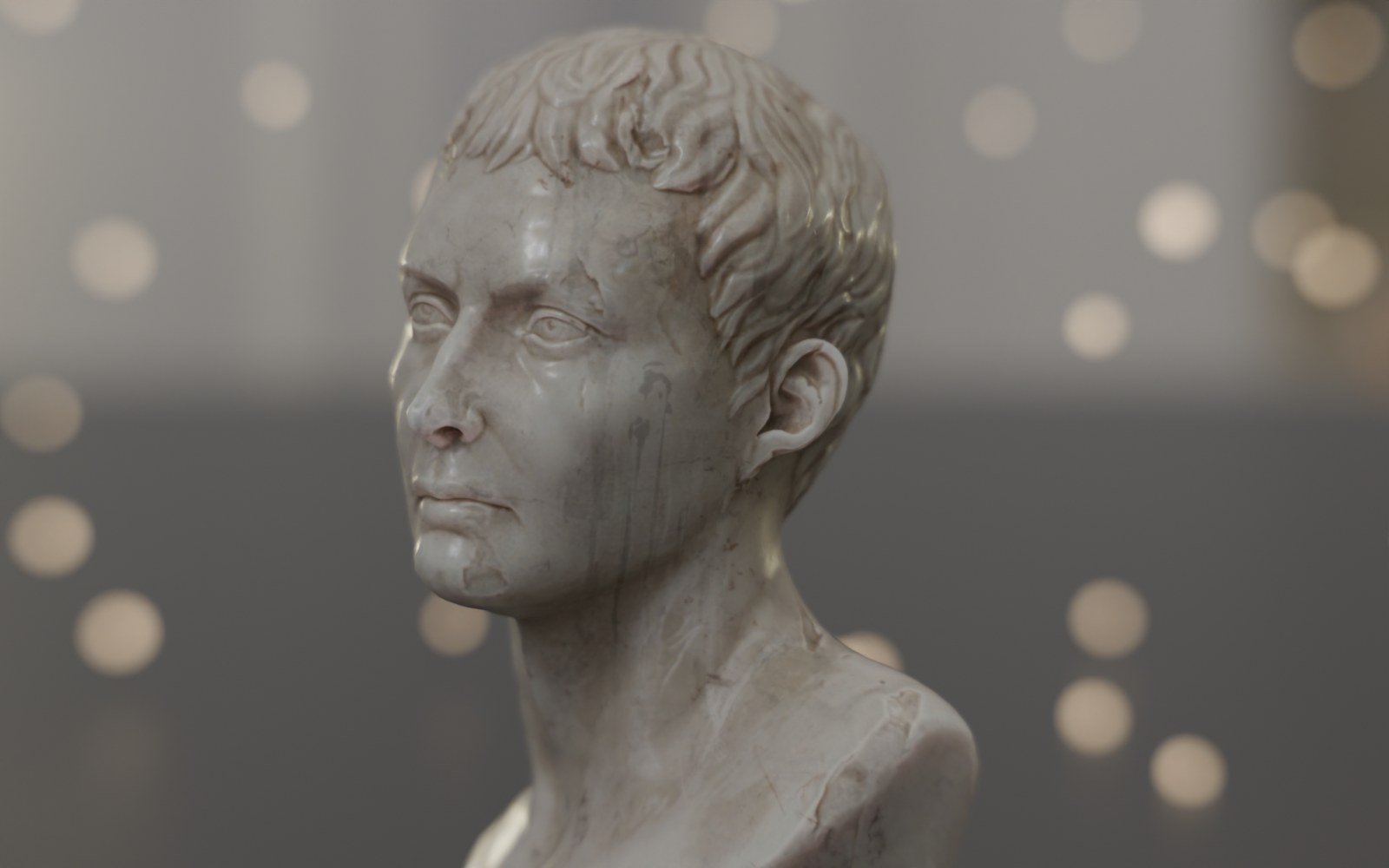
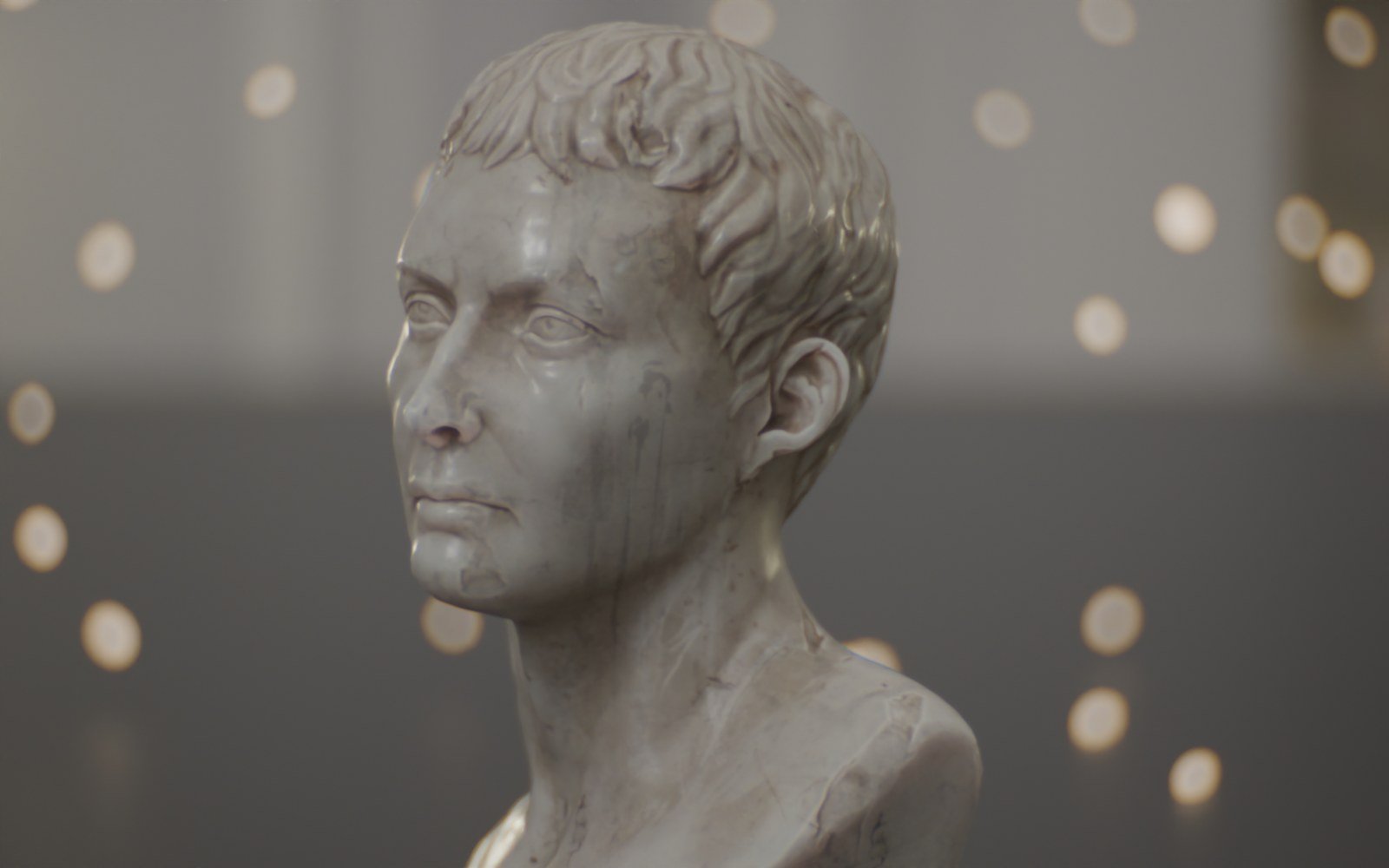
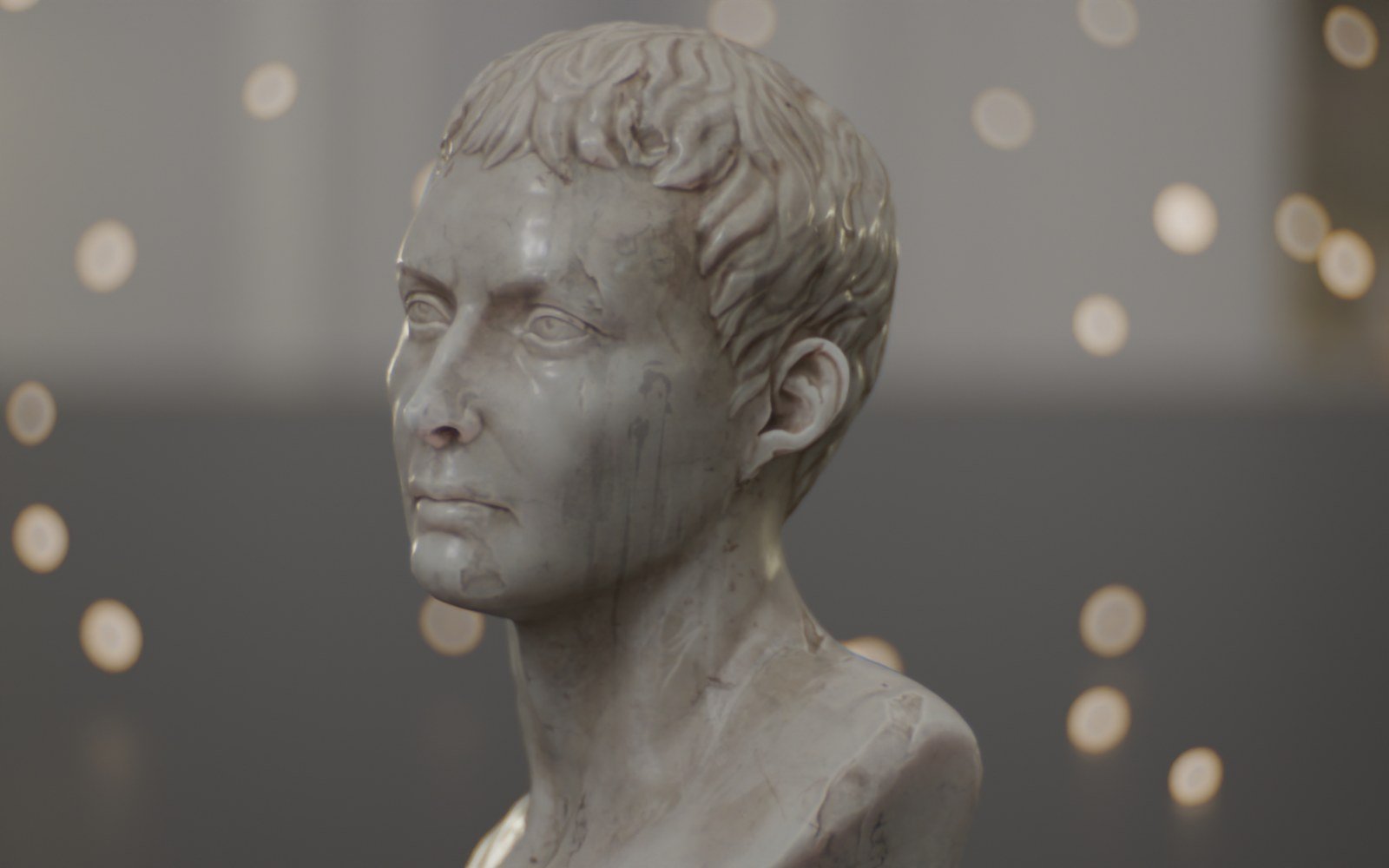
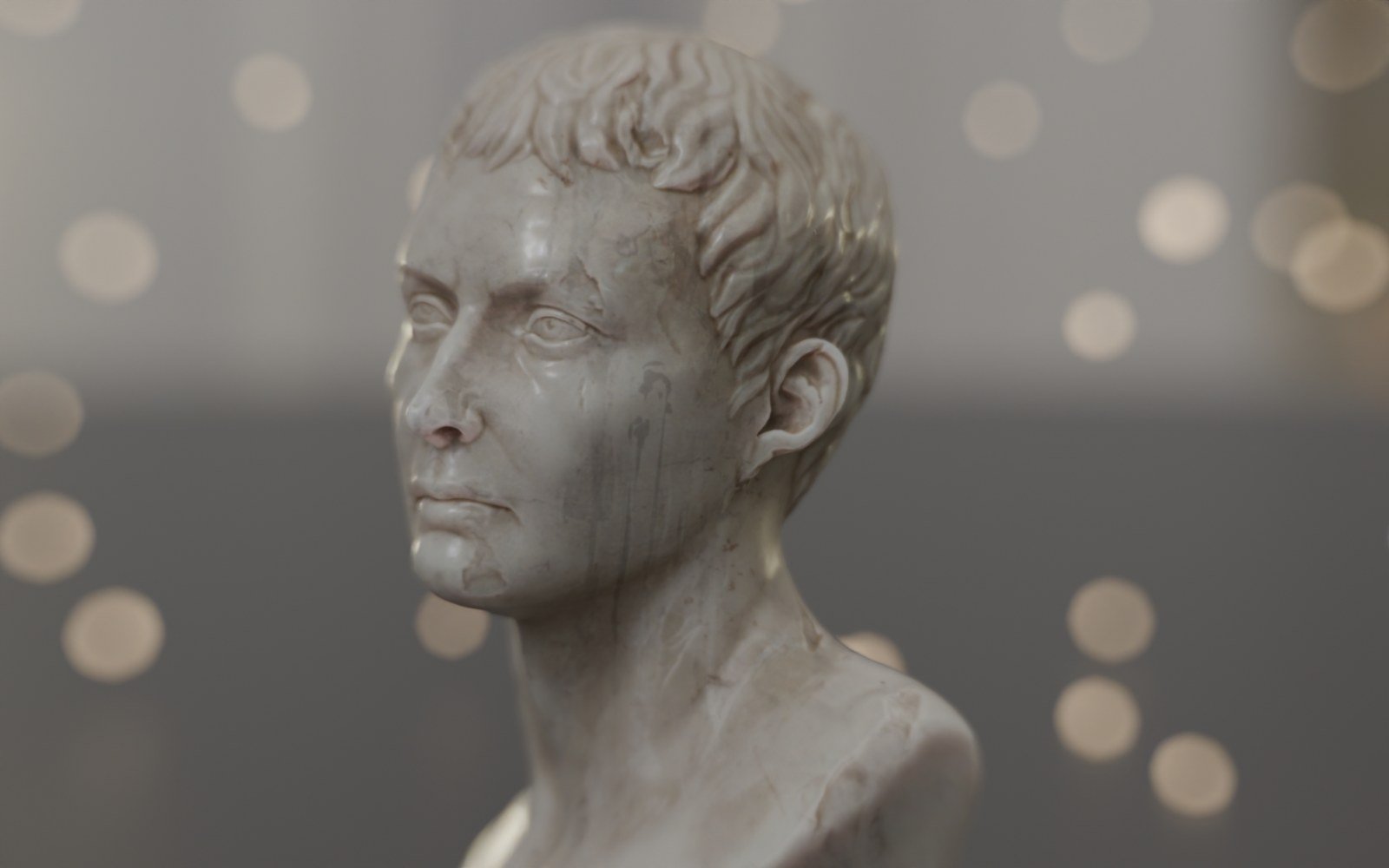
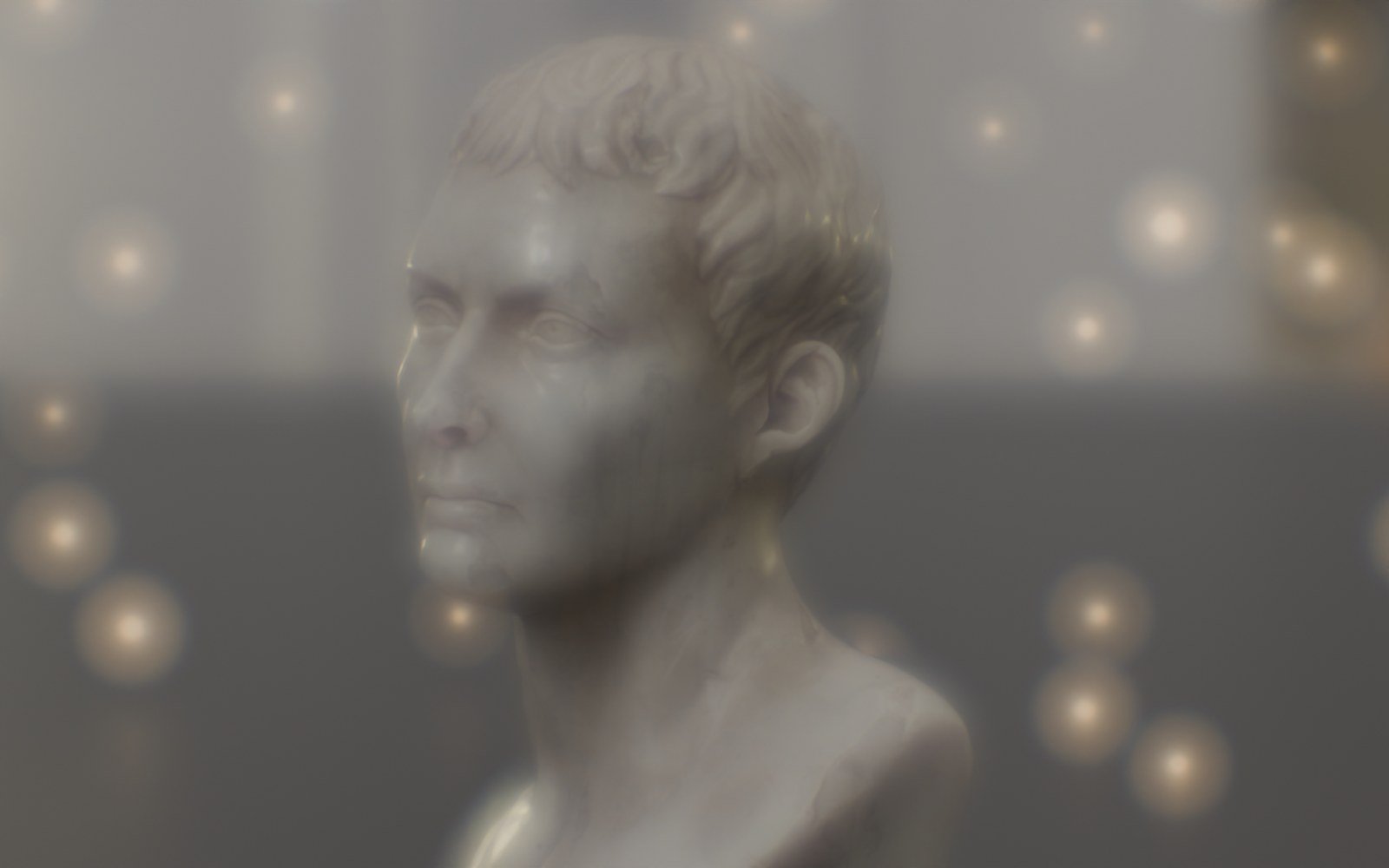
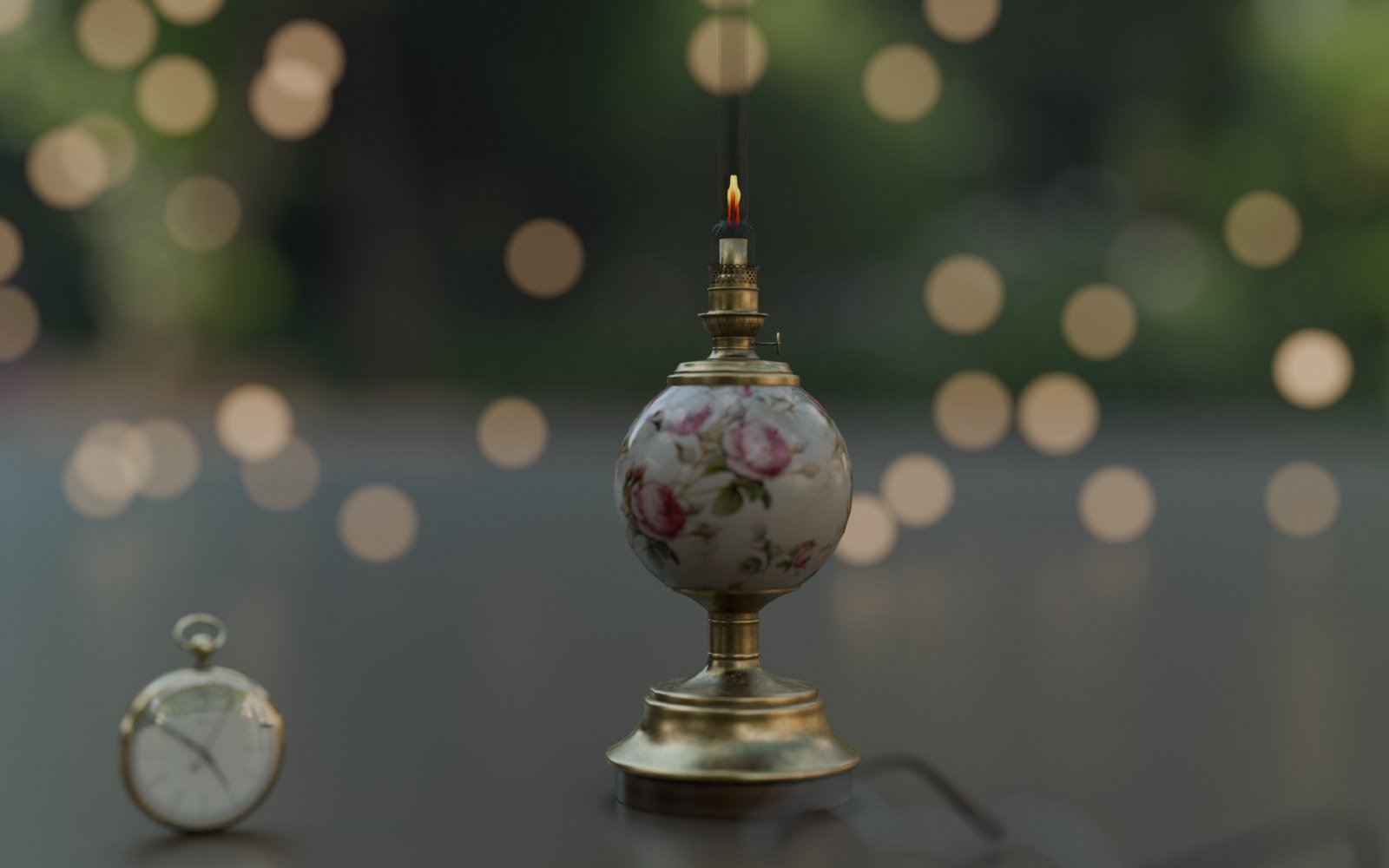
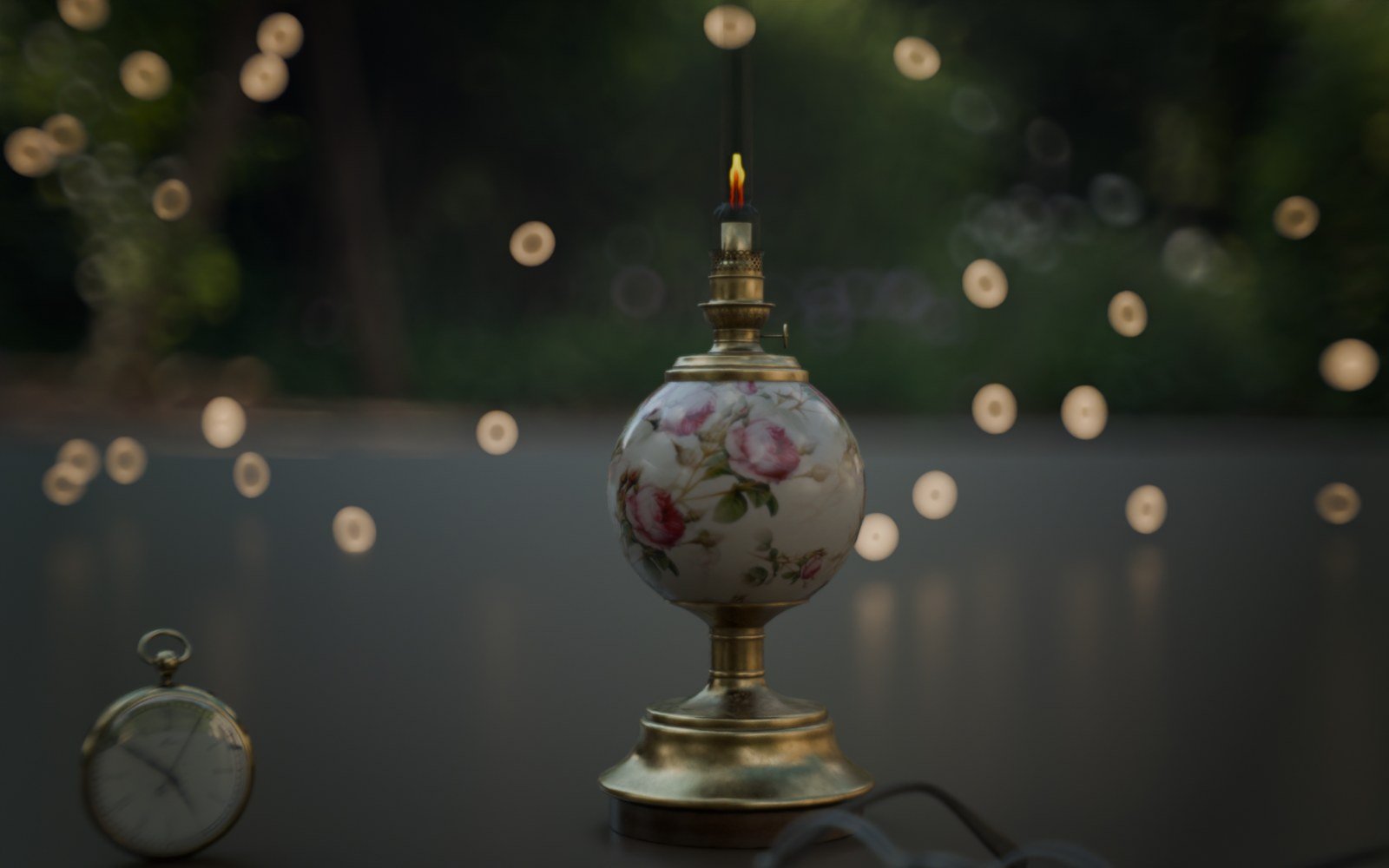
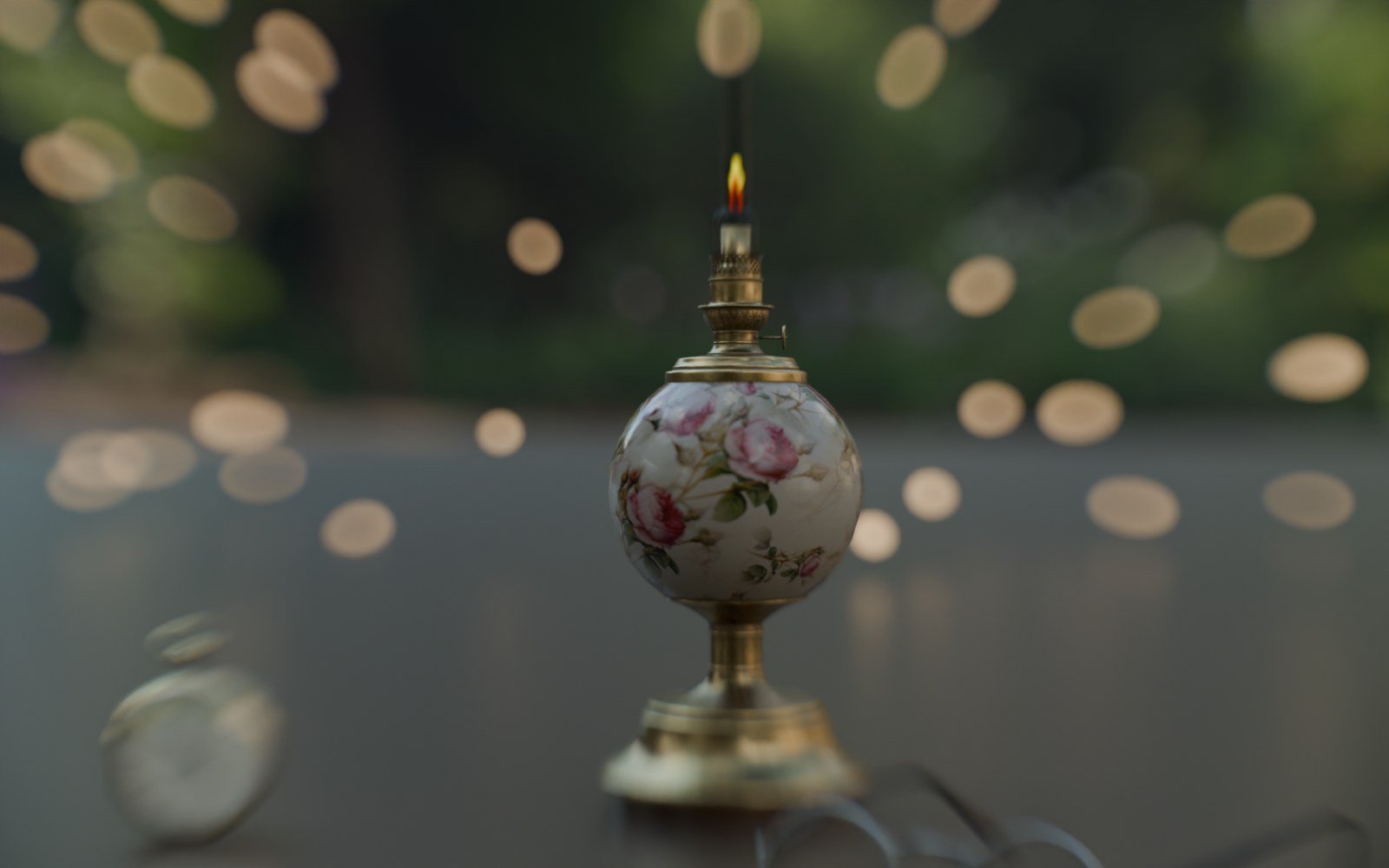
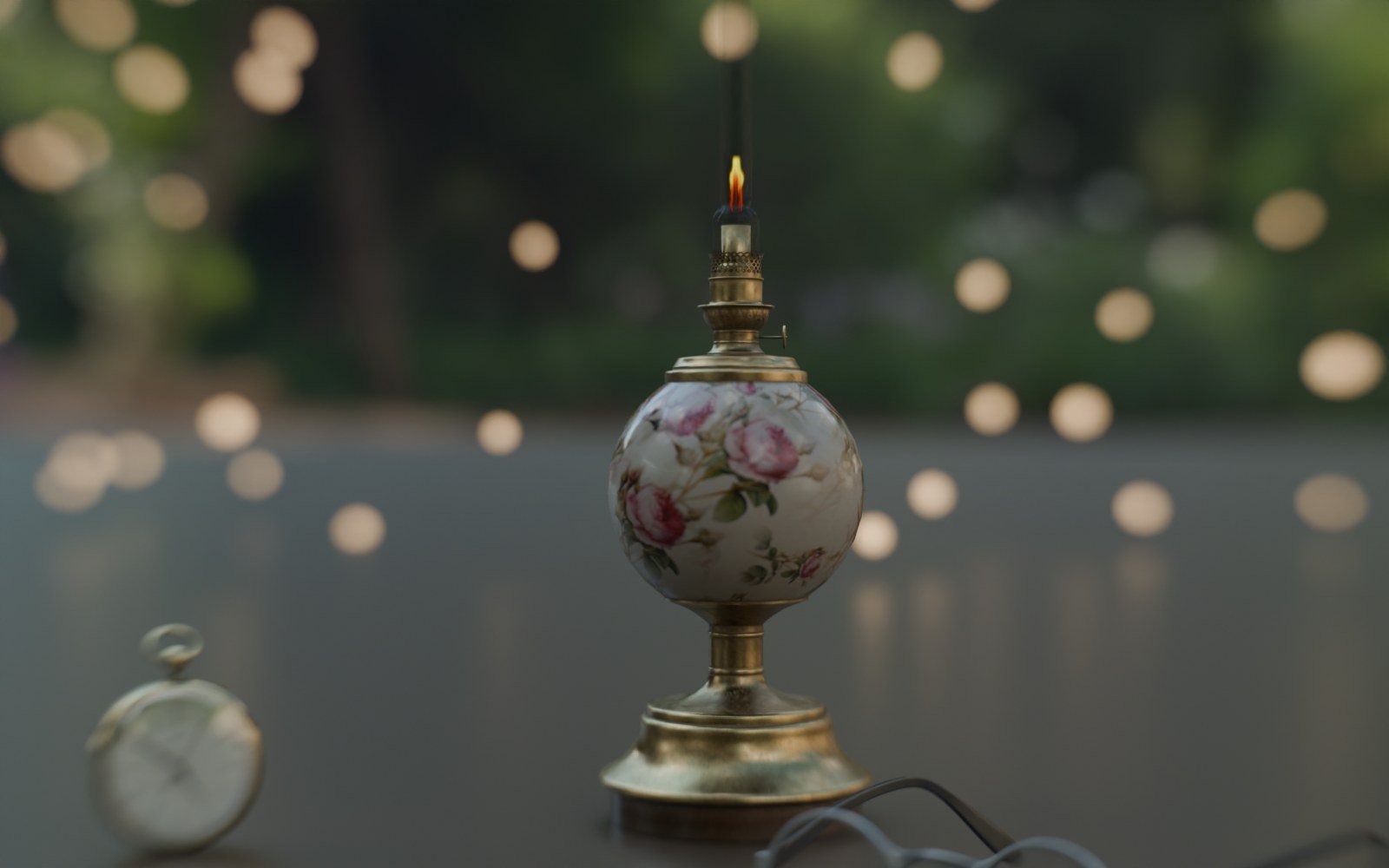
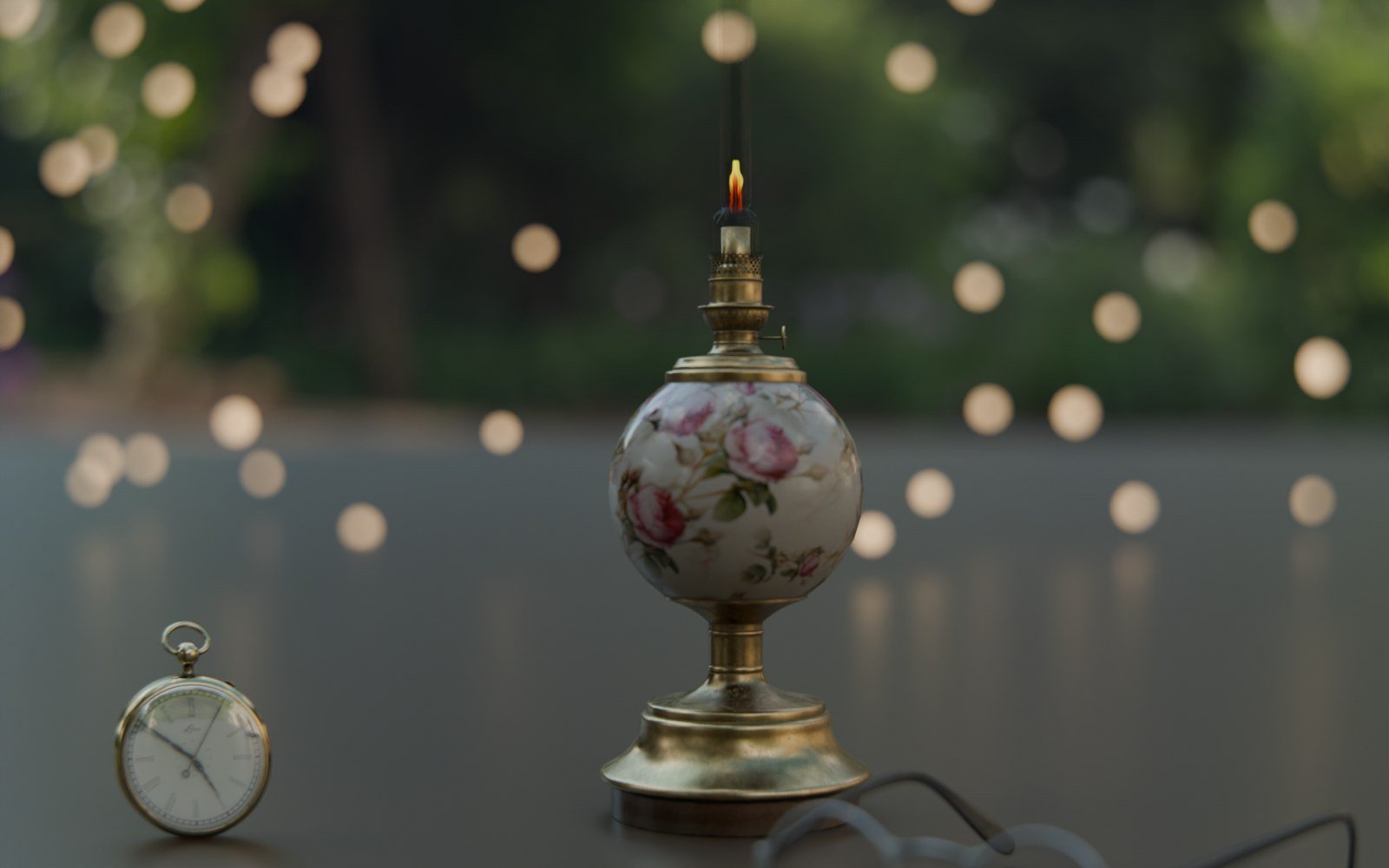
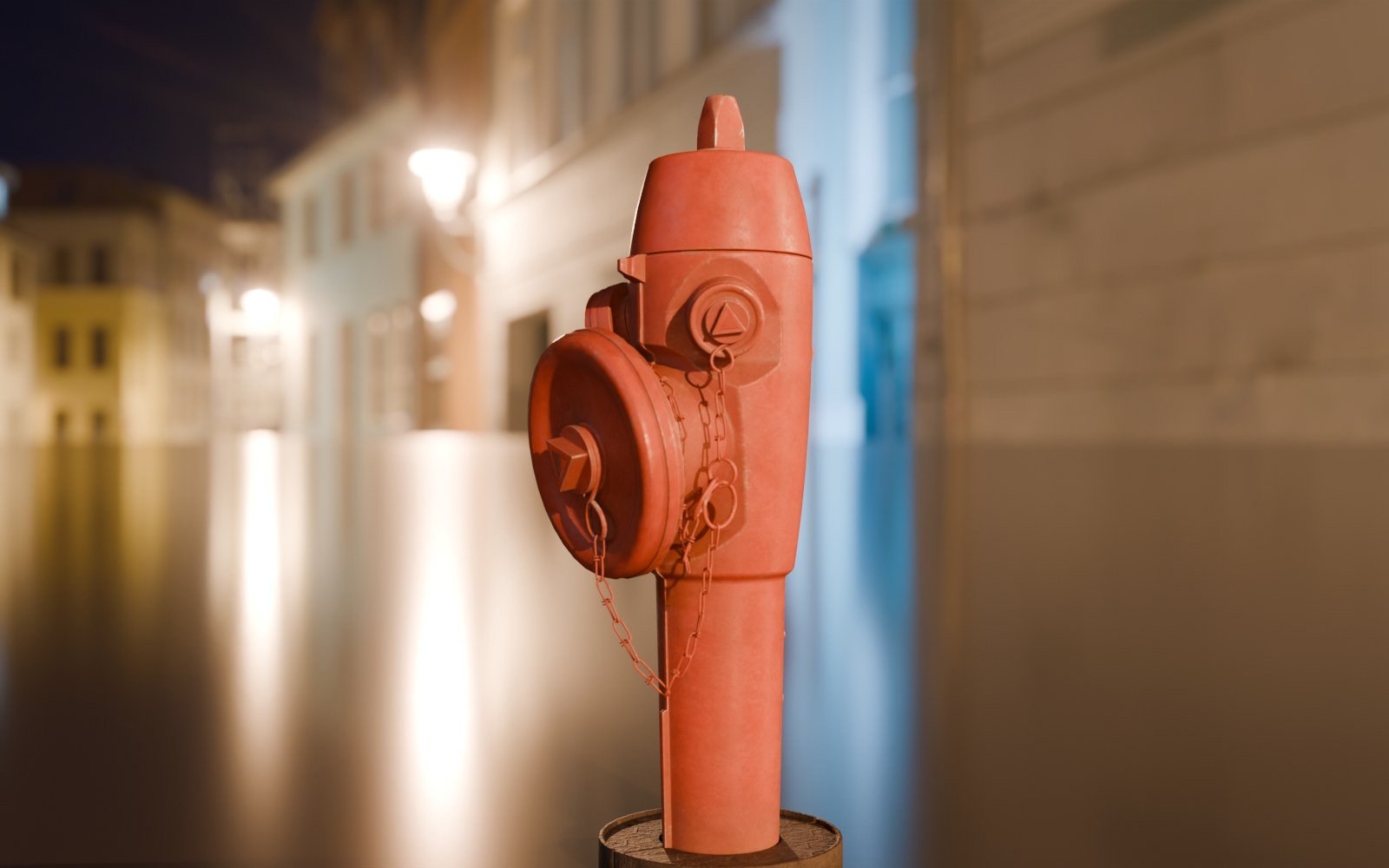
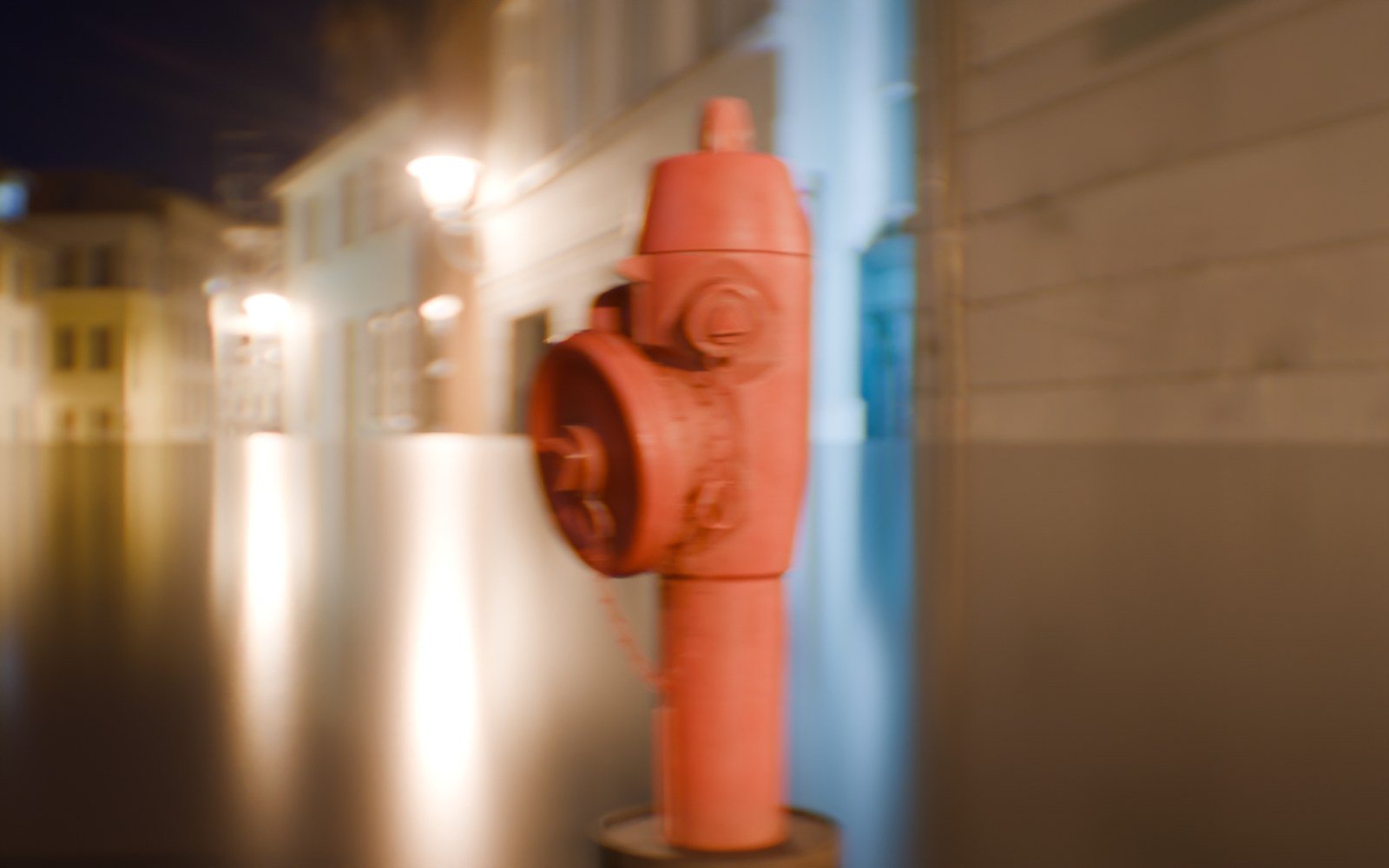
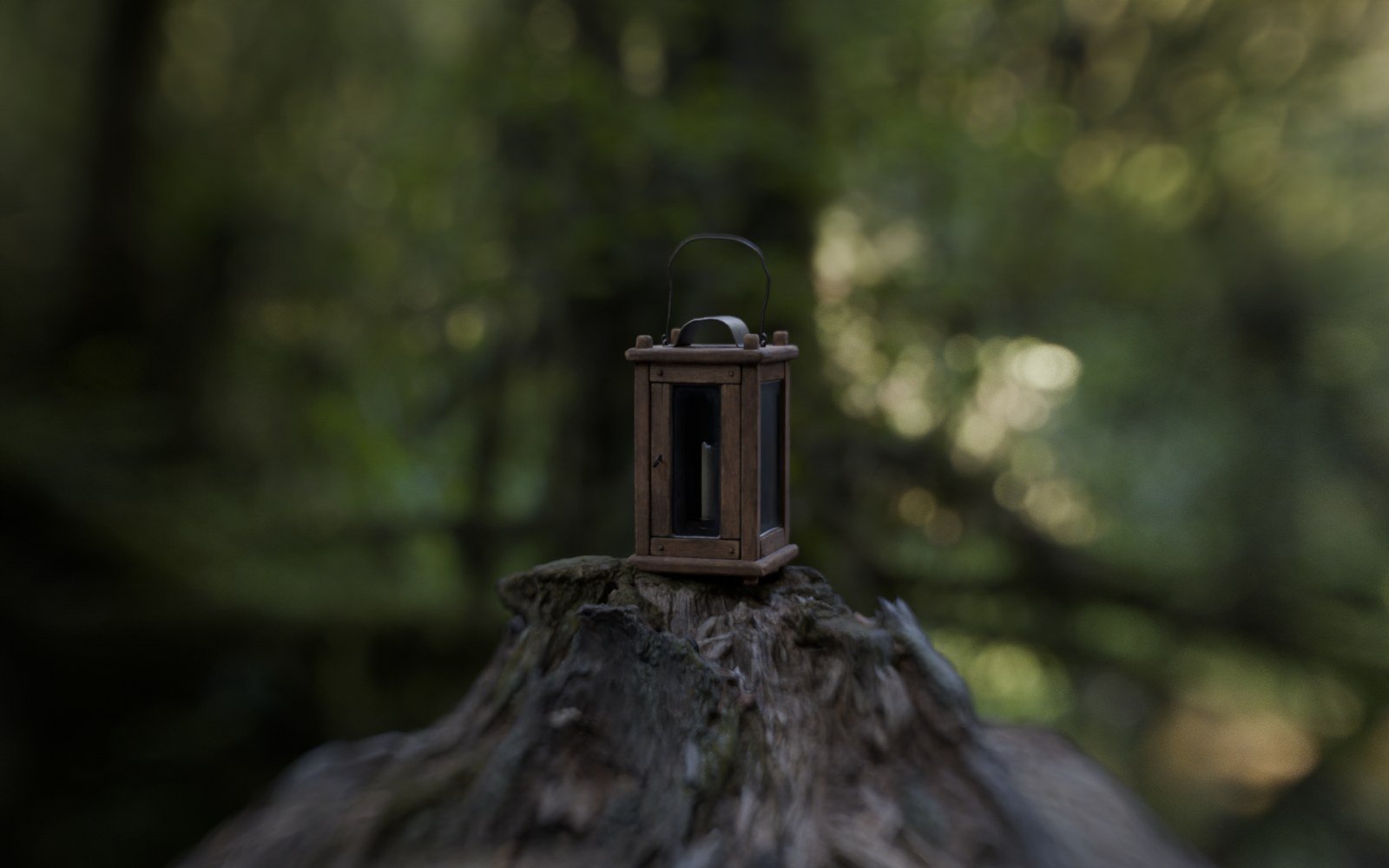
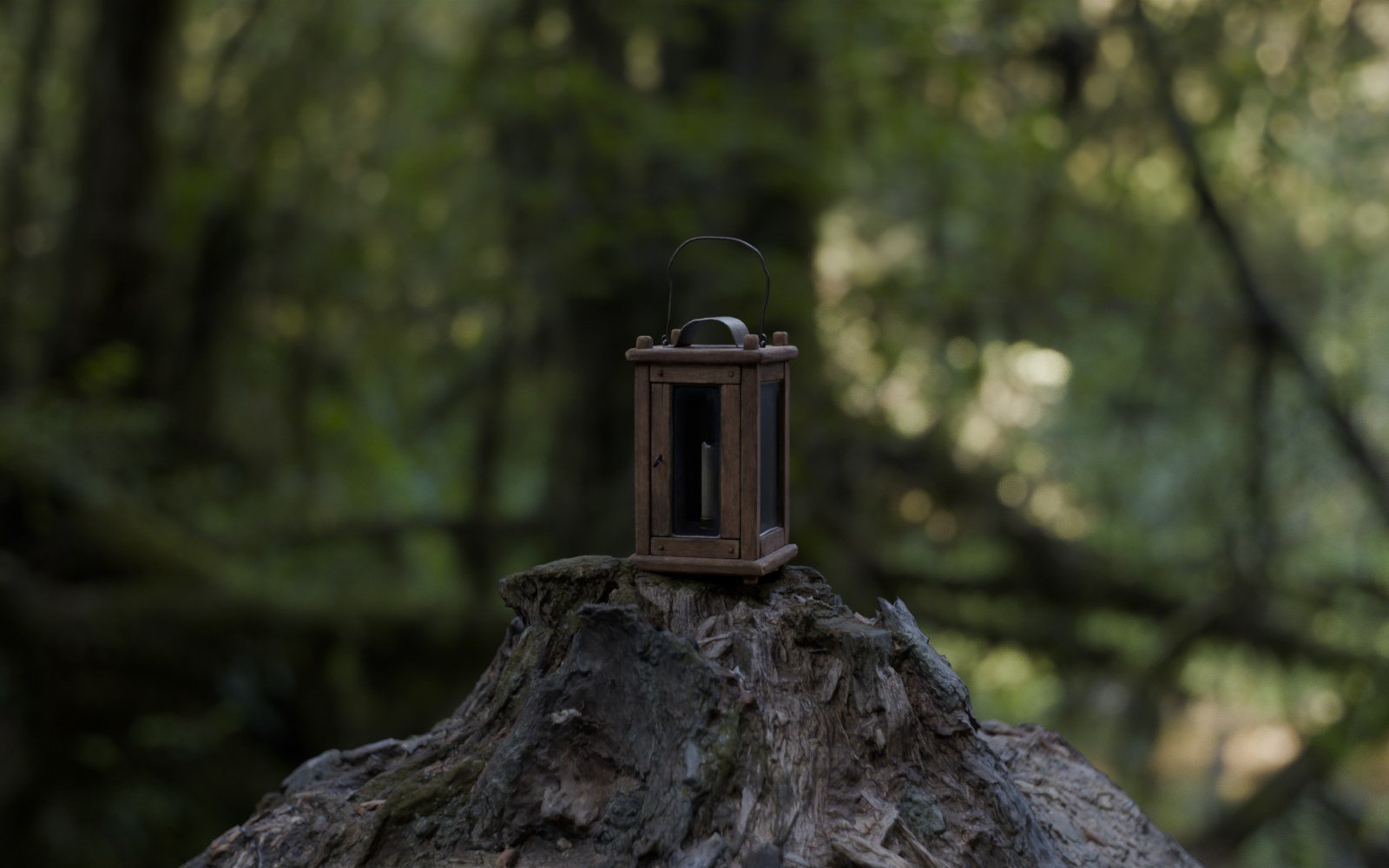
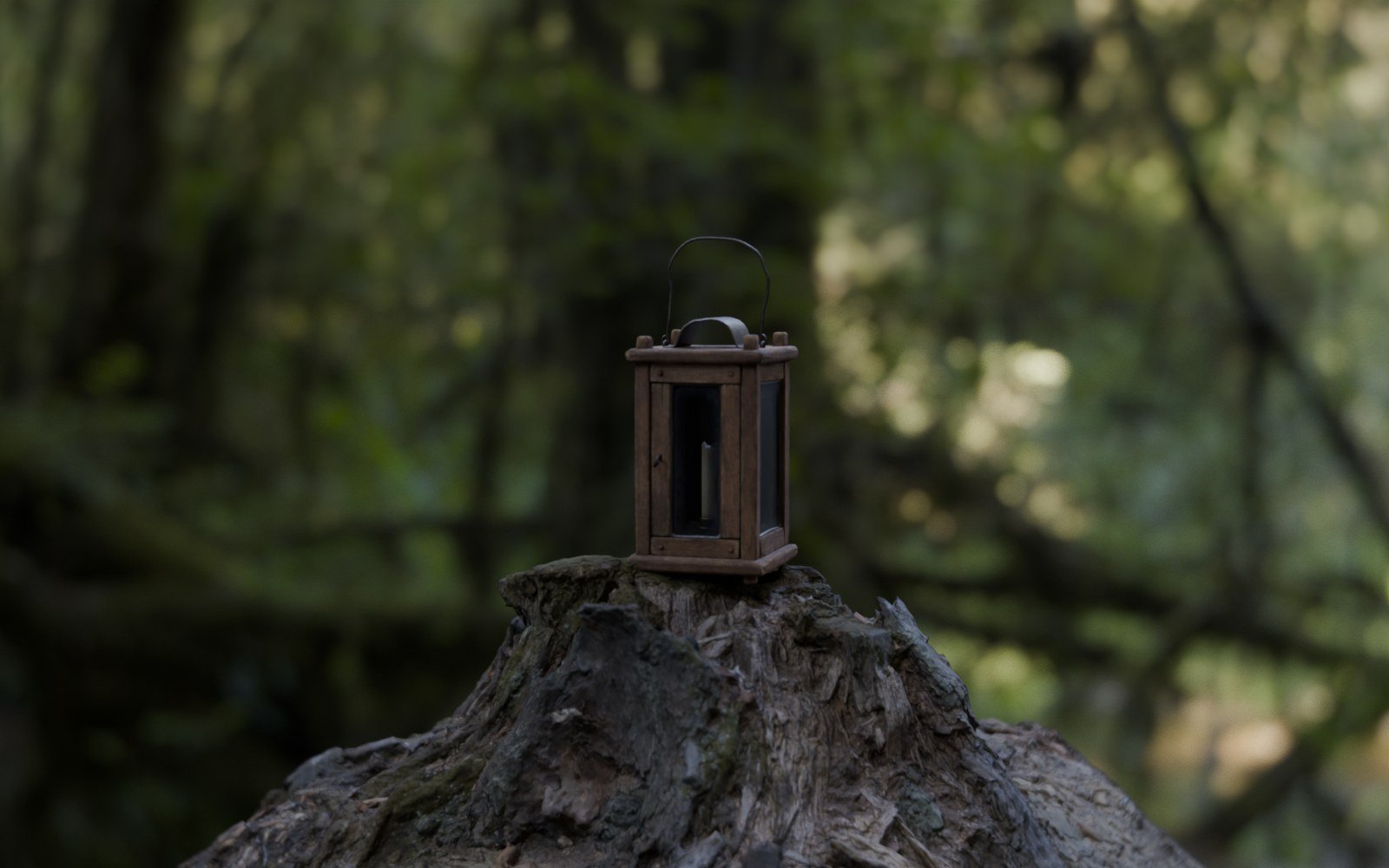
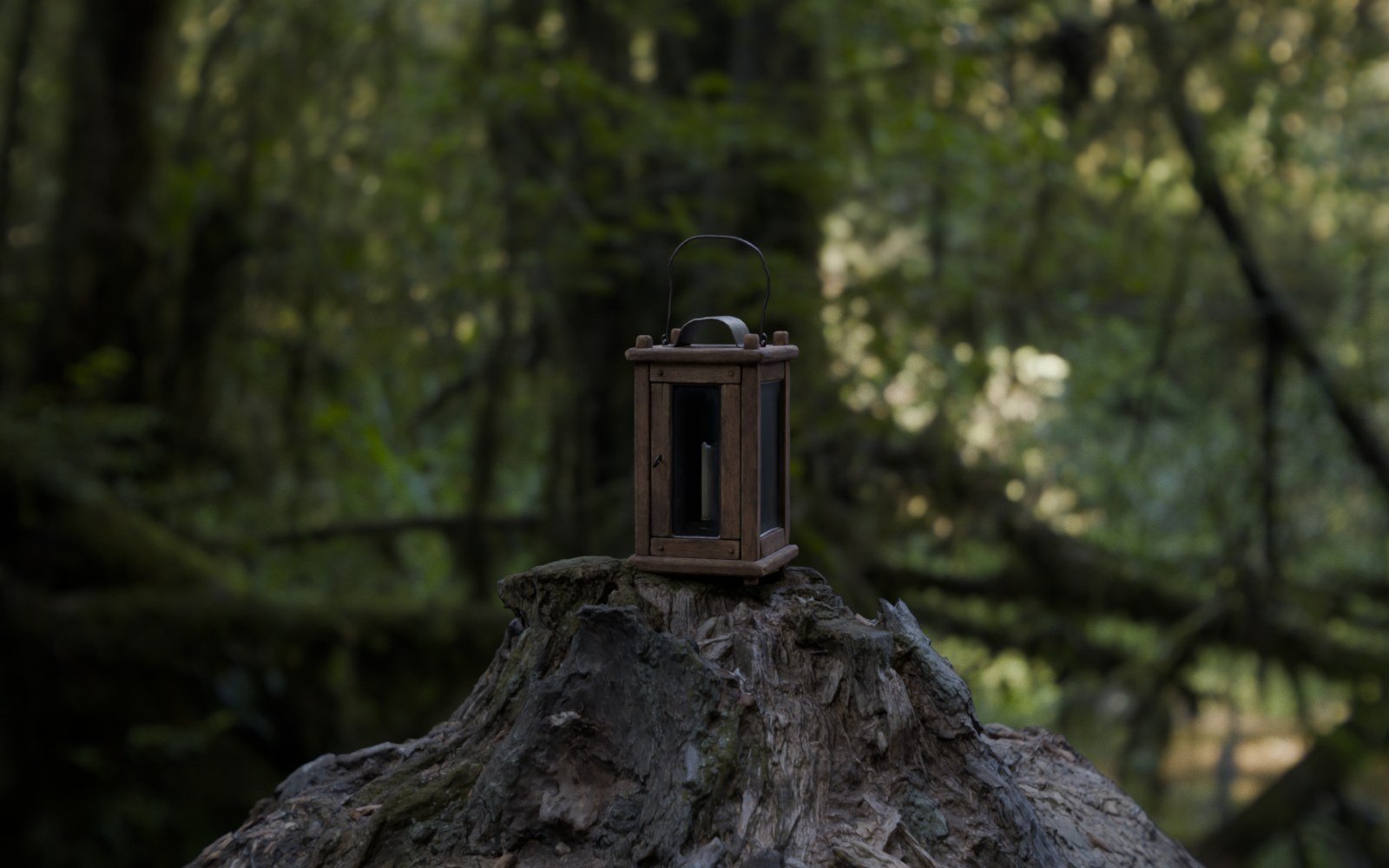
 BLENDER CAMERA
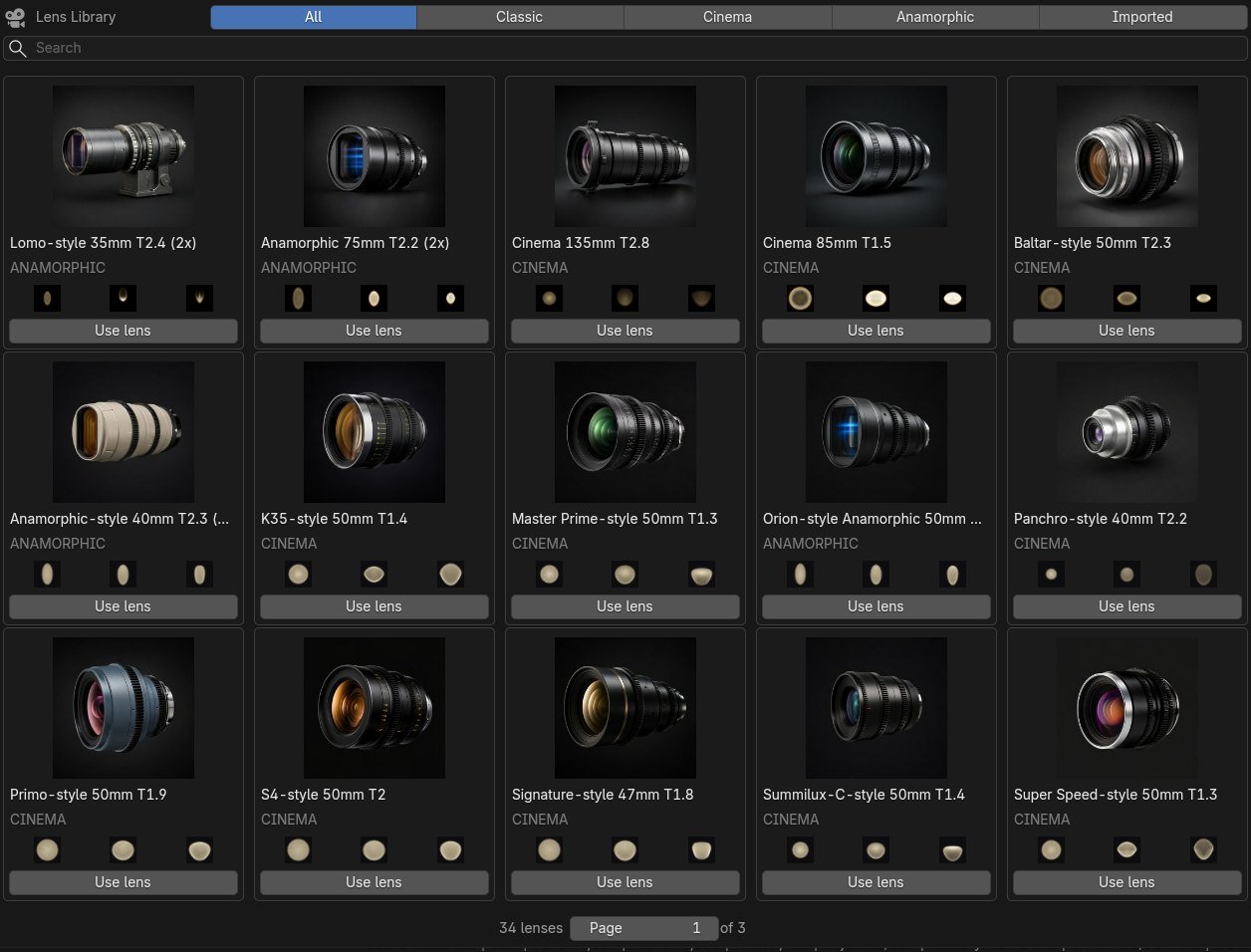
Thirty-four lenses. Real optics.
Classic designs from lens patents, portrait and macro lenses, a mirror lens, cinema primes and 2x anamorphics. Every design works at any focal length, and you can import your own prescription from a patent or a book.
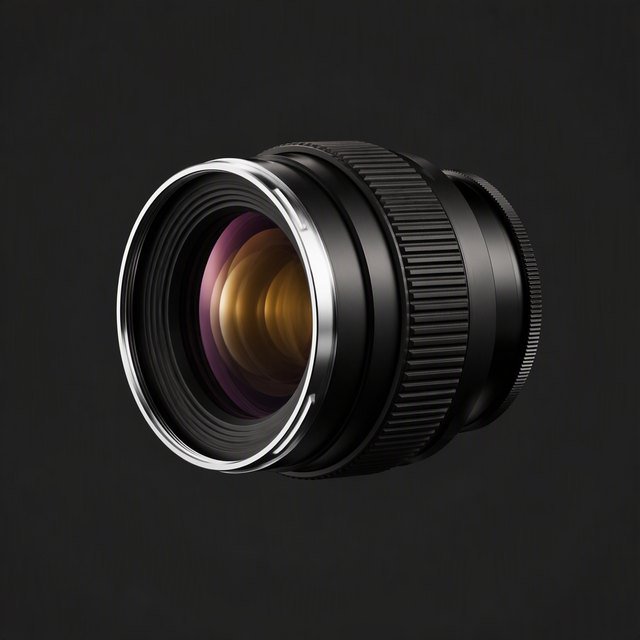
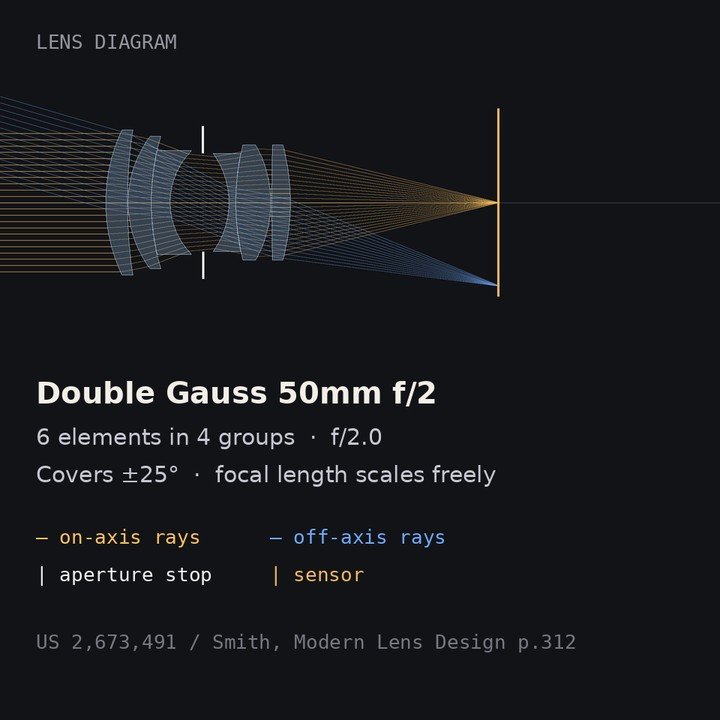
Double Gauss 50mm f/2
Clean centre, cat’s-eye bokeh in the corners.
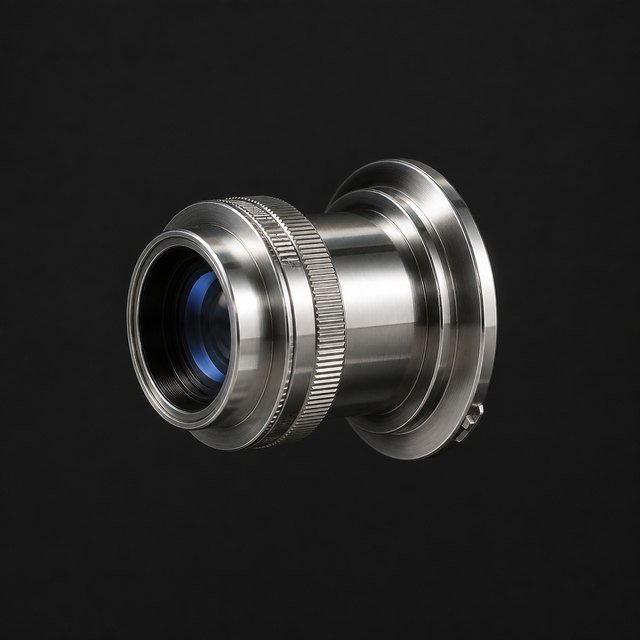
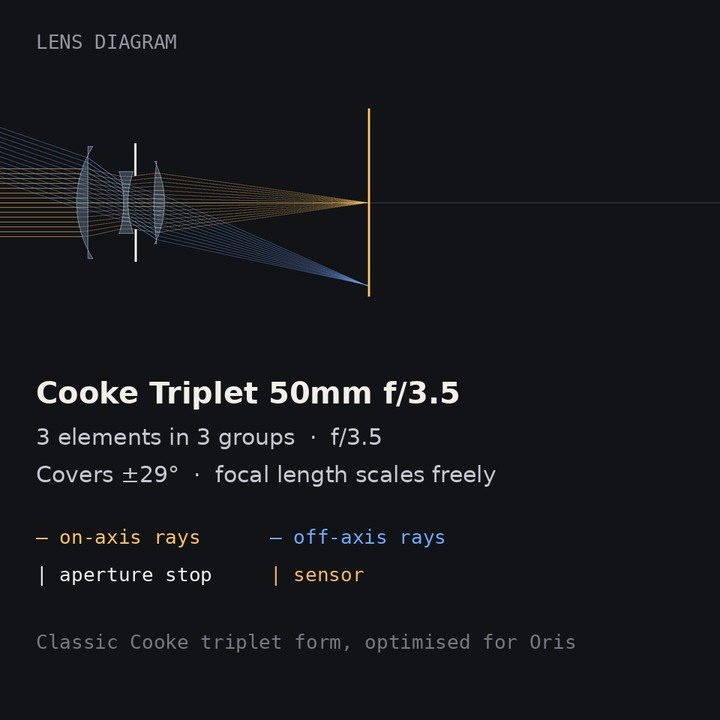
Cooke Triplet 50mm f/3.5
High contrast and busy bubble bokeh.
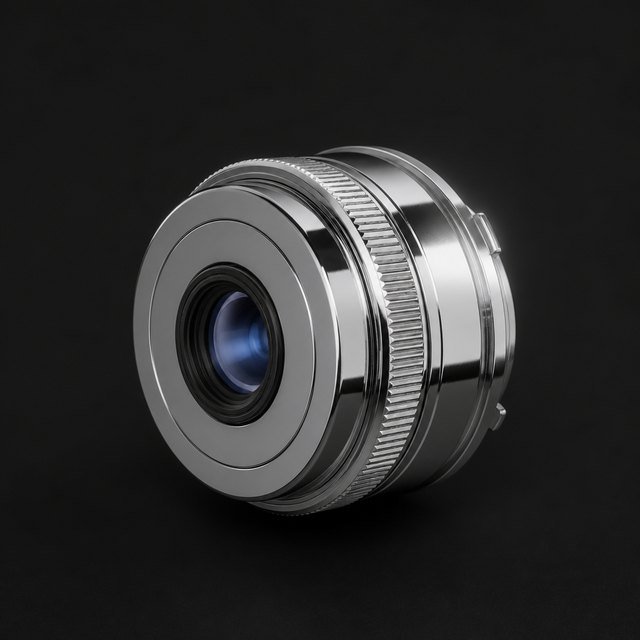
Tessar 50mm f/2.8
Crisp, compact, a little nervous in the background.
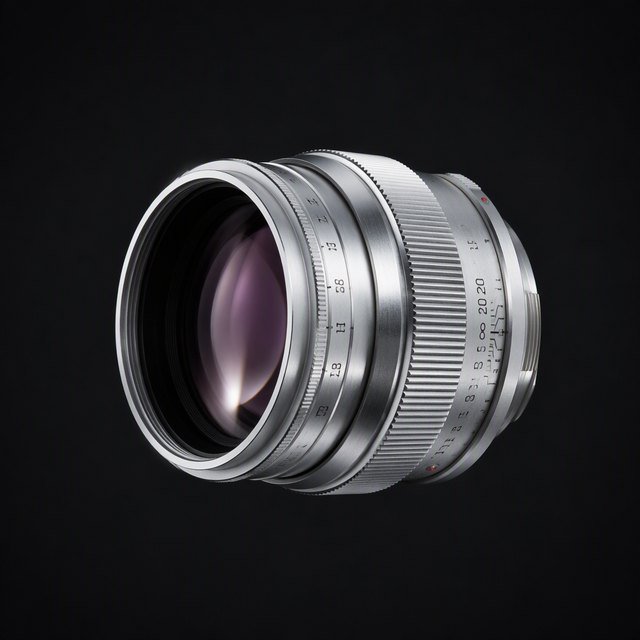
Biotar 50mm f/1.4
Fast and swirly, glowing wide open.
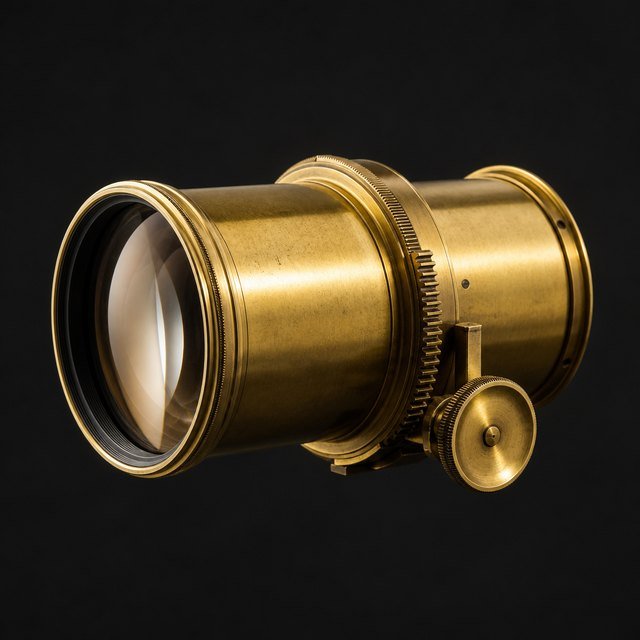
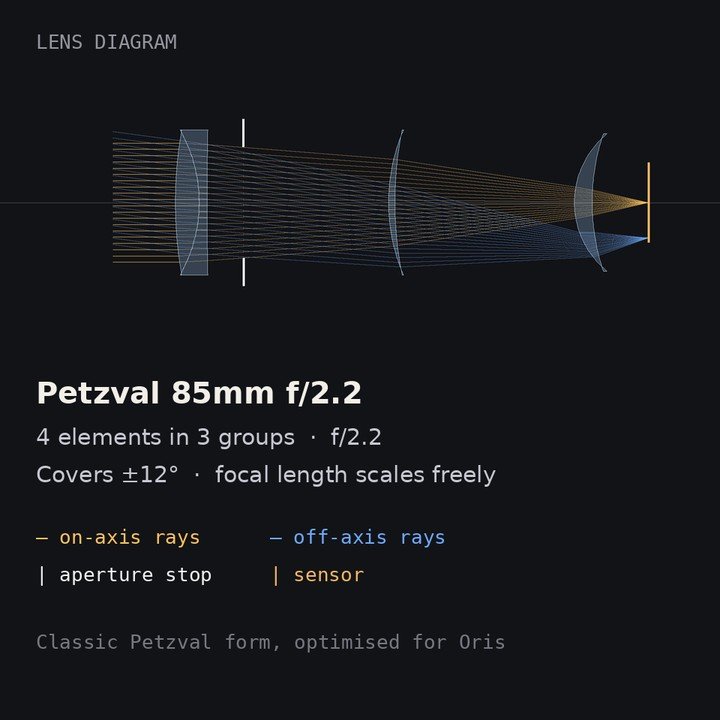
Petzval 85mm f/2.2
Sharp centre, strong swirl, dark corners.
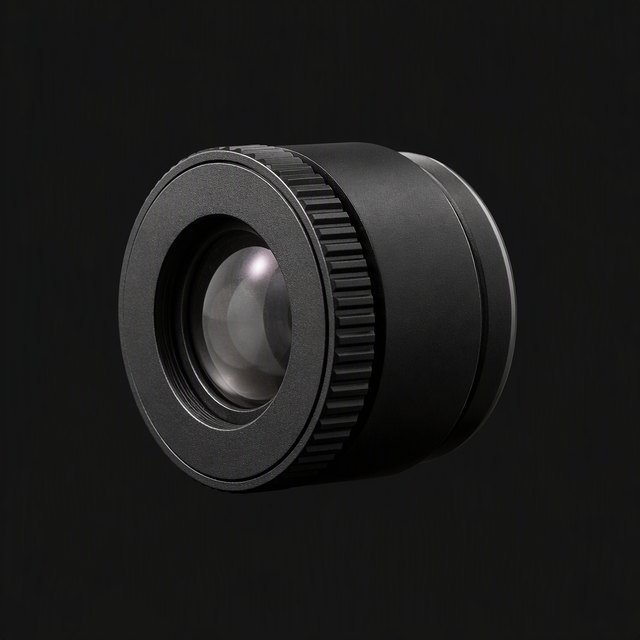
Meniscus 50mm f/4
One element. Dreamy toy-camera glow.
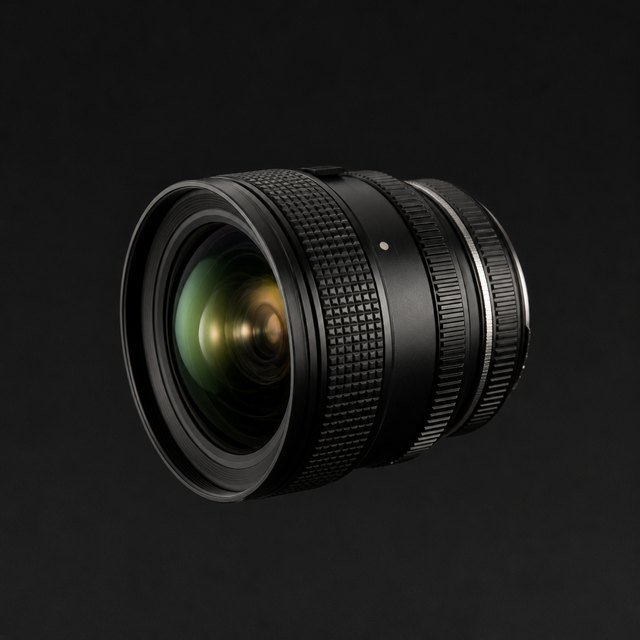
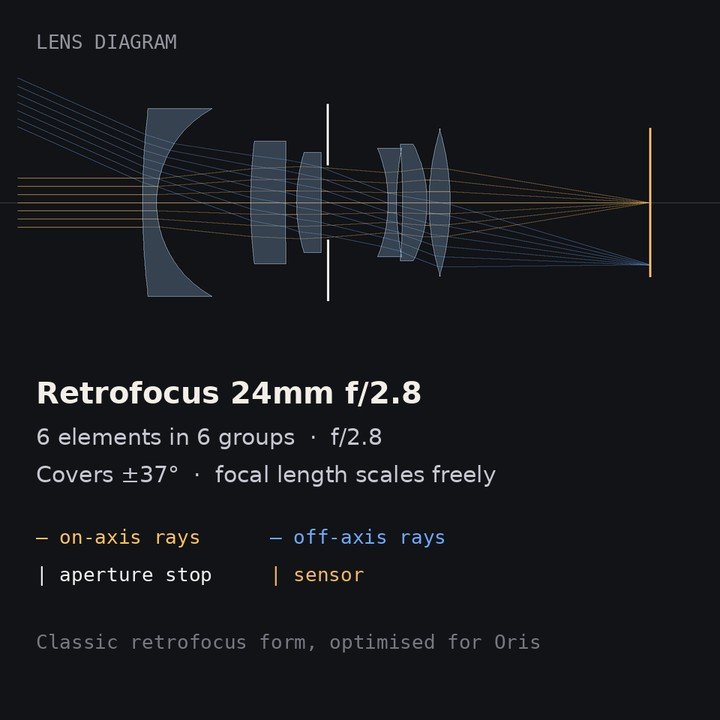
Retrofocus 24mm f/2.8
Barrel distortion, oval corner bokeh.
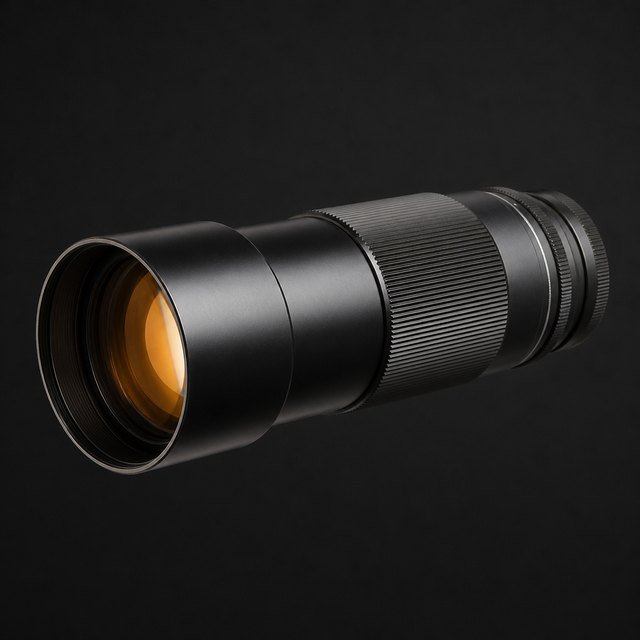
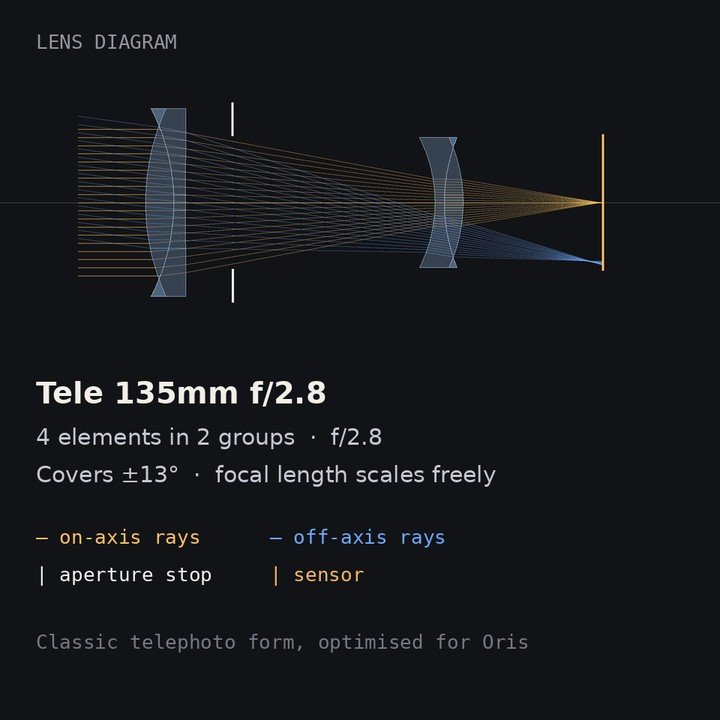
Tele 135mm f/2.8
Smooth round bokeh, soft corners.
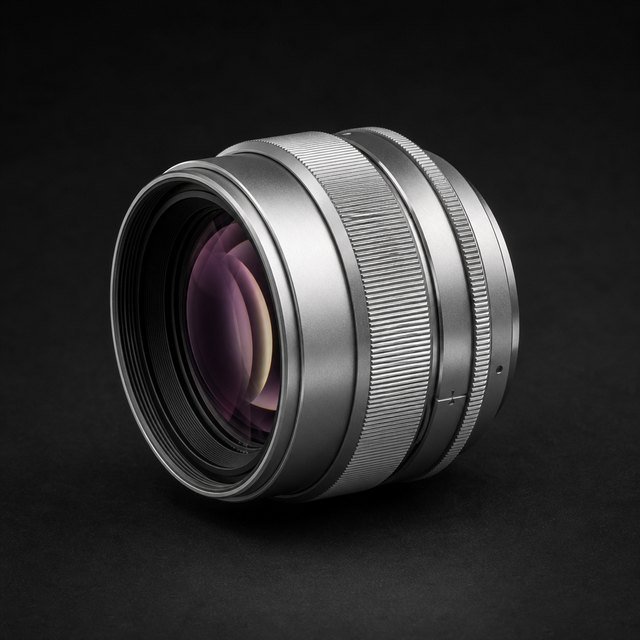
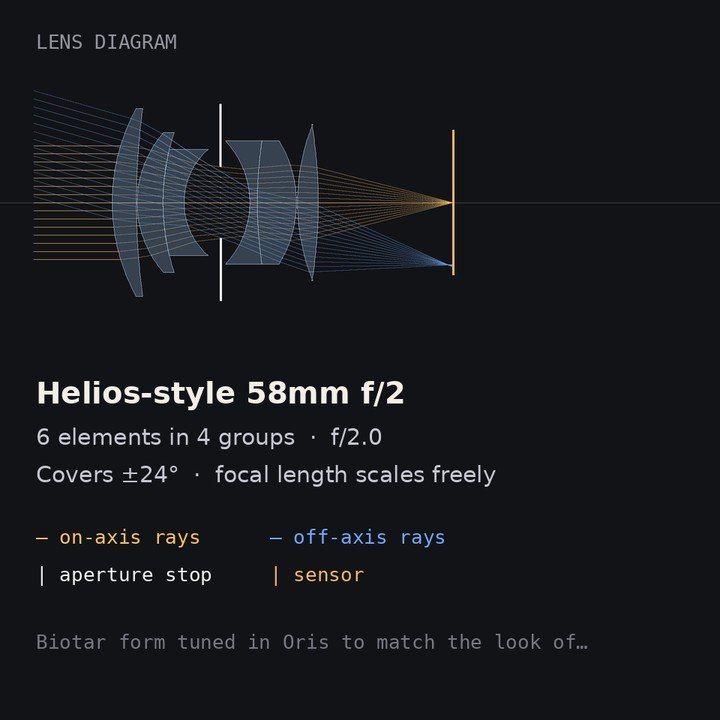
Helios-style 58mm f/2
Swirly bokeh towards the edges, soft glow wide open.
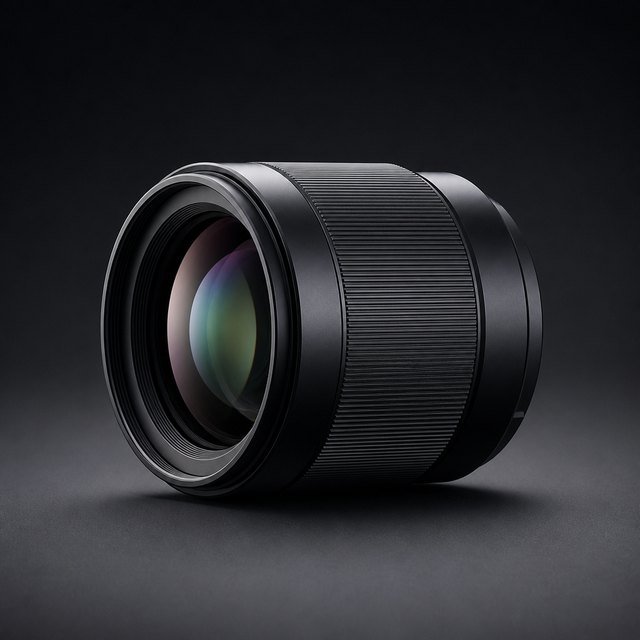
Portrait 85mm f/1.8
Smooth background, creamy round bokeh.
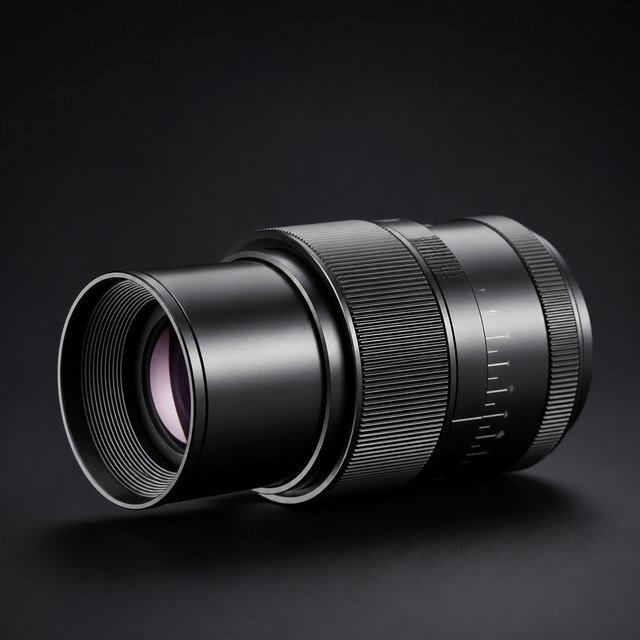
Macro 100mm f/2.8
Flat-field macro. Very sharp, calm bokeh.
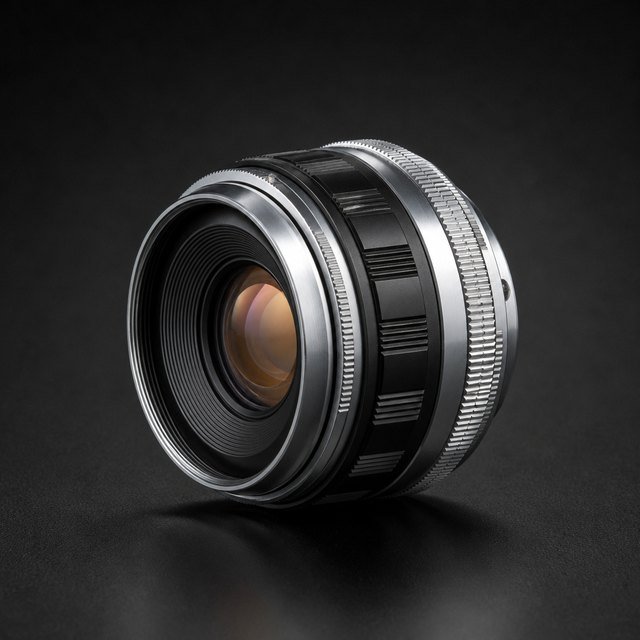
Retrofocus 35mm f/2
Fast moderate wide, oval corner bokeh.
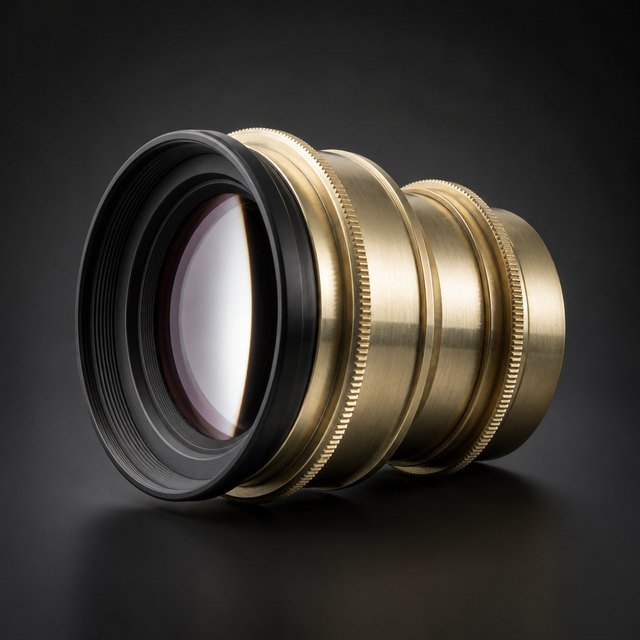
Soft Focus 100mm f/4.5
A sharp core wrapped in a bright glow.
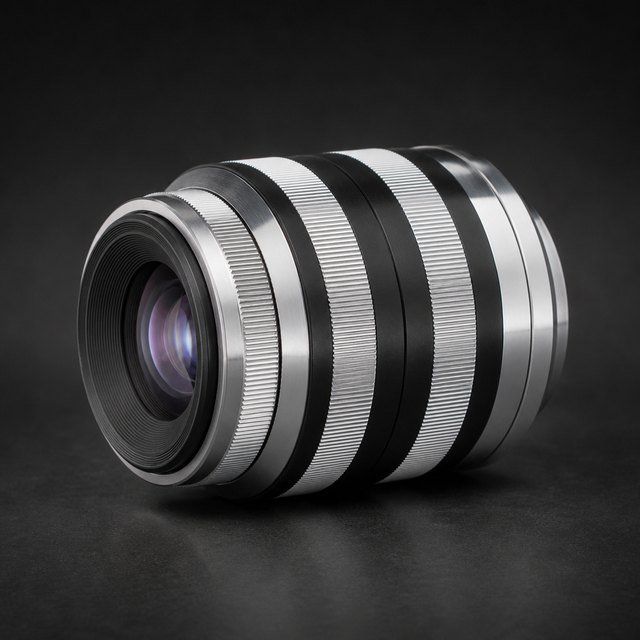
Bubble Triplet 100mm f/2.8
Soap-bubble bokeh with bright rims.
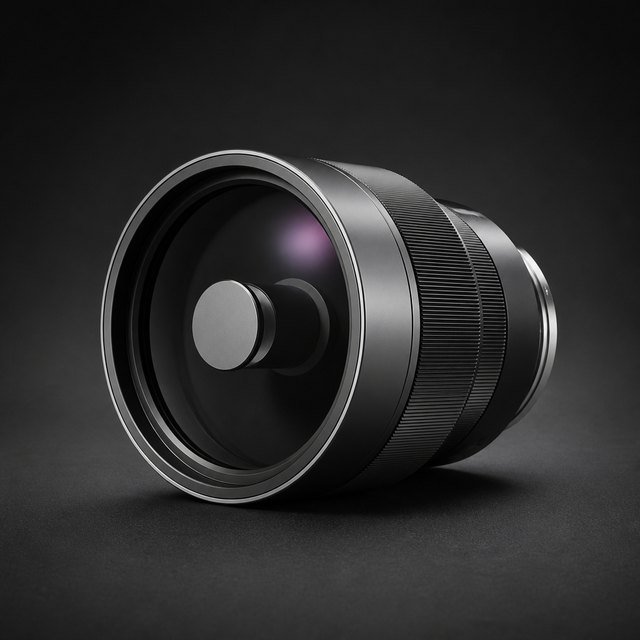
Mirror 500mm f/8
Donut bokeh and busy, nervous backgrounds.
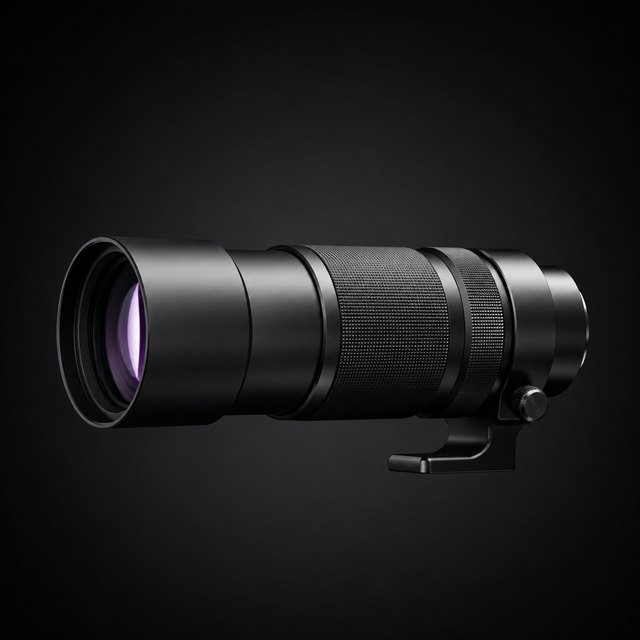
Tele 200mm f/4
Strong compression, smooth round bokeh.
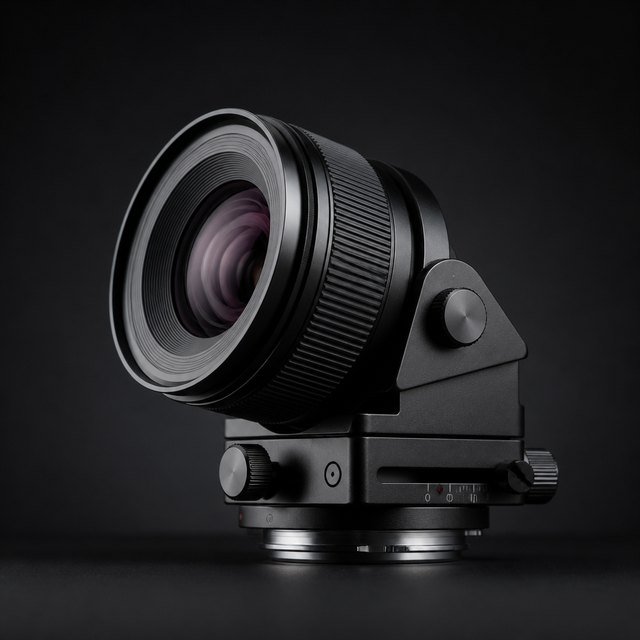
Tilt-Shift 45mm f/2.8
Big image circle for tilt and shift.
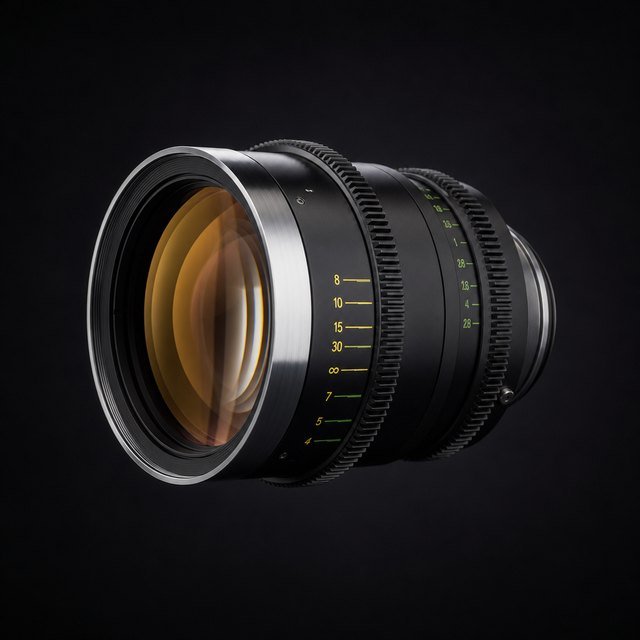
K35-style 50mm T1.4
Warm, low contrast, gentle flares.
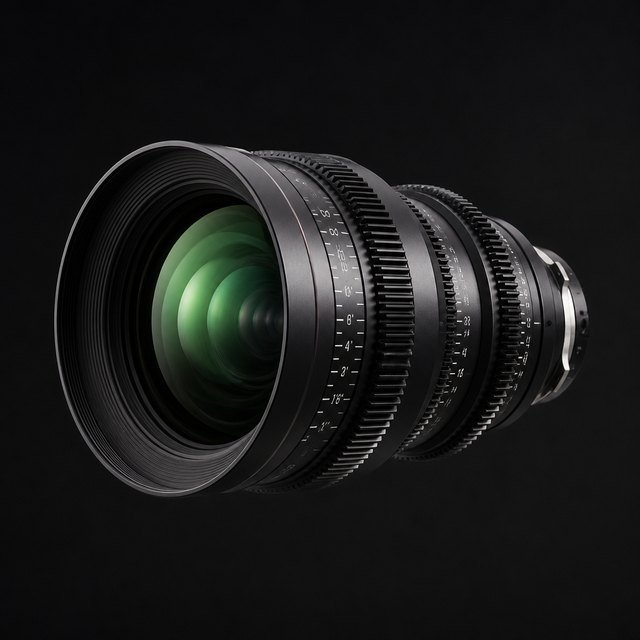
Master Prime-style 50mm T1.3
Clinical and clean, edge to edge.
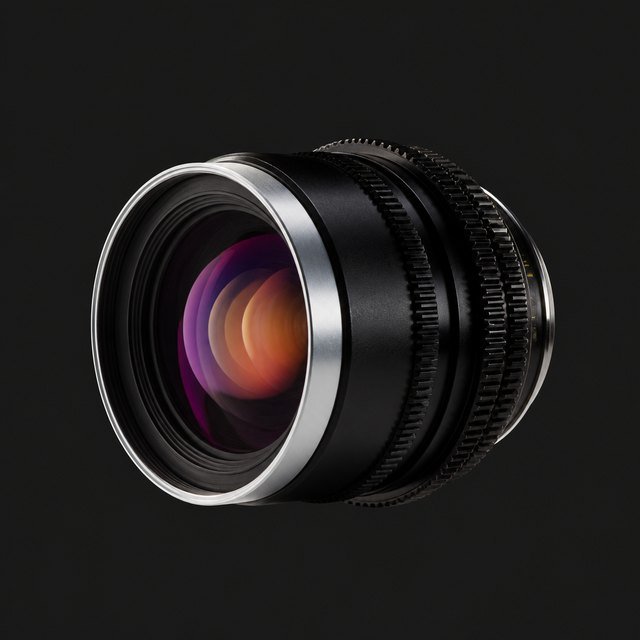
Super Speed-style 50mm T1.3
Vintage speed with soft, round discs.
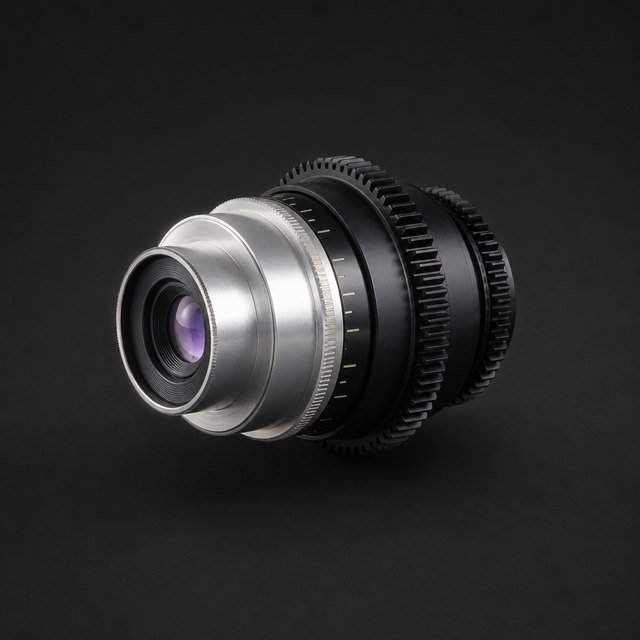
Panchro-style 40mm T2.2
Classic Hollywood softness and roll-off.
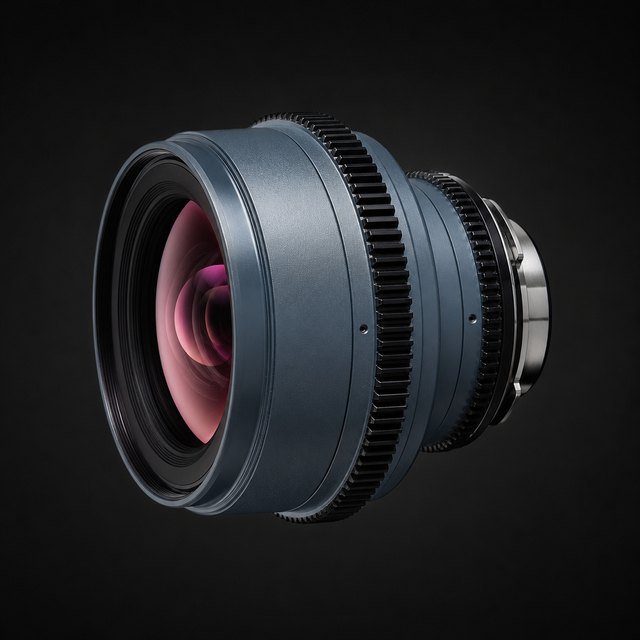
Primo-style 50mm T1.9
Neutral workhorse with smooth falloff.
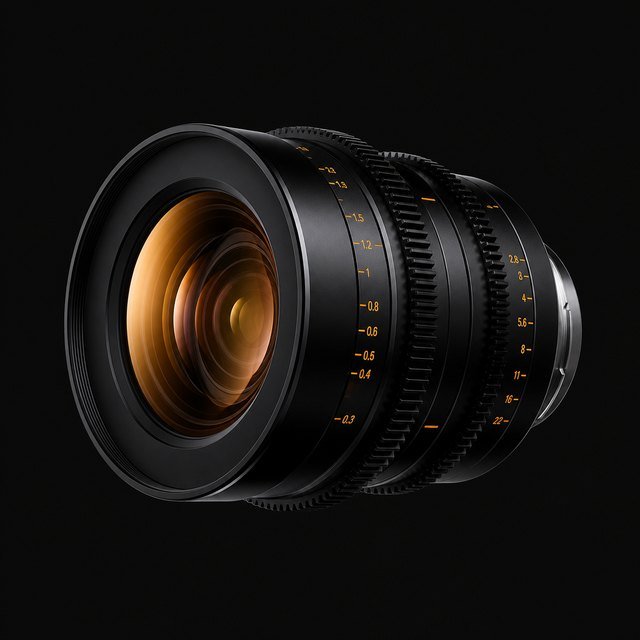
S4-style 50mm T2
Warm skin, creamy out-of-focus areas.
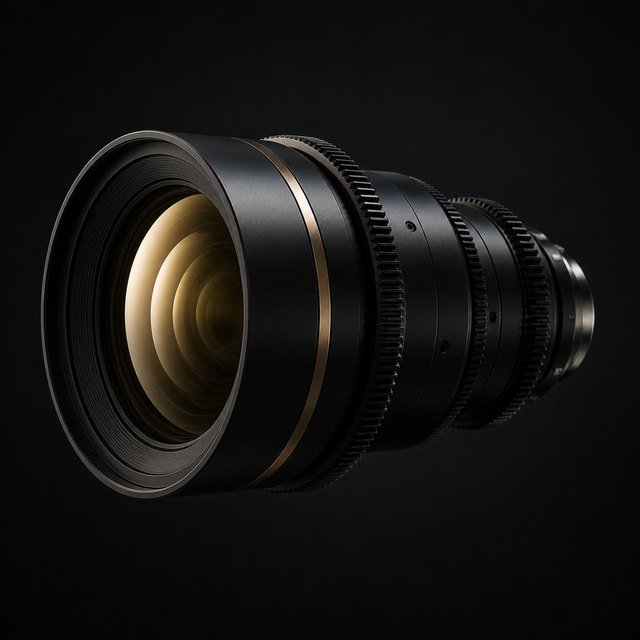
Signature-style 47mm T1.8
Modern, large-format smoothness.
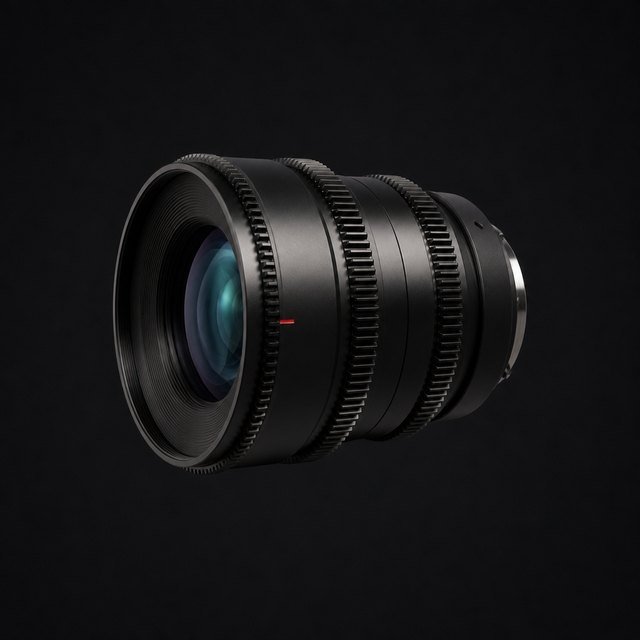
Summilux-C-style 50mm T1.4
Bright, sharp and very even.
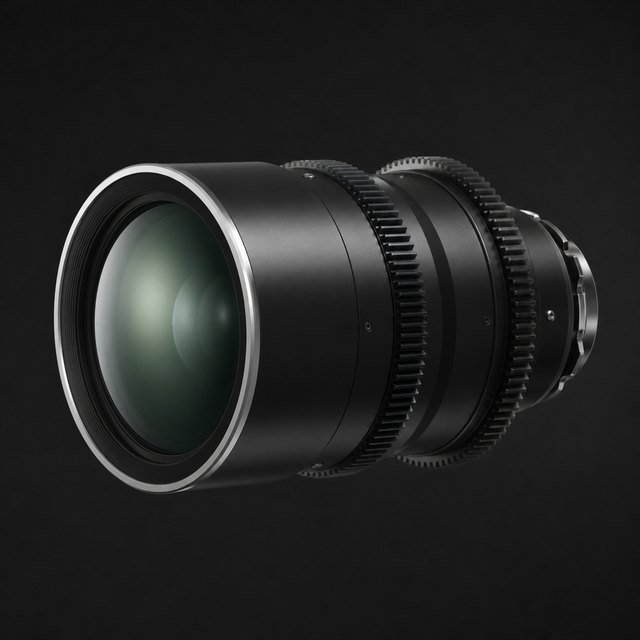
Supreme-style 50mm T1.5
Gentle contrast, full-frame calm.
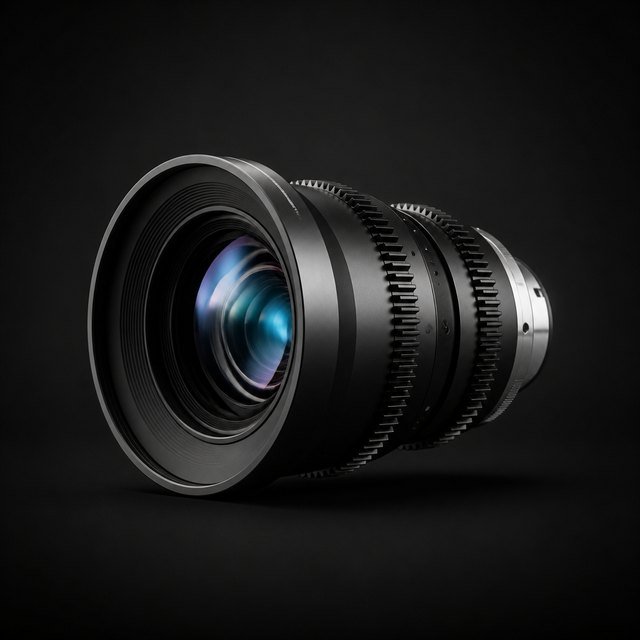
Ultra-style 32mm T1.9
Modern cinema wide. Clean and even.
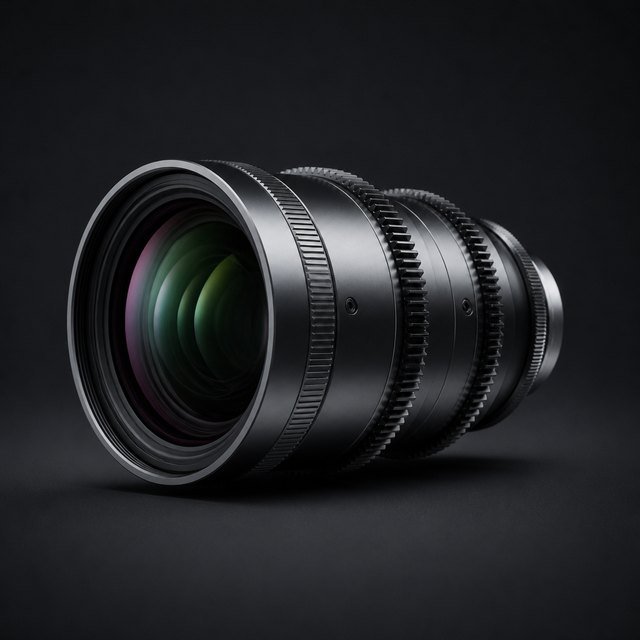
Cinema 85mm T1.5
Big soft bokeh, flattering falloff.
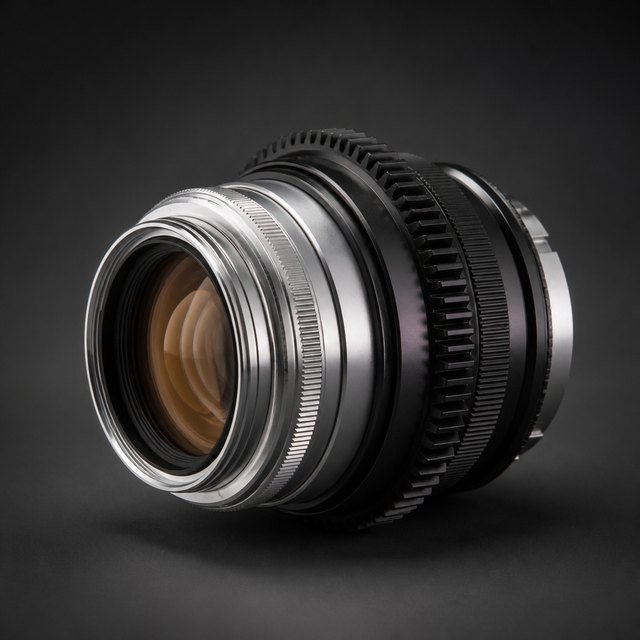
Baltar-style 50mm T2.3
Vintage studio prime. Low contrast, warm glow.
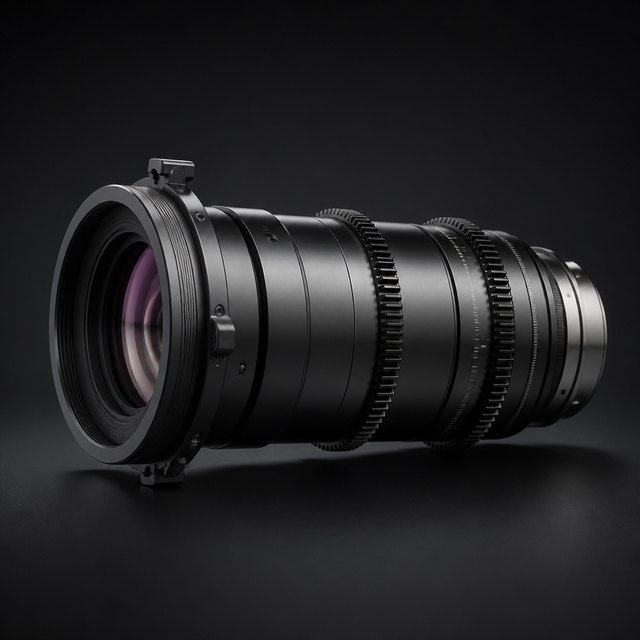
Cinema 135mm T2.8
Compressed backgrounds, big smooth discs.
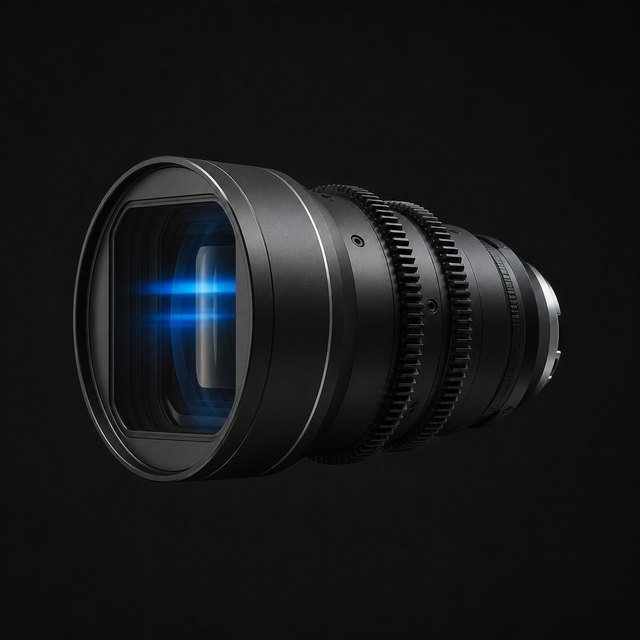
Orion-style Anamorphic 50mm T2
2x squeeze, oval bokeh, blue streaks.
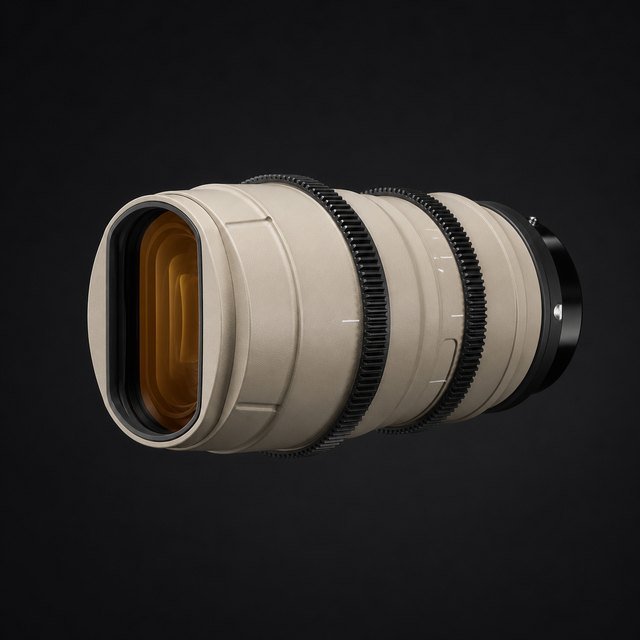
Anamorphic-style 40mm T2.3 (2x)
2x squeeze with warm, soft character.
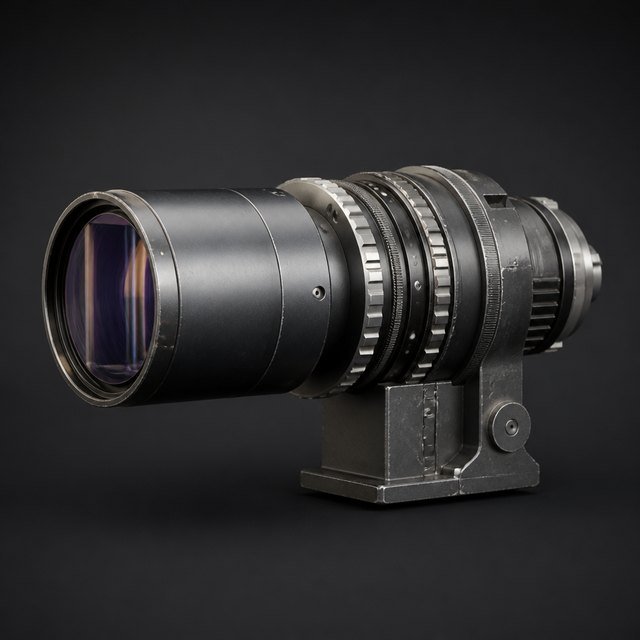
Lomo-style 35mm T2.4 (2x)
Vintage anamorphic. Oval bokeh, warm-blue flares.
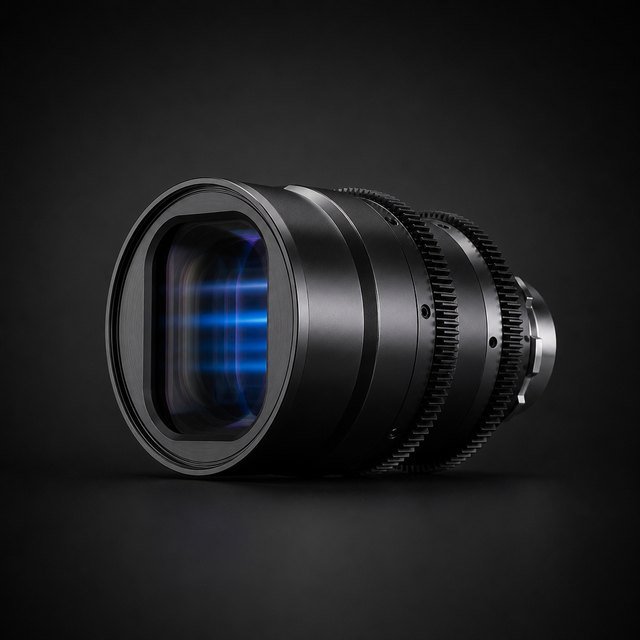
Anamorphic 75mm T2.2 (2x)
Tall oval bokeh, horizontal blue streaks.
See every element.
Every built-in lens comes with a diagram of its glass, aperture stop and traced rays, right in the panel. The Lens Library shows the art, the bokeh at the centre, middle and corner, and filters by family.
Point it at the light. See the smudges.
A filter glass sits in front of the lens and carries fingerprints, dust, grease and water. Like on a real lens, the dirt is invisible until a strong light hits it. Then it glows.
A light sweeps past a fingerprinted lens. The glow follows the light, exactly where the grease sits on the glass.
The stills below are shot at 28 mm and f/11. Stopped down, the beam through the glass gets small and the dirt itself becomes visible.
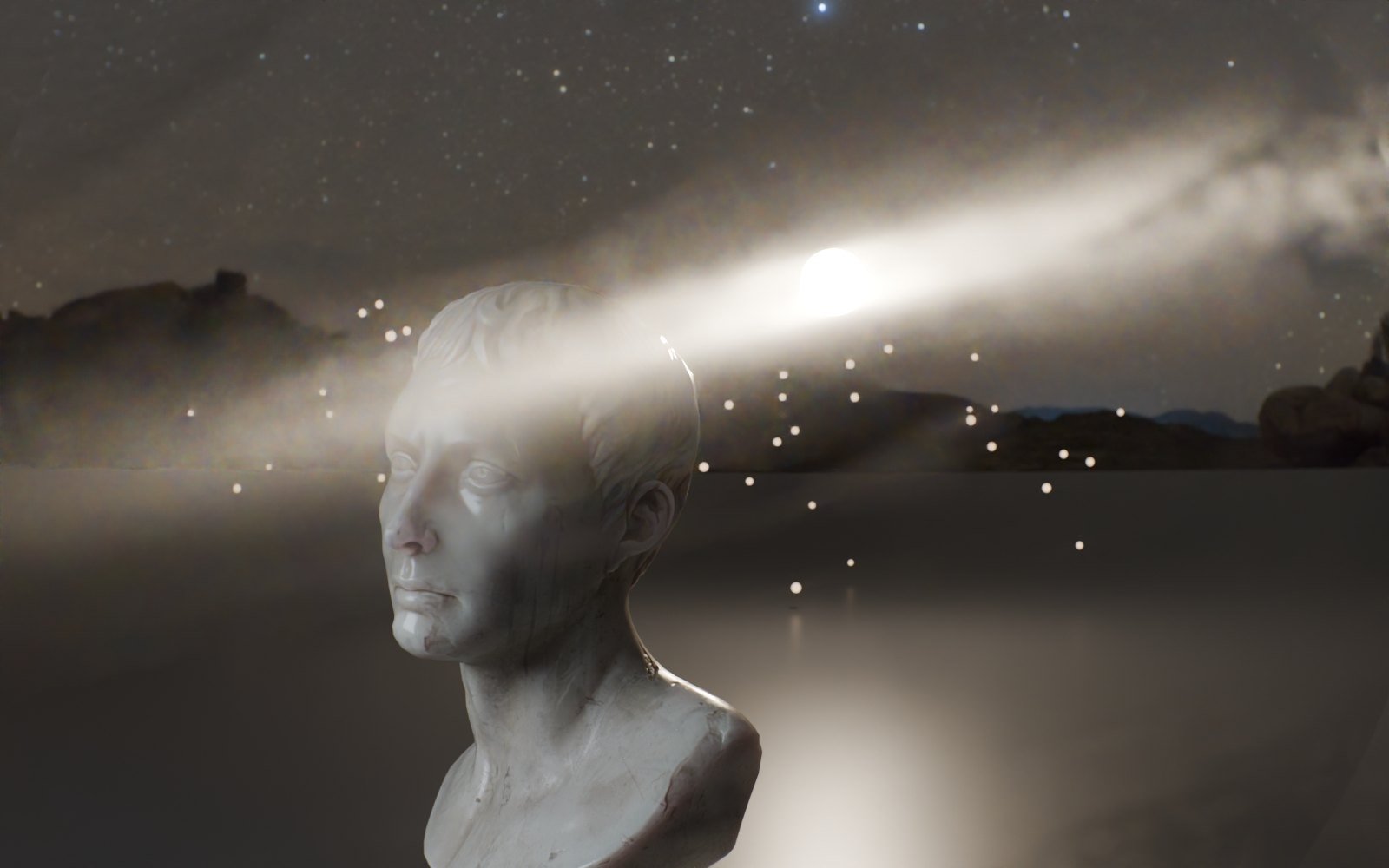 CLEAN GLASSTHUMB SMEAR
Thumb smear. One careless wipe, smeared into a soft streak.
Forty grime plates ship with Oris, or use any image of your own. All of it is ray traced in the same pass as the lens.
Forty kinds of dirty.
Every plate ships with Oris: prints, smears, dust, salt, mud, frost and more. Pick one from the gallery in the Glass tab, or use any image of your own. They all light up the same way, only where a strong light hits them.
Fingerprint
A single fingerprint on the front glass.
Fingerprints
Several fingerprints on the front glass.
Dust fibres
Dust with a few fibres.
Fine dust
Fine, even dust.
Wipe smudge
Smudge left by wiping the lens.
Grease
Greasy film that glows around lights.
Water spots
Dried water spots.
Scratches
Fine scratches on the glass.
Dirty mix
A mix of dust, grease and spots.
Sea spray
Dried sea spray.
Edge grime
Dirt that builds up towards the edges.
Heavy specks
Large, heavy specks.
Dust
Fine dust, sparse.
Dust dense
Fine dust, dense.
Lint
Lint and fibres with dust.
Fibres hair
Fibres, hairs and dust.
Fingerprints
Fingerprints with visible ridges.
Thumb smear
Greasy thumb smear across the glass.
Water spots
Dried water spots and runs.
Dried drops
Dried drops with mineral rings.
Wipe swirls
Swirls from wiping the lens with a cloth.
Cloth wipe
Circular cloth wipe marks.
Worn front
A well-used front element: grease, prints and drops.
Old lens
An old lens: haze, prints and residue towards one edge.
Condensation
Condensation, partly evaporated.
Fog patches
Patches of fogged glass.
Salt crust
Dried salt crust from sea spray.
Salt streaks
Salt streaks and spots.
Sand grit
Sand and grit after a windy day.
Pollen
Pollen and fine grit, clustered.
Fine spray
Fine spray of tiny dried droplets.
Mist spray
Mist spray fading out to one side.
Smoke film
Smoky film with soft cloudy haze.
Oily haze
Oily haze with smeared streaks.
Hairline scratches
Hairline scratches in all directions.
Coating wear
Worn coating and cleaning marks.
Mud flecks
Small mud flecks.
Mud splatter
Mud splatter with satellite drops.
Frost
Frost crystals across the glass.
Ice feathers
Feathered ice growing in from the edges.
Drops that refract.
Real water caps on the glass, with refraction and total internal reflection, so every drop gets its dark rim. Drops land over time, hold, then run down and leave a wet trail.
- Build-up makes drops land from a start frame.
- Runoff, speed and wiggle for the runners.
- Trails that slowly evaporate.
- Stop down and the drops sharpen into bright blobs.
Rain in the woods. Small drops land, hold, then run down and leave a wet trail.
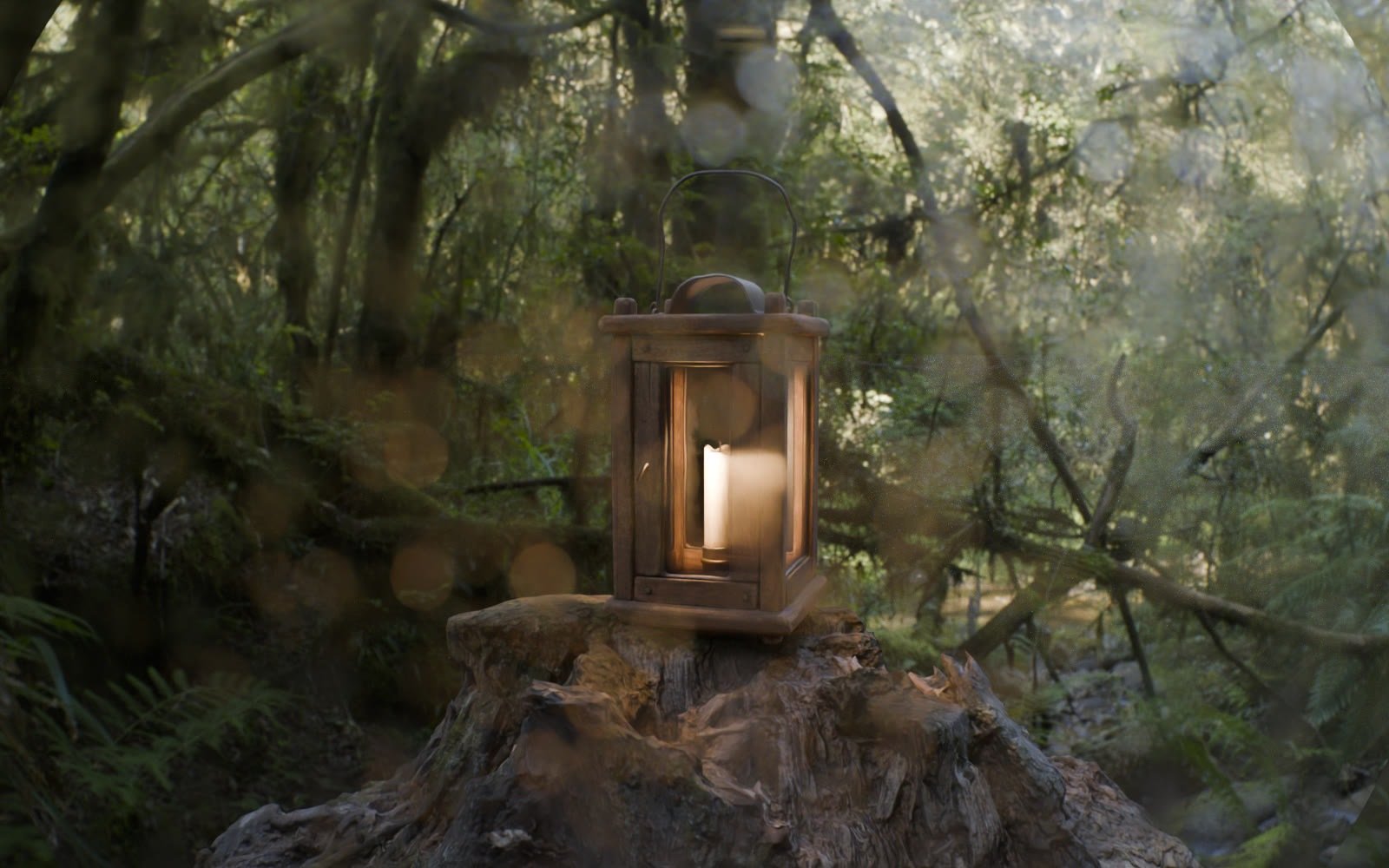
Drop size: small. A fine mist of drops.
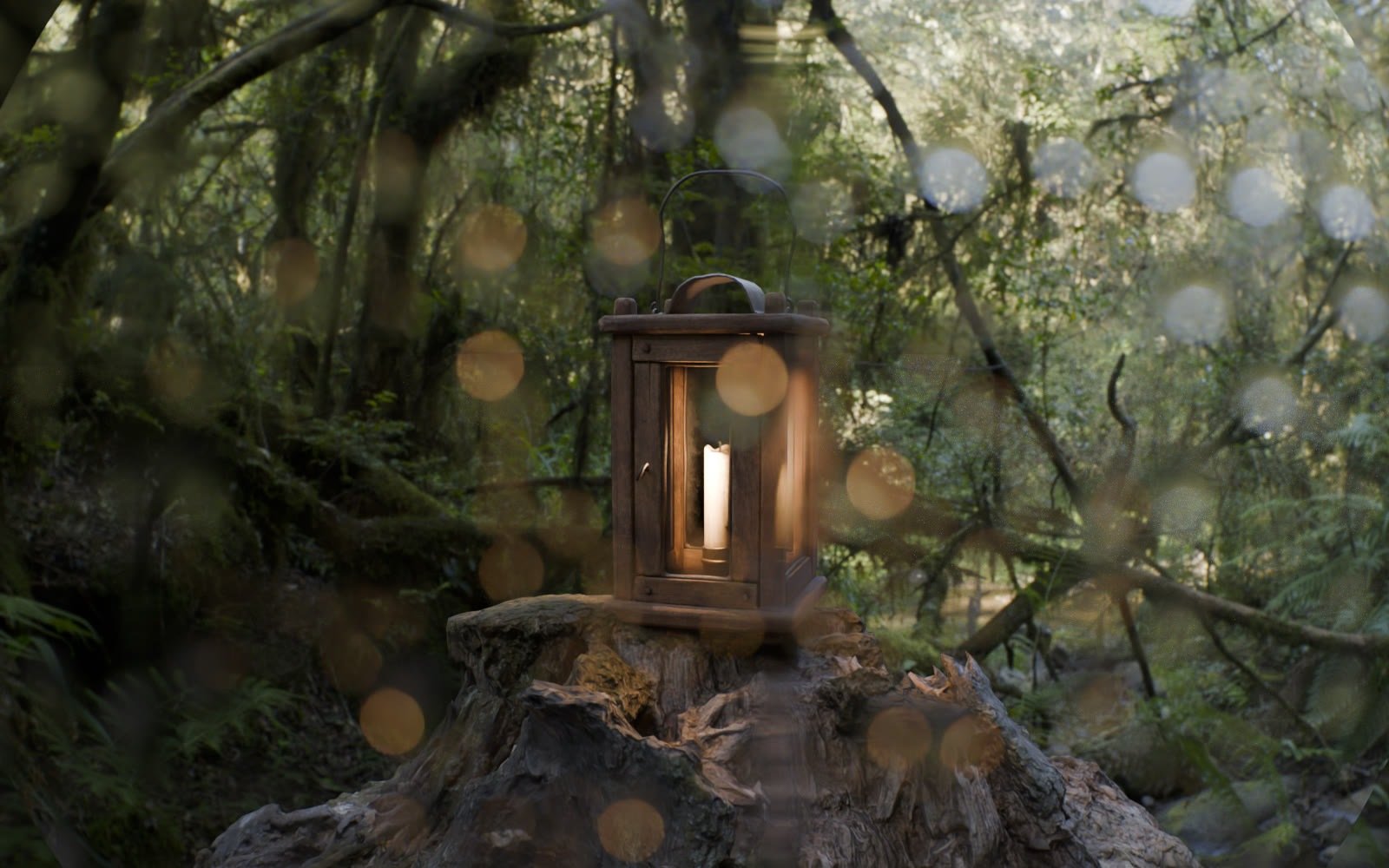
Drop size: medium. Classic rain on glass.
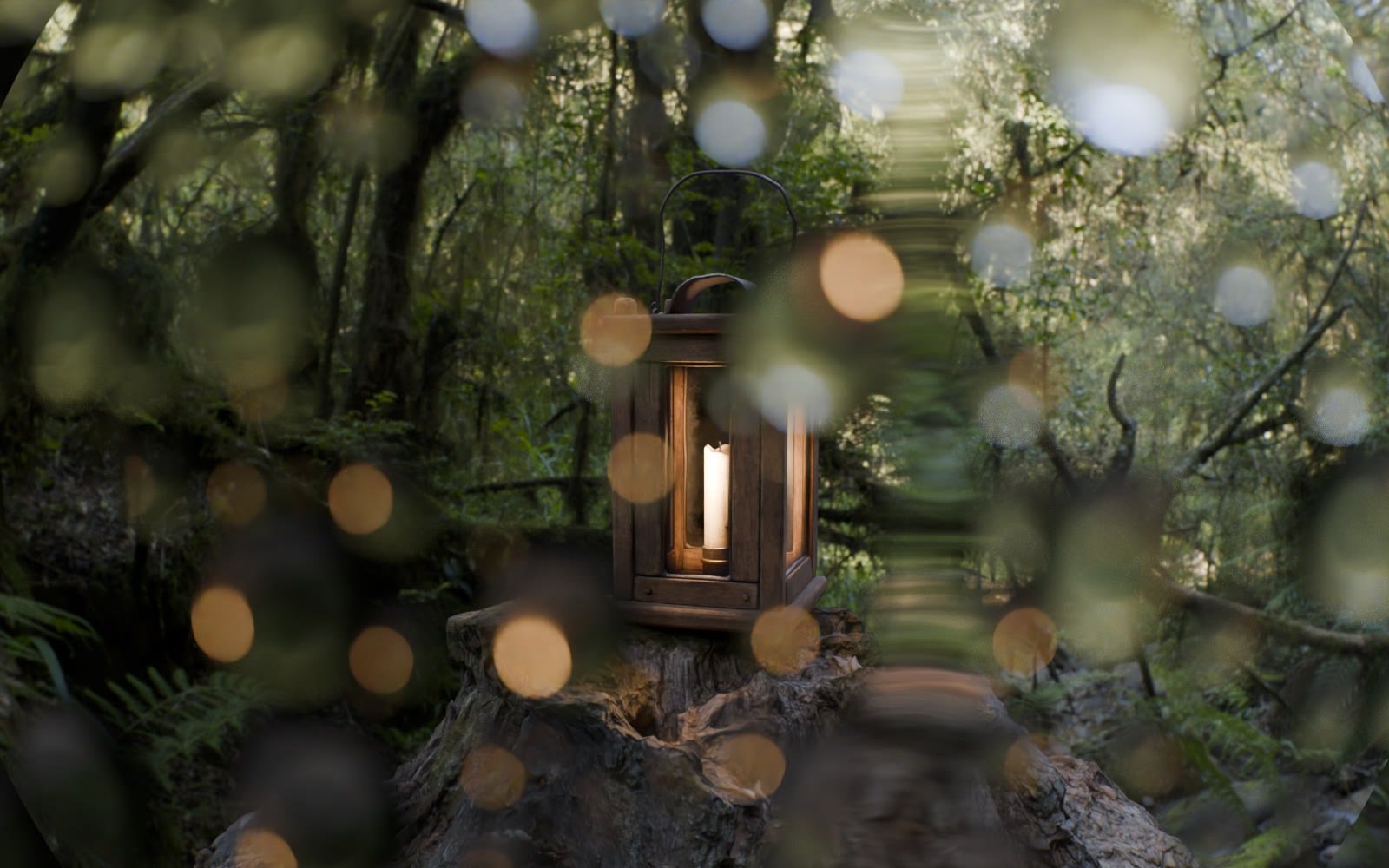
Drop size: large. Fat drops that bend the whole background.
Run rate: low. Drops mostly hold. Now and then one lets go.
Run rate: high. Drops keep breaking loose and running down.
Snow, rain and fog. Around the camera.
One click adds weather that follows the camera: falling snow, rain streaks, dust motes, embers, haze and ground fog. Pair it with rain on the lens and the shot is wet from front to back.
Light rain. A few streaks in the air, drops landing one by one on the lens.
Storm. Heavy rain, wind and mist. Drops land fast and get pushed sideways across the glass.
Light snow. Flakes drift through the frame and turn into soft bokeh discs.
Blizzard. Wind, heavy snow and damp air.
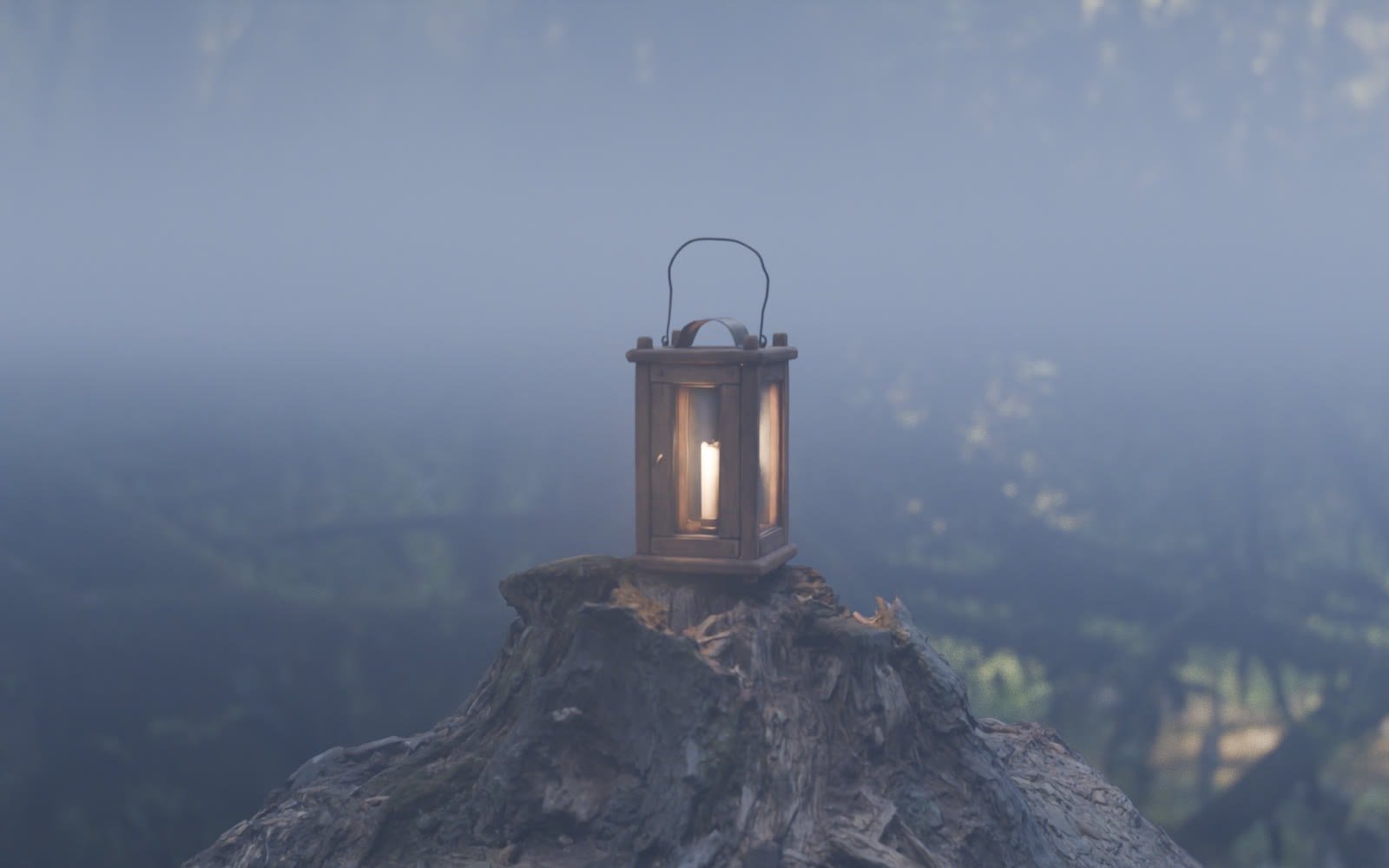
Ground fog. Low, drifting volumetric fog.
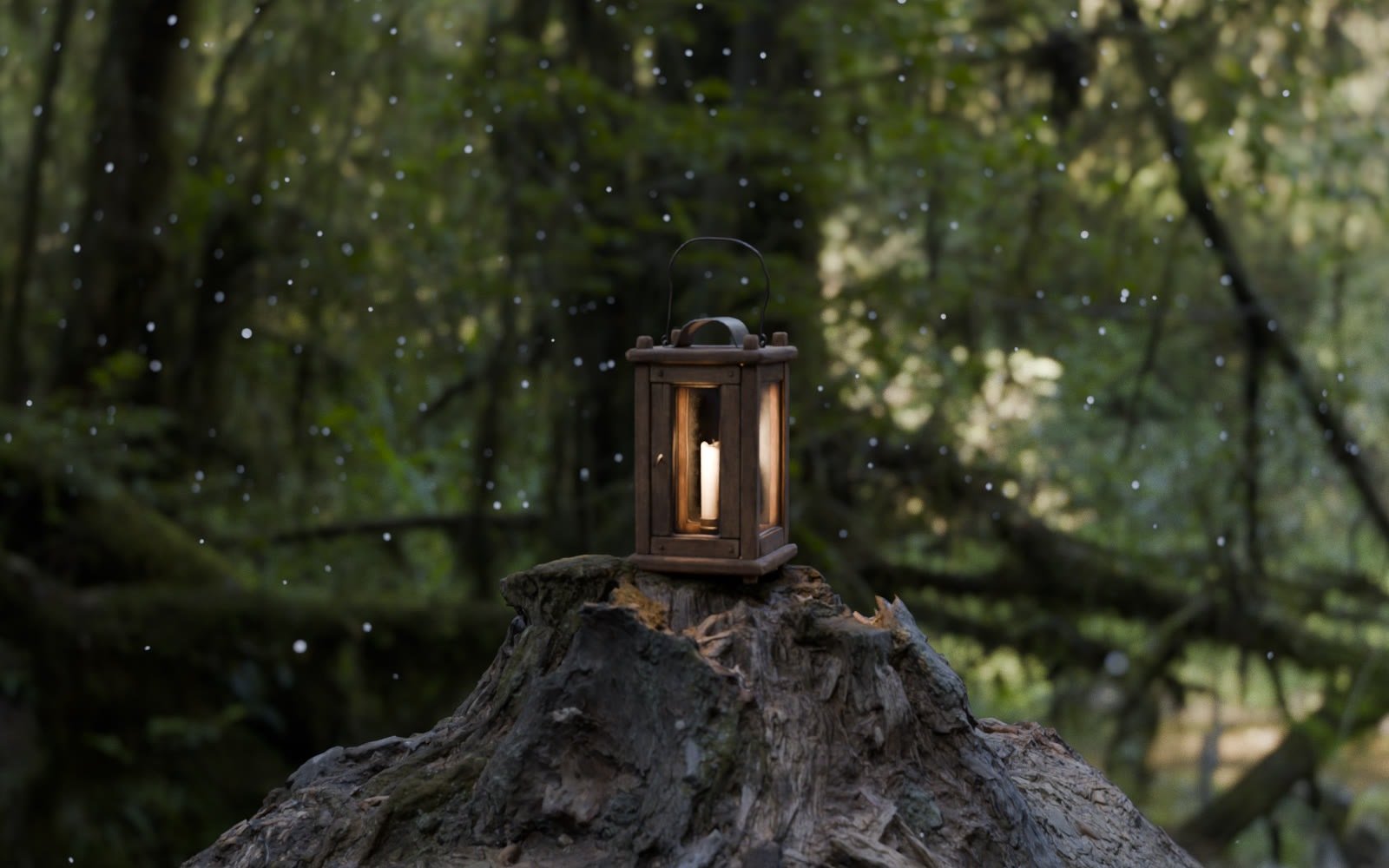
Dust motes. Catching the light in front of the lens.
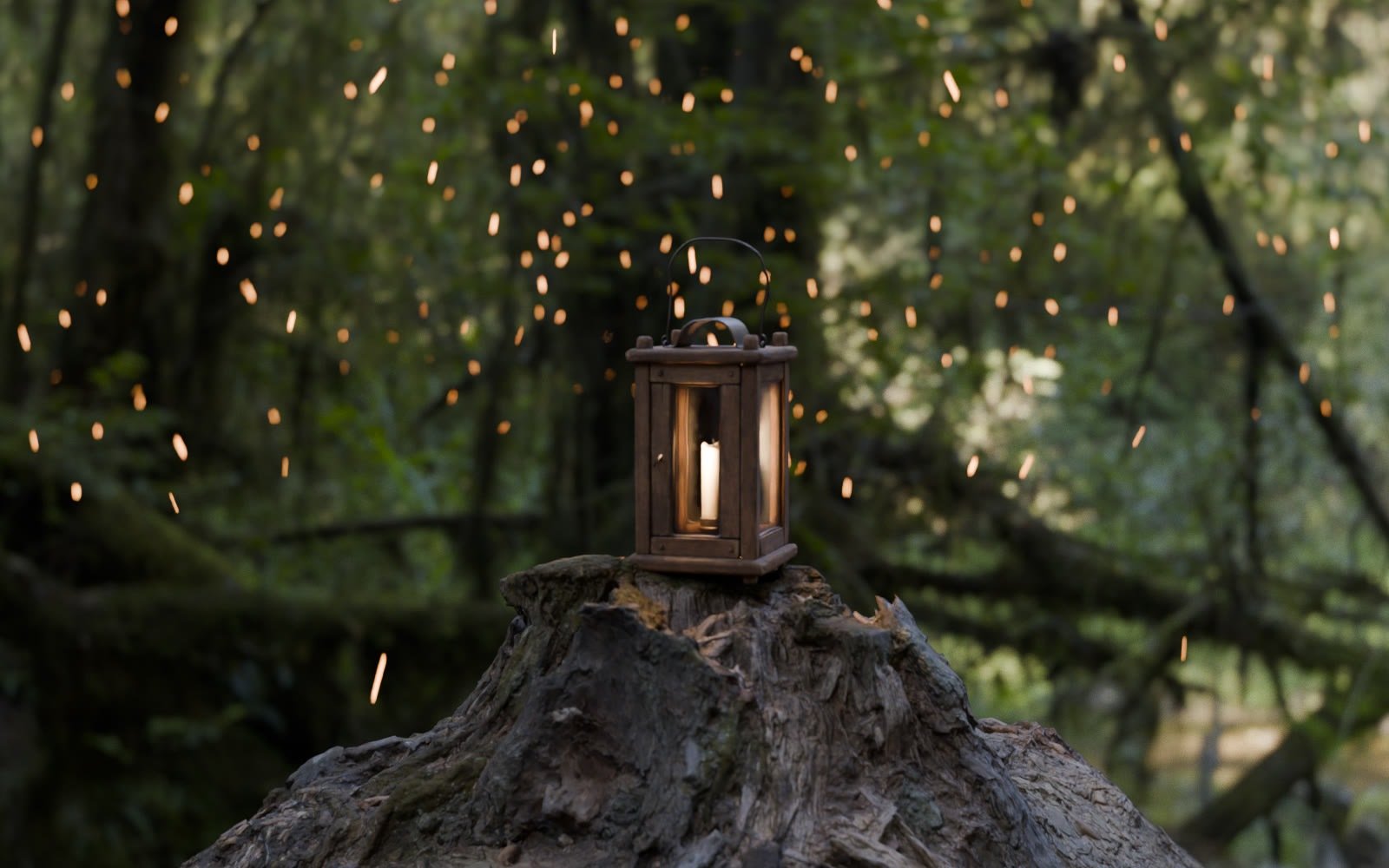
Embers. Rising sparks that glow in the bokeh.
Rack it. Stop it down.
Focus uses Blender’s own focus object and distance, so rack focus works as you know it. The lens moves as a whole, which gives natural focus breathing.
Rack focus across the board. The bokeh changes shape as focus moves.
f/1.4 to f/8 and back. The background comes into view as the aperture closes.
Split, tilt and dolly.
The tricks cinematographers use in camera, built into the lens. They are all physical, so focus and bokeh stay right.
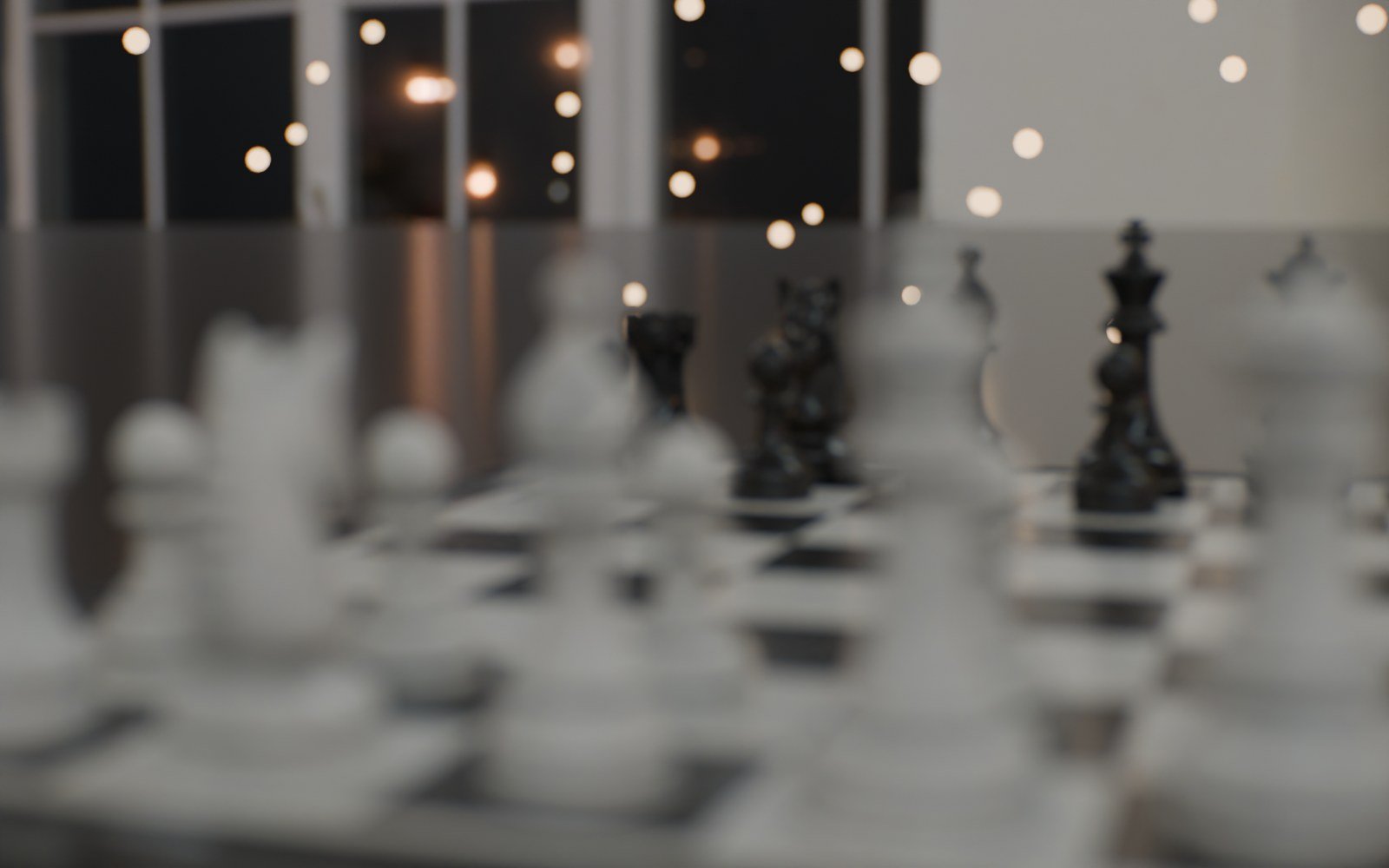
 NO DIOPTERSPLIT DIOPTER +2.3
Split diopter. A half close-up lens in front of the main lens: the king up close and the pieces at the back are sharp in the same frame.
Dolly zoom. Lock it and move the camera: the subject keeps its size while the background grows behind it.
Tilt the plane of focus.
Tilt lays the plane of focus along a tabletop, or squeezes it into a thin band for the miniature look. Shift slides the lens to keep verticals straight. Works with every lens, and the Tilt-Shift 45mm has the image circle for big moves.
Tune the character.
Start physical, then push it. Every control works on top of the real optics, so the result still behaves like glass.
Lens coverage
Push the swirl and cat’s eyes of the corners in towards the middle, or keep the whole frame clean.
Impression
Crisp disc edges or soft, glowing discs. It flips on the other side of focus, like a real lens.
Coma and astigmatism
Comet tails and stretched highlights towards the corners, signed in both directions.
Focus breathing
Off, physical or exaggerated. The framing shifts as focus pulls.
Shimmer
A sparkle layer in front of the lens, so each highlight twinkles as focus racks.
Ghosts
Real internal reflections between lens surfaces, tinted by the coating. Experimental.
The whole camera, not just the lens.
Oris also covers the parts around the glass: the sensor, the stock, the operator’s hands and the air in front of the lens.
Camera bodies
Real sensor and film gate sizes from popular digital cinema cameras, plus Super 16, Super 35, VistaVision, 65 mm and IMAX. A 35 mm lens frames like it would on that camera.
Film stocks
Seven stock profiles, from 50D daylight to 500T tungsten, plus black and white and an 800T with heavy red halation. Grain scales with the gate.
Film post
One click adds a compositor group with halation, bloom, anamorphic streaks, ghost flares, grain and a debayer pass.
Camera shake
Thirteen presets from tripod micro-shake to handheld, walking, running, car and drone. Non-destructive, and bakeable to keys.
Atmosphere
Dust motes, snow, falling rain and embers that follow the camera, plus haze, ground fog and damp air.
Output and render queue
Every camera gets its own resolution, frame range and output path. Render all your shots in one go.
One price. All of it.
No editions, no subscription. Buy once and get every 1.x update.
One artist · available now on Superhive
Need more seats? Buy several in one order on Superhive.
- 34 lens designs with diagrams, plus your own imports
- 40 grime plates, rain and diffusion on the glass
- Bokeh character controls and 15 aperture shapes
- Split diopter, tilt-shift and dolly zoom
- Camera bodies, film stocks and film post
- Camera shake, atmosphere and render queue
- All 1.x updates included
Built for my own renders first.
I wanted CG that looks like it was shot, not rendered. Oris is the camera I use on my own work. Questions or ideas go straight to me at hello@mulk.no.
The compiled lens is stored in the .blend file, so render farms do not need Oris installed.
Before you install.
- Blender
- 5.0 or newer
- Engine
- Cycles
- Devices
- CPU or NVIDIA OptiX
- Install
- Blender extension (.zip)
- Licence
- GPL-3.0-or-later
Which render engine does Oris need?
Cycles. Oris uses the custom OSL camera that came in Blender 5.0. It renders on CPU and on NVIDIA GPUs with OptiX. CUDA, HIP, Metal and Eevee do not support OSL cameras.
Is it slow?
The camera itself is light: on CPU it adds roughly 10 seconds per megapixel at 128 samples on a 16-core machine. Dirt and rain send rays in new directions, so highlights through them need more samples, and the denoiser handles them well. Fast Preview turns the lens off while you work in the viewport.
Can I keep my camera animation?
Yes. Oris works on a normal Blender camera. Focus, focal length and f-stop can be keyframed, and shake sits on top without touching your keys.
Can I use my own lenses?
Yes. Import a lens prescription as text, CSV or a pbrt .dat table, the same format used in lens patents and books.
Do render farms need the add-on?
No. The compiled camera is saved in the .blend file.
Can Oris do anamorphic properly?
Yes. The lens is modelled as a spherical lens with a cylindrical front attachment, so the frame stays geometrically correct while the bokeh turns into tall ovals and the horizontal field widens. Use the 2x anamorphic gate preset for the real-world field of view.
Is there a free version?
No. Oris is one product at one price, with every feature included.
Check out more add-ons.
Tools I build for my own work as a 3D artist, now available for yours.
 Tabby · Out now · $19
The ultimate add-on organizer.
Every add-on tab from the N-panel in one searchable hub. Group it, colour it, dock it or float it.
 Fetch · Coming soon
Every update, one click.
Checks all your add-ons and extensions from Superhive, Gumroad and Blender Extensions, and updates them from one place.
 Sol · Coming soon
HDRI and sun, matched.
An HDRI library that places a matching sun light for every HDRI, with lookdev and plate modes built in.